Dictate Anywhere: Voice to Text on Every Device in Any App

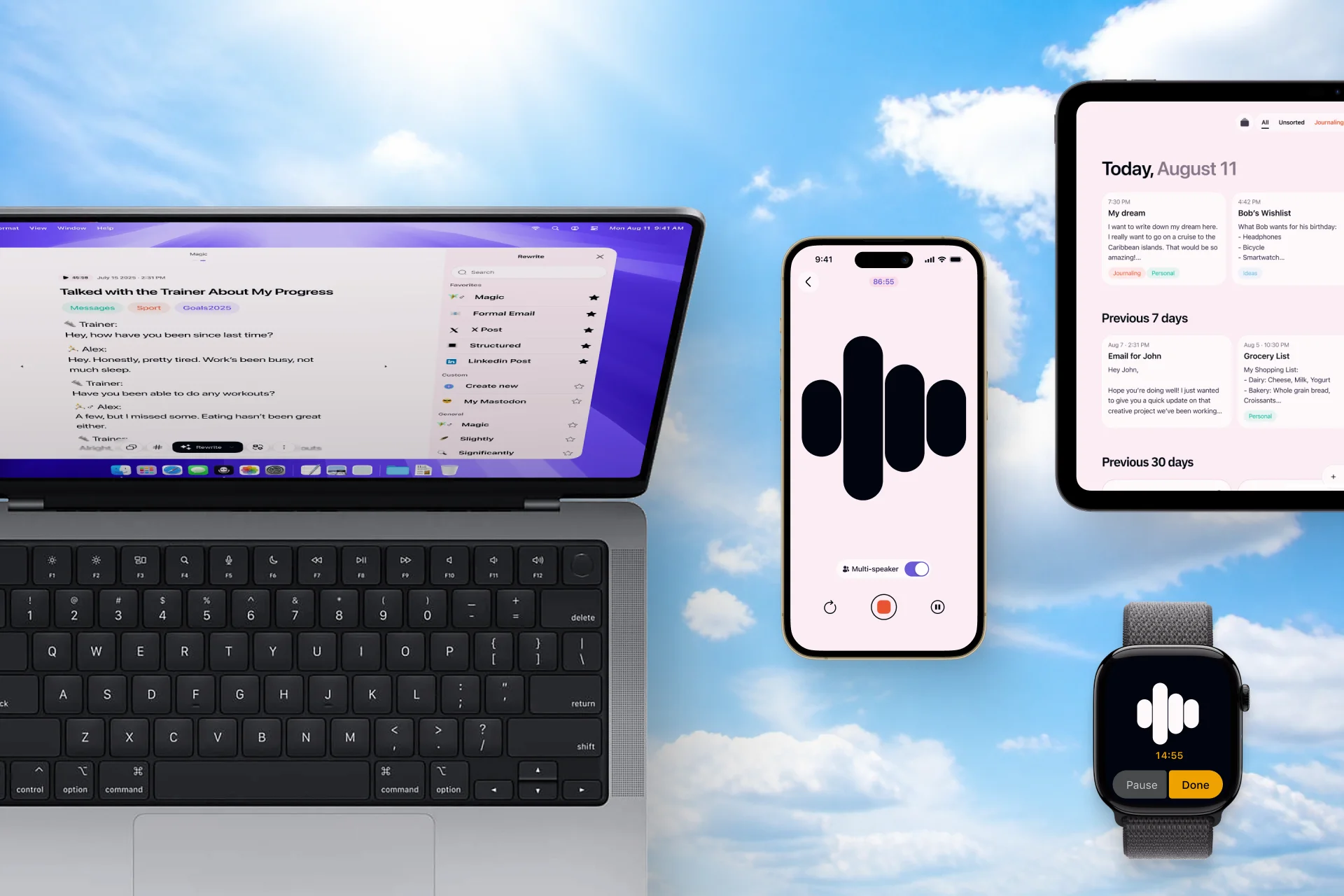
You record ideas in Voice Memos on your iPhone, use Wispr Flow to dictate on your Mac, and switch to built-in voice typing on your company laptop, where you may not be allowed to install new software. Aren’t you tired of switching every time?
Voice-to-text is available almost everywhere, but the experience changes every time you switch devices. Different shortcuts, features, limitations, and apps can turn something as simple as speaking instead of typing into a fragmented workflow.
Letterly now covers all the platforms including the web, and dictation is now available in every app.
You can use Letterly on any platform — you can check how to set up Letterly and start your first note here. In this guide we will explain how to use our coolest feature, dictation, on different platforms.
iPhone: Dictate in any app, not just the keyboard mic
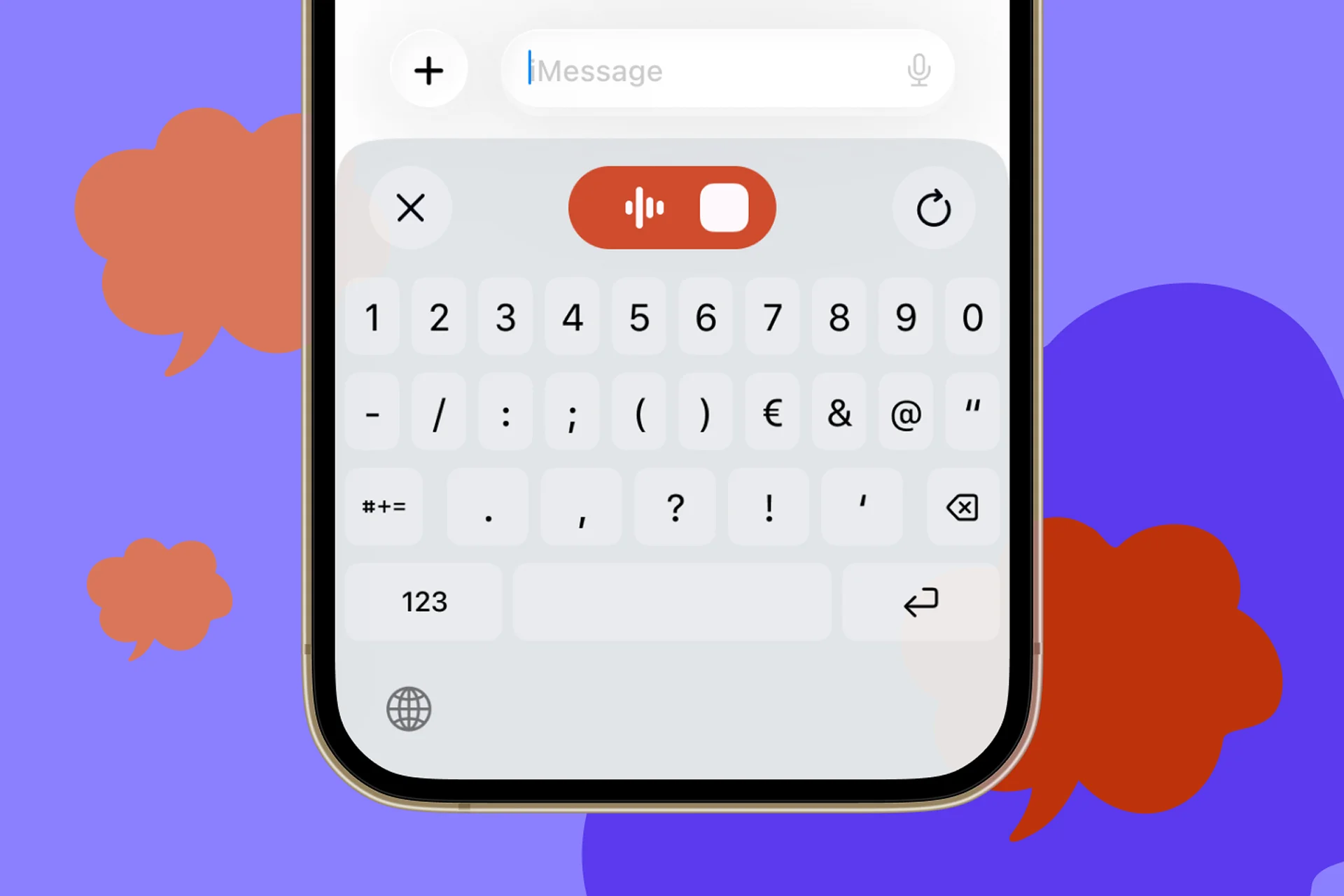
The built-in iOS mic works, but it drops into whatever app you’re in with zero formatting, no punctuation logic, and every “um” intact. Letterly runs as a system-wide keyboard replacement instead — press once, speak, and clean, punctuated text appears wherever your cursor is.
Use it in:
Messages / WhatsApp
Reply to a group chat while walking, without the wall-of-text mess.

Dictate a full email, and Letterly formats it with paragraphs and greetings.

Notes / Reminders
Capture a to-do list or shopping list out loud, hands-free.

Instagram / TikTok comments
Draft a comment while your hands are full.
Mac: Replacing typing for real work, not just quick notes
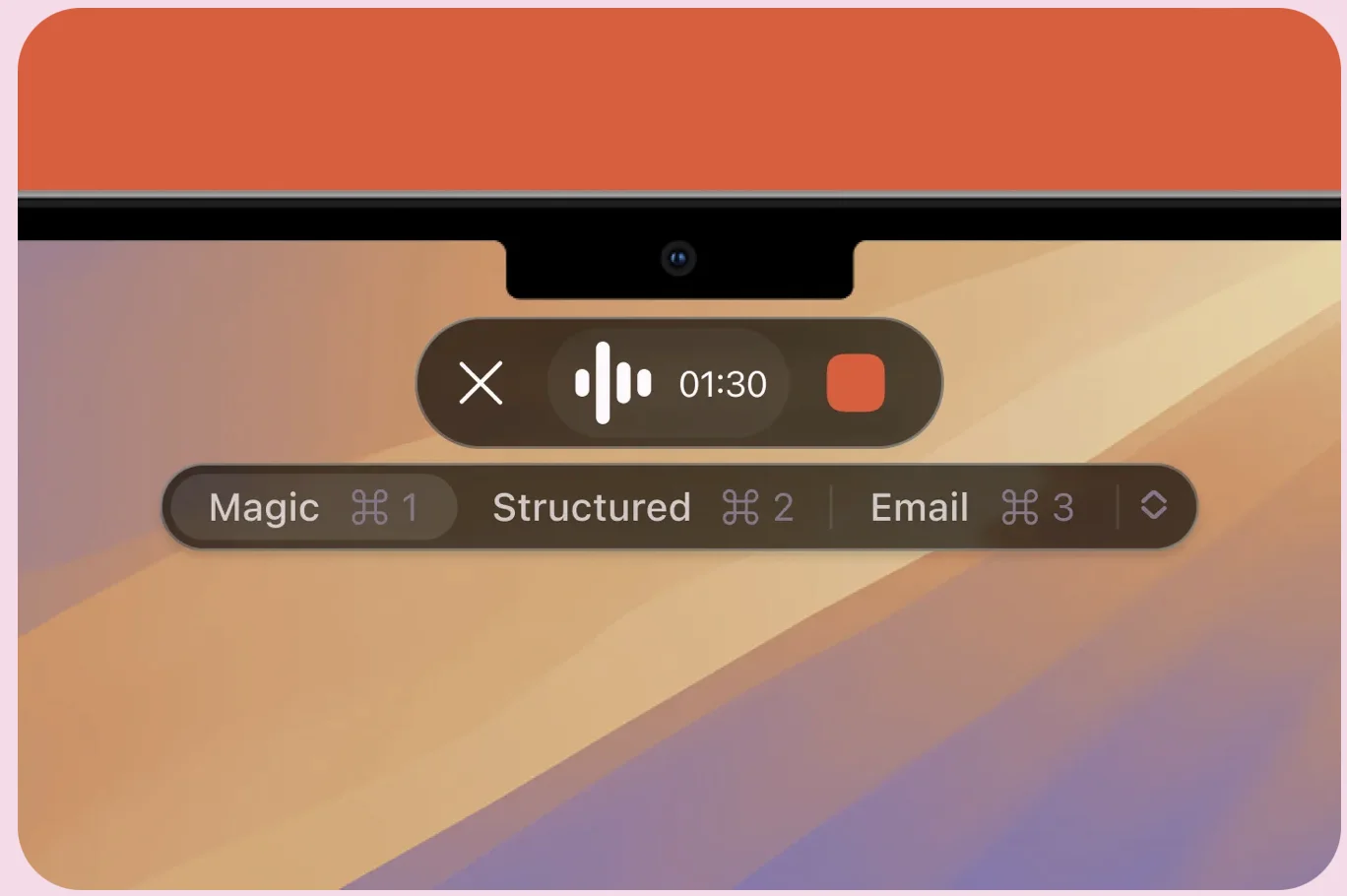
This is where the “every device” promise matters most, because Mac is where people write the most — and where native dictation is weakest (slow, offline-only in short bursts, poor with technical vocabulary). Letterly runs as a menu-bar app with a global shortcut, so you can dictate directly into whatever’s focused, no copy-paste required.
Use it in:

Microsoft Teams / Slack
Dictate a longer async update instead of typing it out between meetings.

VS Code / Cursor
Speak comments and prompts to an AI coding assistant.
Google Docs
Draft long-form content by talking through your first draft.

Claude or ChatGPT
Dictate detailed prompts, especially useful for nuanced instructions.
Windows: The gap nobody else filled — until now
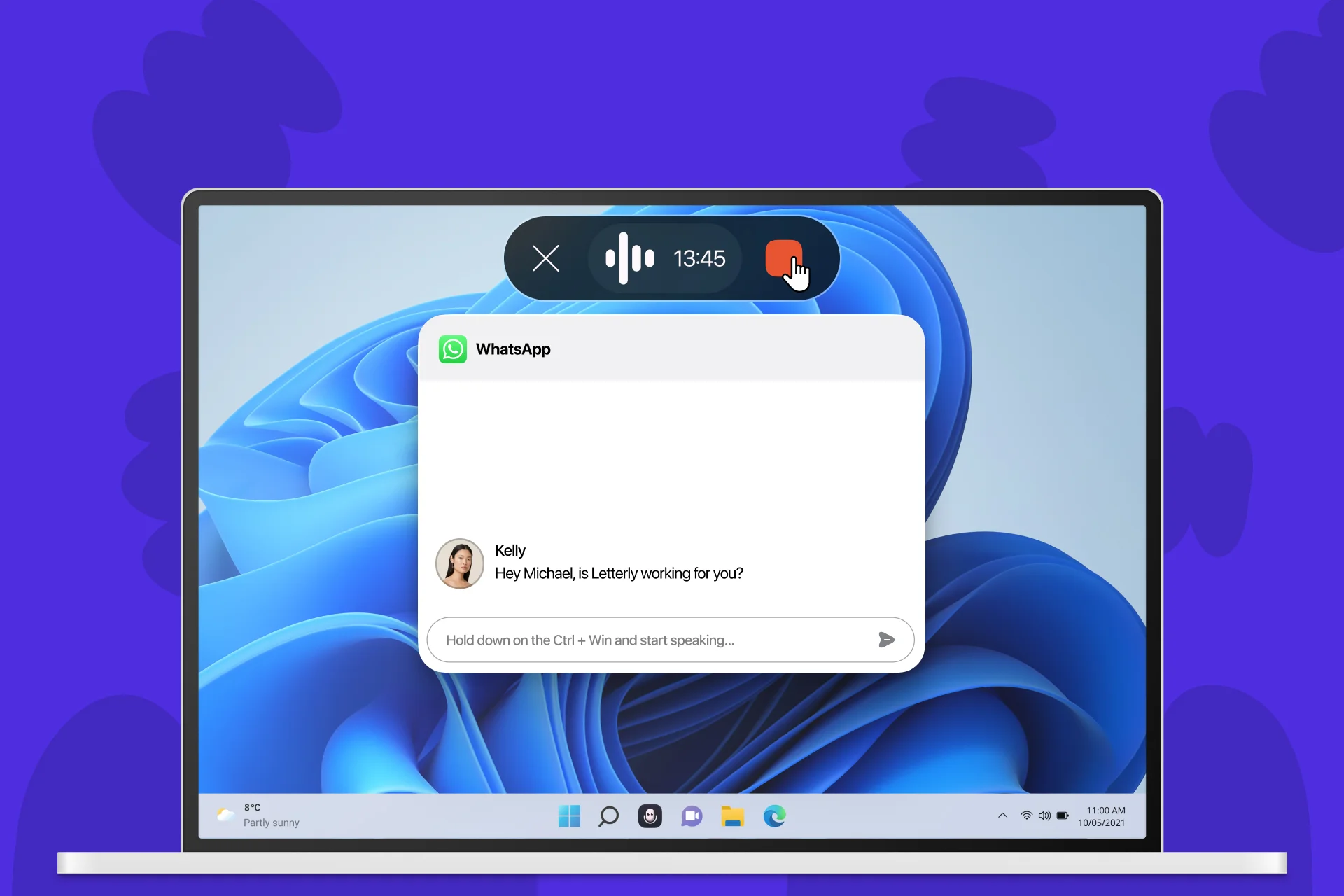
Windows users have had the thinnest options here. Voice Access exists, but it’s built for accessibility and system navigation more than fluent writing, and it doesn’t travel across apps consistently. Letterly’s Windows app brings the same global-shortcut dictation to Windows that Mac and mobile users already had.
Use it in:
Outlook
Dictate emails at your desk the same way you would on your phone.
Excel
Quickly add notes or comments into cells without breaking your typing flow.
Microsoft Teams / Slack
Dictate a longer async update instead of typing it out between meetings.
Word
Draft documents, reports, and ideas directly where you’re writing.
Android: Parity with iPhone, not an afterthought
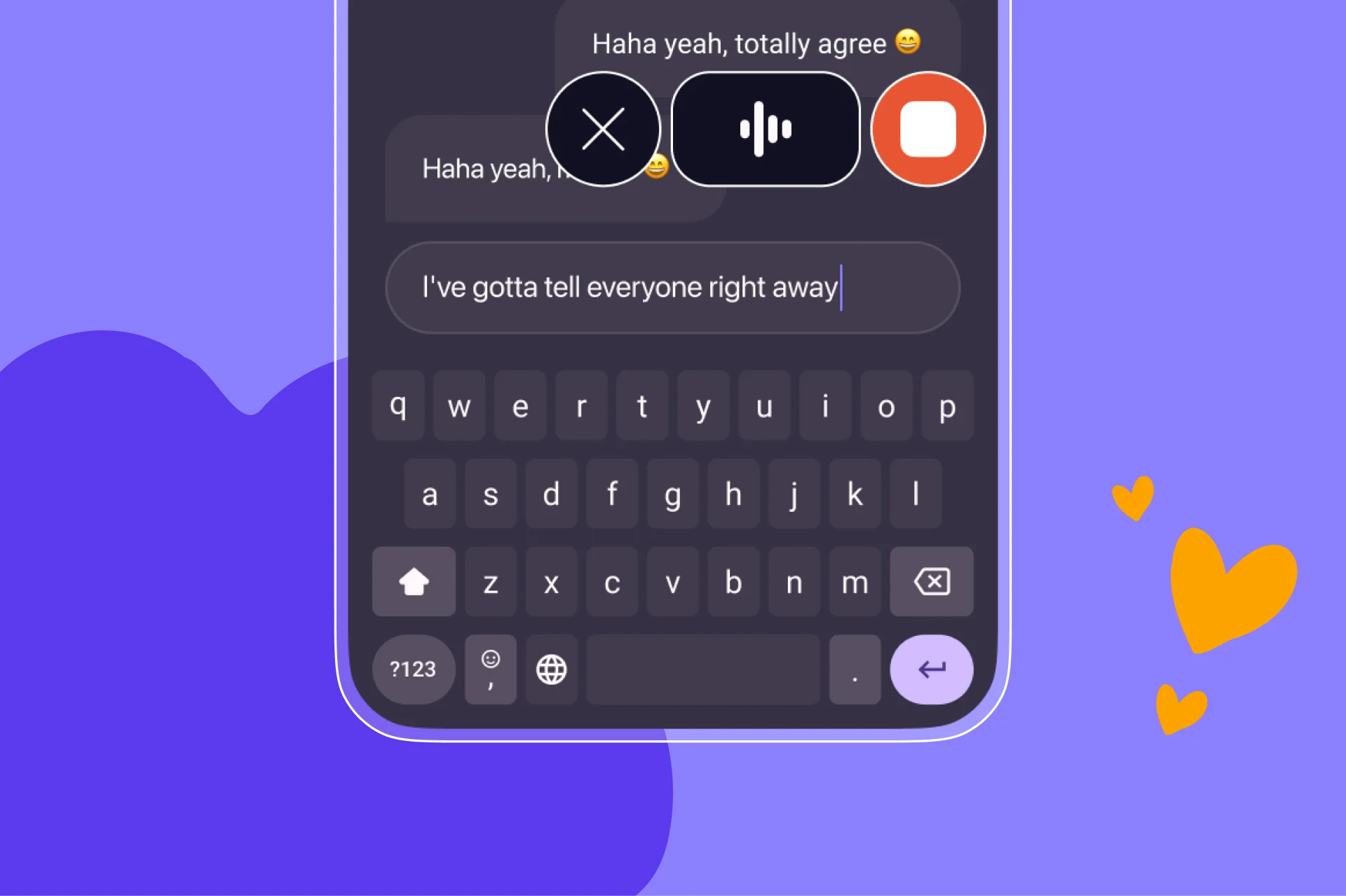
Android’s Gboard voice typing is solid for short texts but, like iOS, formats nothing and handles filler words poorly. Letterly mirrors the iPhone experience — same accuracy, same rewrite styles, same sync.
Use it in:
WhatsApp / Telegram
Dictate replies on the go.

Notion
Capture ideas the moment you think of them.

Gmail
Write and reply to emails without typing.

Job or field apps
(delivery, sales, service work) — log notes hands-free between tasks.
Apple Watch: Voice notes without ever touching a phone
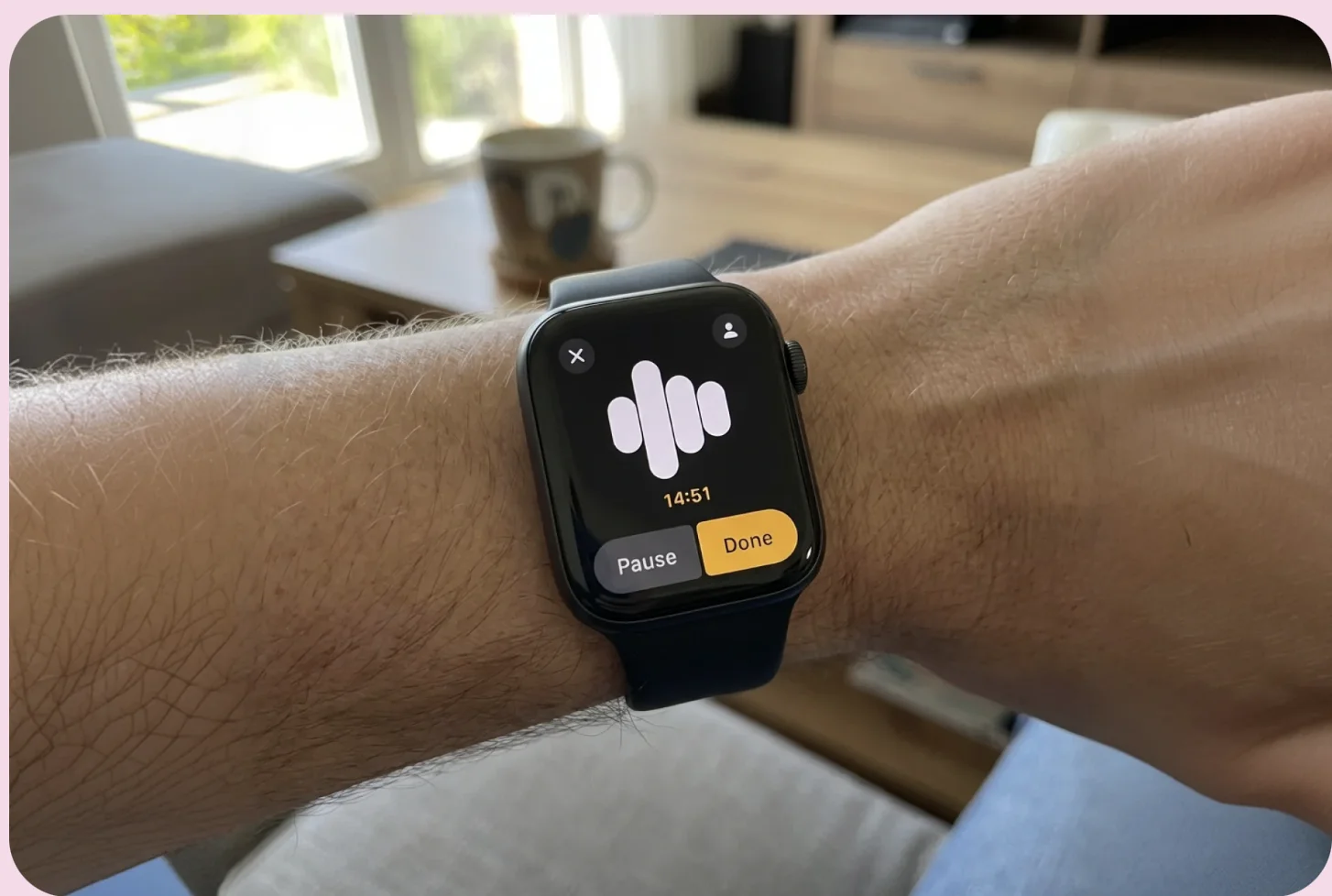
This is the most distinct use case, because there’s no keyboard alternative at all — it’s voice or nothing. A quick tap on the watch face starts a recording that syncs and gets cleaned up automatically once you’re back on your phone or laptop.
Use it in:

Walking meetings
Capture takeaways and action items without pulling out your phone.

Workouts
Log how a session felt, PRs, or ideas that come up mid-run.
On-the-go reminders
Capture things you need to remember without unlocking your phone.

Commutes
Save thoughts and ideas while driving, cycling, or traveling.
Why “everywhere” is the actual feature
None of these use cases are exotic — they’re just what people already try to do with Siri or Gboard and get frustrated by. The value isn’t that Letterly can dictate on a Mac or a phone or a watch. It’s that it’s the same tool everywhere: same accuracy, same custom vocabulary and snippets, same rewrite styles, same synced notes — so you never have to relearn dictation just because you changed devices.
Letterly is available on iPhone, iPad, Mac, Windows, Android, and web, with all your notes synced automatically. One purchase, every device, no separate subscriptions per platform.
Got questions? Email us at hi@letterly.app — we’re happy to help.