

Connect your voice notes
to any AI tool
Letterly MCP lets you search, rewrite, translate, and create notes from Claude, ChatGPT, Cursor, and more — without leaving your conversation.
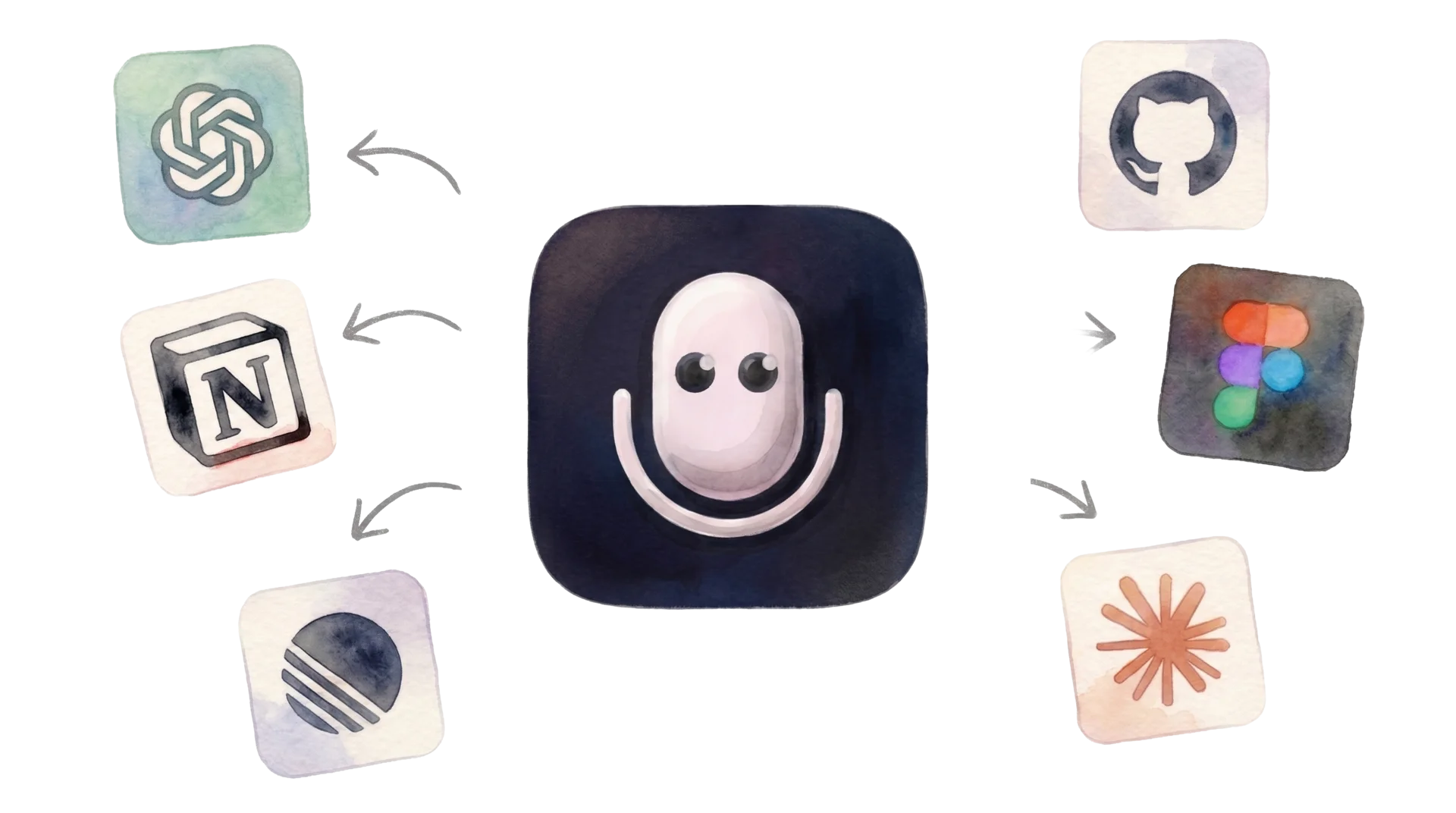
Works with
Step-by-step guides
Get started in minutes

Recommended
Claude
Connect to Claude Desktop and claude.ai with one click. Search, rewrite, translate, and create notes right from your conversation.
Setup guide →
Claude Code
One command to add your notes to terminal sessions

Cursor
Voice notes as context inside your IDE

ChatGPT
Access your notes from ChatGPT conversations

Perplexity
Ground your research in your own voice notes

Gemini CLI
Use Letterly notes with Google’s Gemini in your terminal

Codex
Feed your notes into OpenAI Codex sessions

Other clients
Endpoint, tools, auth — full technical reference
Use cases
Some ideas to get you started

Entrepreneurs
Capture and organize ideas
Record ideas anytime, anywhere. Later, ask AI to find, group, and structure them into something actionable.
Learn more
Writers
Voice notes to writing
Dictate thoughts on walks, then ask AI to weave them into a chapter or blog post.
Learn more
Productivity
Weekly review with AI
All your notes from the week in one place. AI builds your review and next week’s plan.
Learn more
Teams
Turn meetings into action
Record meeting notes, then let Claude create tickets, emails, and summaries from them.
Learn moreStart capturing ideas today
Record voice notes on any device. Connect to your favorite AI tool. Get more done.