Keyboard
Typing is slow.
Why not just speak?
Dictate in any app on your computer. Get clean text right where you want.
Try for free

Trusted by 300,000 users
Powered by the smartest and fastest AI models

Forget the keyboard.
Write 5x faster.
Your brain works faster than your fingers. Switch to AI that writes
as fast as you think.
Letterly
170 words per minute
15:00
Works in all your favorite apps






Press. Ramble. Done.
Do it in any app. Your text appears wherever your cursor is.
Step 1
Press a hotkey
Step 2
Speak your thoughts
Step 3
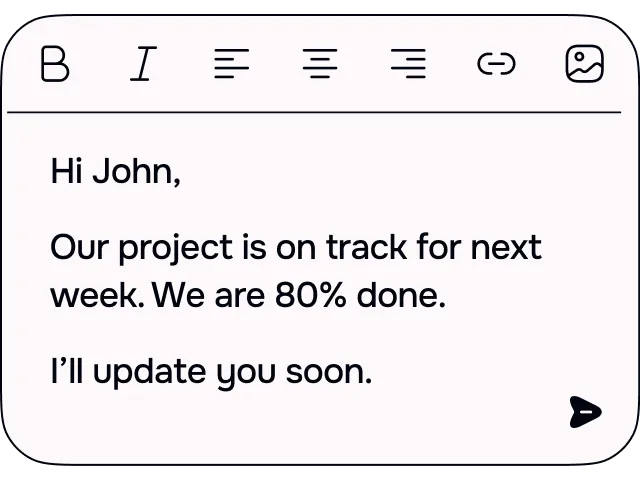
Get clean text
Try for free
Available on Mac and Windows
No "umms", no mistakes.
Any language, auto-recognition.













One click to match your style and tone.

Works in all your
favorite apps
Smart dictation with powerful features
Instant rewrites
Improve your text with one click.
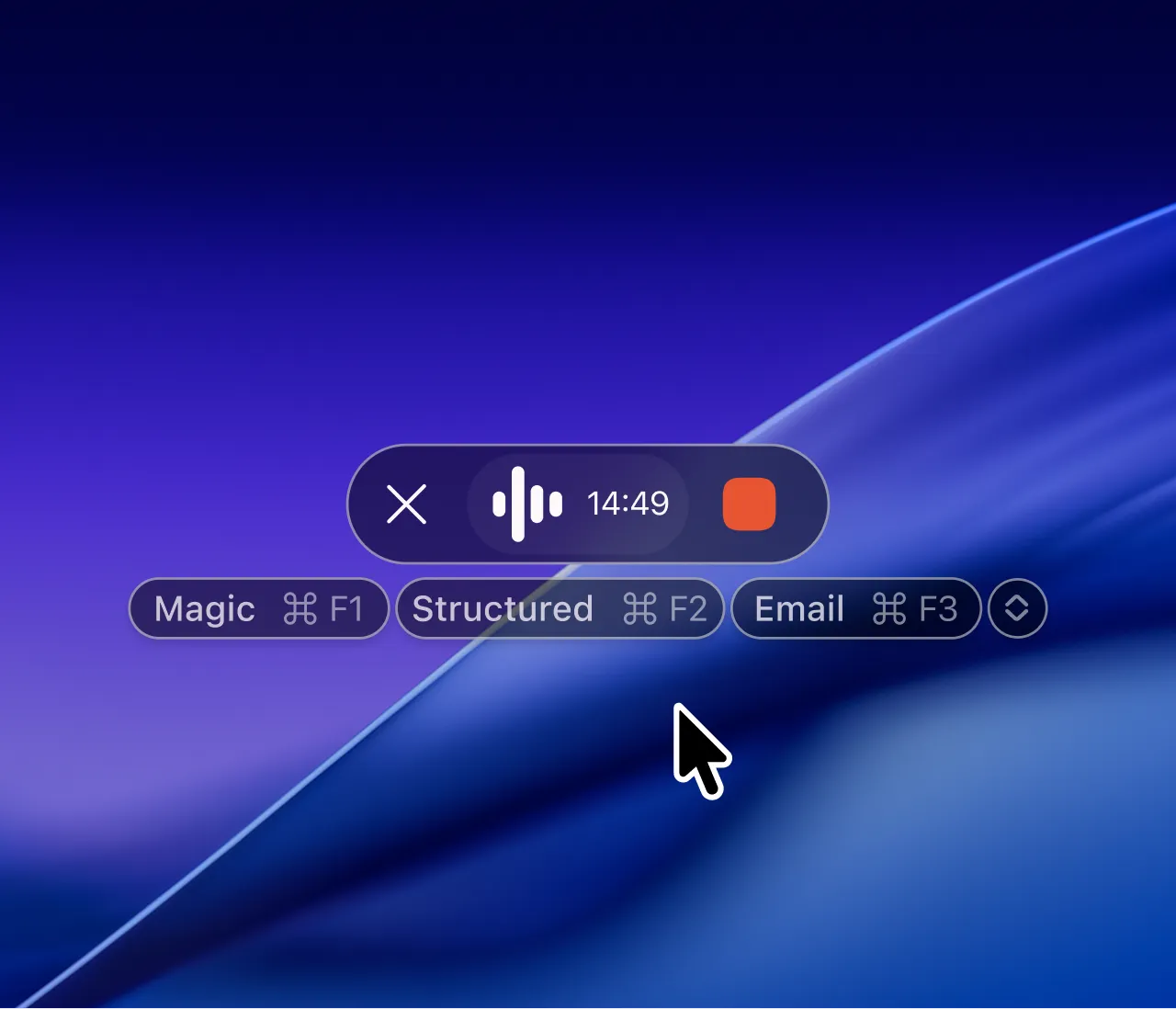
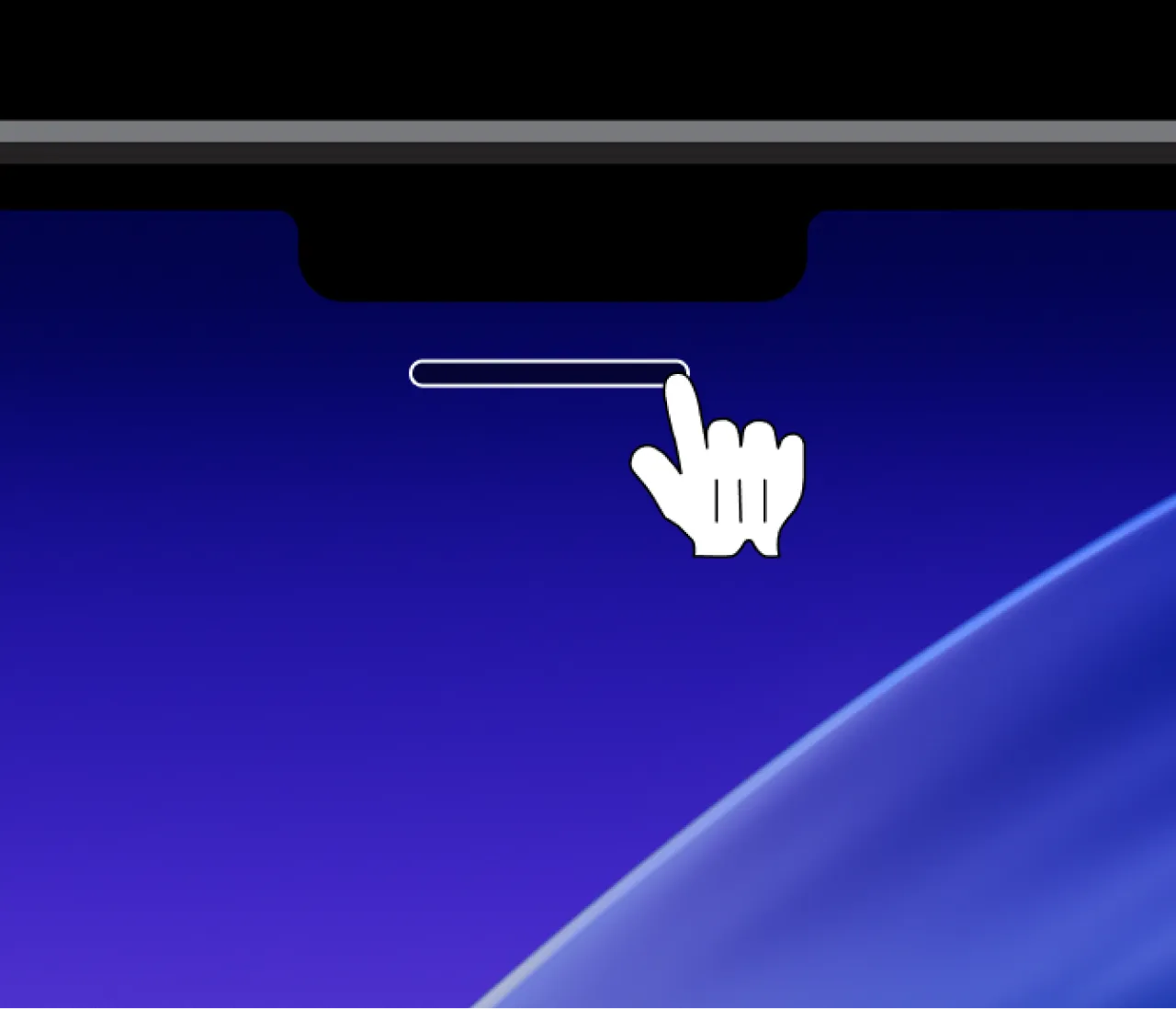
Floating bar
Start recording from the bar, not only with a hotkey.
Security first
Recordings belong only to you and are never used to train AI.
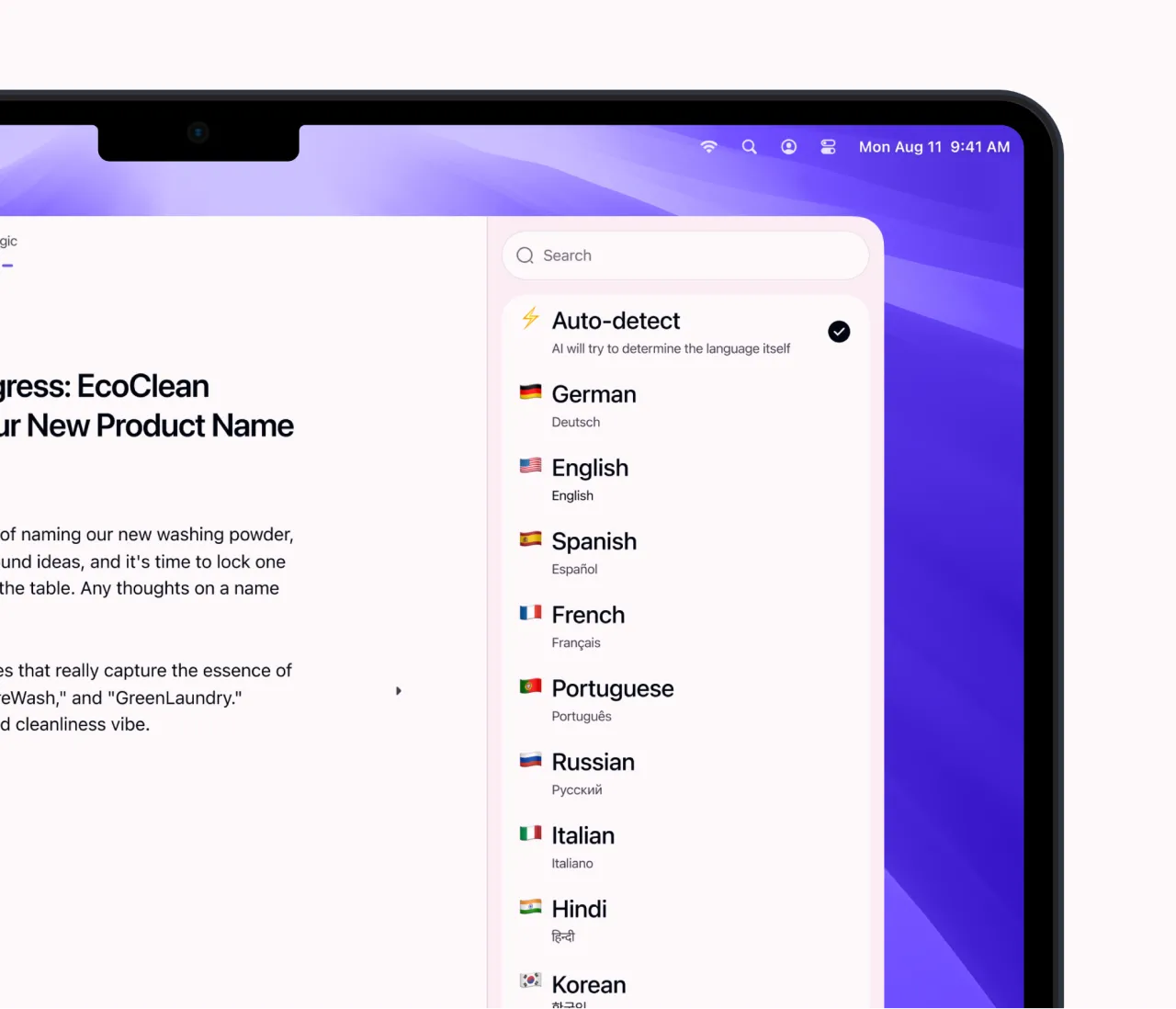
Any language
The app automatically recognizes over 90 languages.
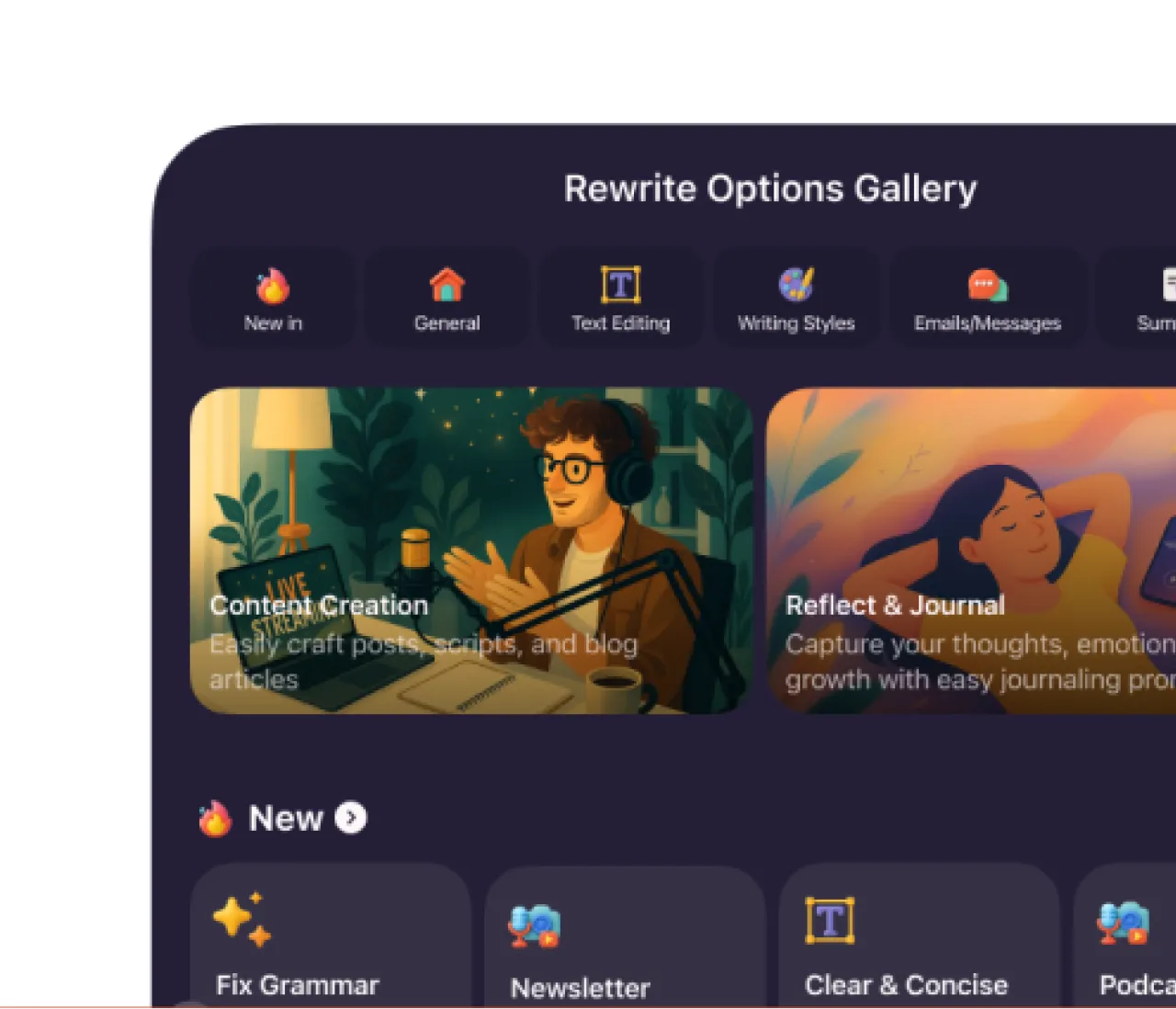
Rewrite options
Pick from ready-made rewrite options or create your own.
They stopped typing
See reviews from users across all kinds of professions.

Suzanne
Support Manager (US)
Replies
"I'm basically in Zendesk all day. Letterly has actually made replies faster for me. I'm genuinely less tired by the end of the day."

George
Founder, UK
Tasks Messages
"I run a remote team. Slack is where I assign tasks and discuss projects. Since I started using Letterly, I'd say I spend about 70% less time on that, it's amazing."

Aron
Writer, Australia
Books
"When I'm drafting, the annoying part is getting the first version out. With Letterly I just talk through the paragraph, then do a quick pass. I write way more on days I use it."

Felix
Lawyer, Germany
Documents Messages
"I'm constantly editing documents, sending messages, drafting text in Google Docs... Once I realised I could dictate all of it and get clean text without mistakes, it was a lifesaver."

Isabell
Teacher, US
Emails Plans Feed
"I'm so happy I found Letterly. Every day it's a ton of writing — lesson plans, feedback, emails to parents… Thank god it's easier now."
Letterly is more than dictation on your computer
Letterly is also an app for iPhone, Android, desktop, iPad, and Watch that turns your speech into stunning text.
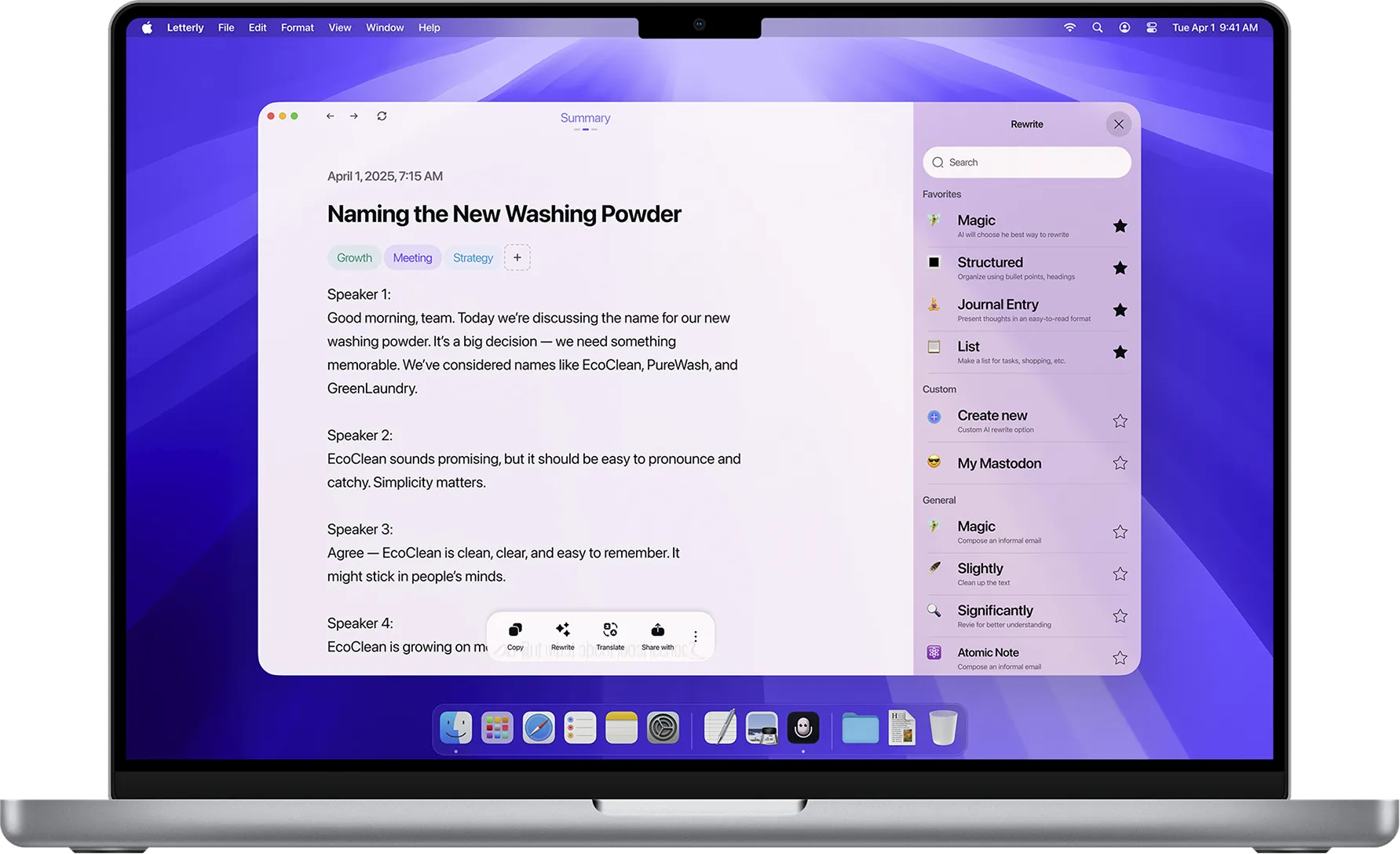
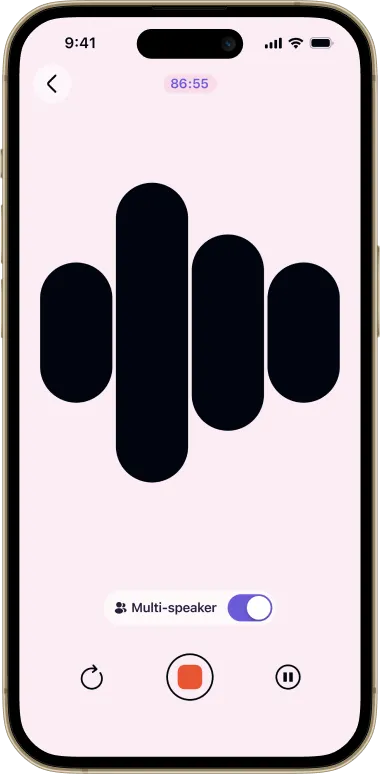
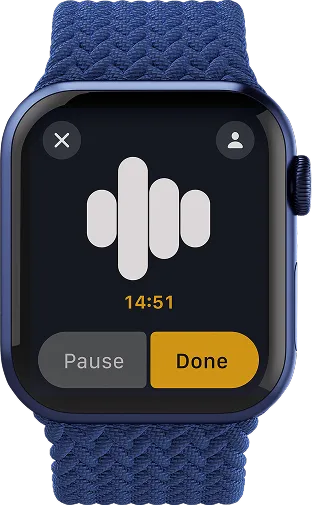


Dictation is just one feature.
Here’s what else you get:
Apps for every platform
iPhone, Android, iPad, Mac, Windows, Web, and Watch.
Unlimited recordings
Record as much as you want. Save as notes or send anywhere.
Audio upload
Turn any audio file into clean, readable text.
Organized notes
Tags, search, and sync across all devices.
Features you'll use
Widget, multi-speaker, offline, translation, custom rewrites, and more.
So many uses
From meeting notes to emails, journaling, and social posts.