


What Is Vibe Coding? A Simple Guide for Beginners

Maybe you’ve heard the phrase vibe coding floating around, but never quite pinned down what it means. It’s been popping up more and more in AI and startup conversations and, sometimes, even in job descriptions.
At its core, vibe coding is simple: you describe what you want in plain language, an AI generates a first draft, and you guide it by testing what you see and giving feedback. It’s less about writing perfect syntax and more about shaping the result until it feels right.
Let’s dive in.
What is vibe coding?
The phrase is widely associated with AI researcher Andrej Karpathy, who used it to describe a results-first style of building with AI, where you iterate based on what you see and fix issues through prompts rather than carefully crafting every line yourself. If you’ve seen people use the term differently, that’s normal. Internet terms evolve as they travel.
Vibe coding is a casual, AI-assisted way of building software where you focus on intent and outcomes while an AI does most of the typing. You explain the goal, the AI proposes code, you run it, and you iterate with follow-up prompts until it works.
The “vibe” part is the mood of the workflow. It can feel more like creative direction than traditional programming: quick experiments, fast feedback, and lots of “make it a bit more like this.”
That doesn’t mean there’s no thinking involved. The thinking just shifts:
- from “How do I write this correctly?”
- to “Is this doing the right thing for my goal?”
Why people love vibe coding
Vibe coding isn’t only about speed. It’s about momentum.
When a rough first version appears quickly, you stay in idea mode. You can try variations, change direction, and explore “what if” without feeling like you just wasted half a day.
It’s also surprisingly empowering for non-technical builders. When your main skill is clarity (not syntax), you can still make useful things:
- quick prototypes
- personal automations
- small tools for a specific workflow
- experiments you’re happy to throw away later
And sometimes the biggest win is emotional: you start. The blank page loses.
Vibe coding is not a magic button that turns any wish into a perfect app.
It’s also not the same as “never learning anything.” Even if you don’t want to become a developer, you’ll get better results when you can describe problems clearly, test patiently, and notice what’s off.
And it’s not the right approach for every situation. If something is high-stakes (money, sensitive data, safety), treat vibe coding as a draft workflow, not a final authority.
What vibe coding looks like in real life
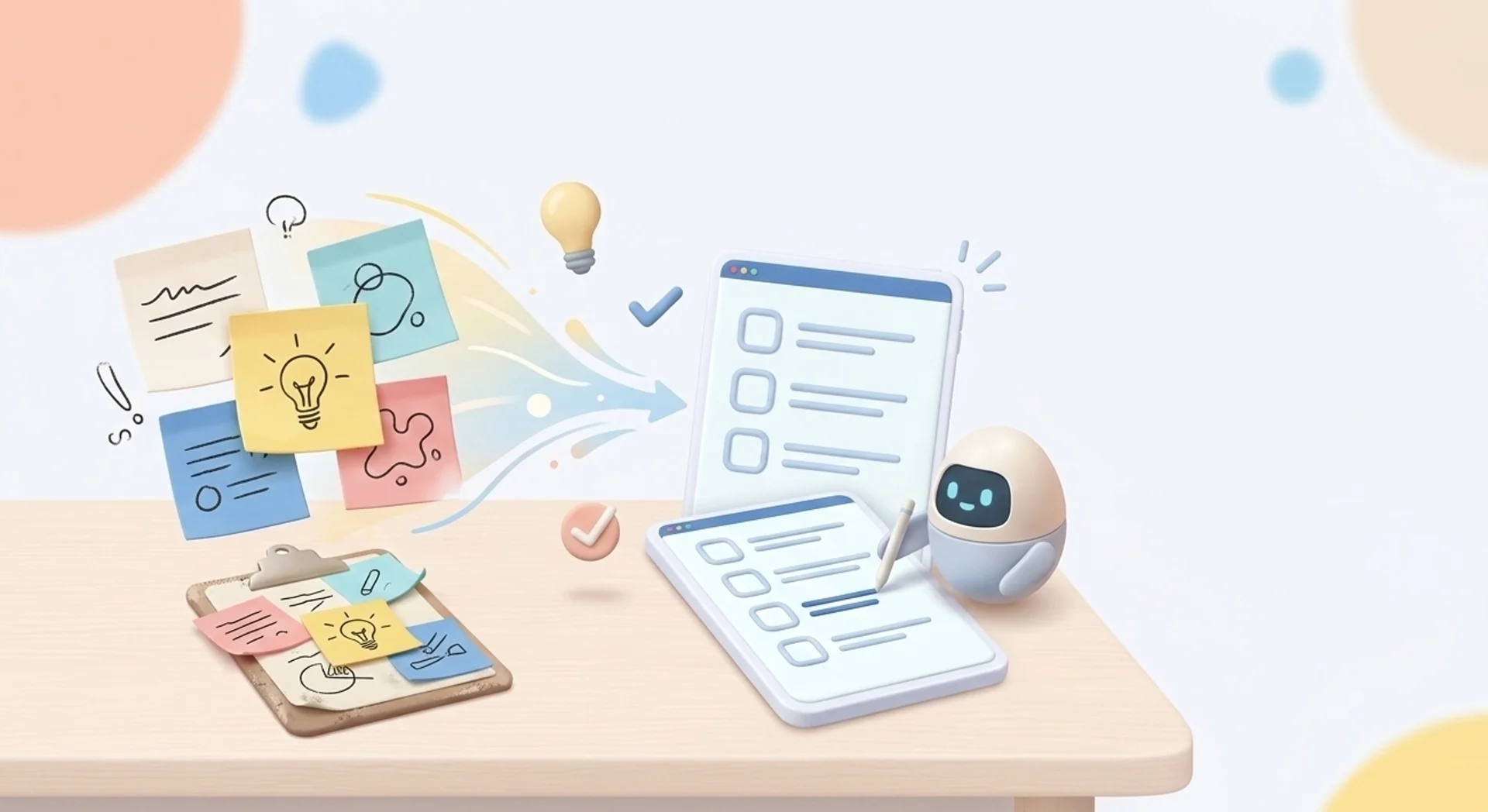
Here are five everyday use cases that match the vibe coding spirit. They’re small, practical, and easy to test.
- A tiny tool that solves one annoying problem
Example: “I want a simple page where I paste text and it cleans it up: remove extra spaces, fix formatting, and turn it into a neat checklist.” - A personal automation for repetitive tasks
Example: “When I download files, sort them into folders by type and move duplicates into an Archive folder.” - A quick landing page for an idea
Example: “Make a mobile-friendly landing page for a workshop: hero section, schedule, FAQs, and a signup form placeholder.” - A lightweight tracker or dashboard
Example: “Read a CSV file and show totals and trends, plus a plain-language summary of what changed this week.” - A simple internal tool for a small team
Example: “A page where teammates can submit requests, and I can view them in a tidy list with status labels.”
Notice the pattern: clear goal, limited scope, and fast feedback. Vibe coding thrives when you can run the thing quickly and tell the AI exactly what happened.
How vibe coding workflow usually works
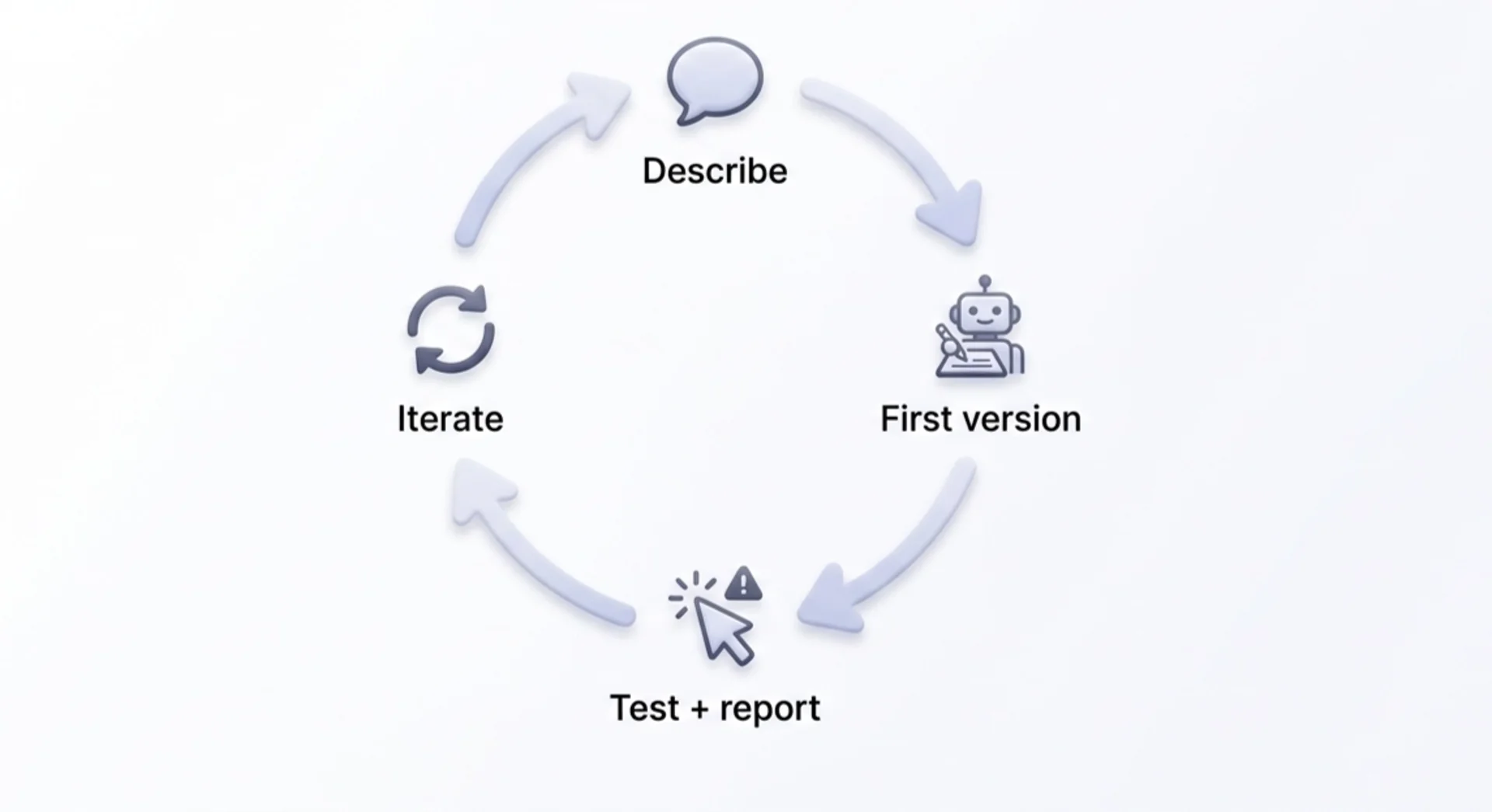
Most vibe coding follows the same loop. Keep it simple and repeatable.
Step 1: Describe the outcome in plain language
Start with what success looks like. Who is it for? What should it do? What does “done” mean?
Good prompts include constraints, not just wishes. For example: “No login. One page. Works on mobile. Keep it minimal.”
Step 2: Ask for a small, runnable first version
The fastest way to make progress is to get something you can run, even if it’s ugly. A working draft beats a perfect plan.
If you’re not sure what to ask for, request a “minimal version” first, then add improvements.
Step 3: Test immediately and report what happened
Run it. Click around. Try to break it. Then give concrete feedback:
- what you expected
- what happened instead
- the exact steps that led to the problem
- any error message (copy and paste)
This is the difference between wandering and iterating.
Step 4: Iterate one change at a time
One change per prompt beats one giant prompt. It keeps your project from turning into spaghetti.
If the project starts feeling messy, ask the AI to summarize the current state and suggest a clean next step. Clarity is part of the build.
Where vibe coding breaks
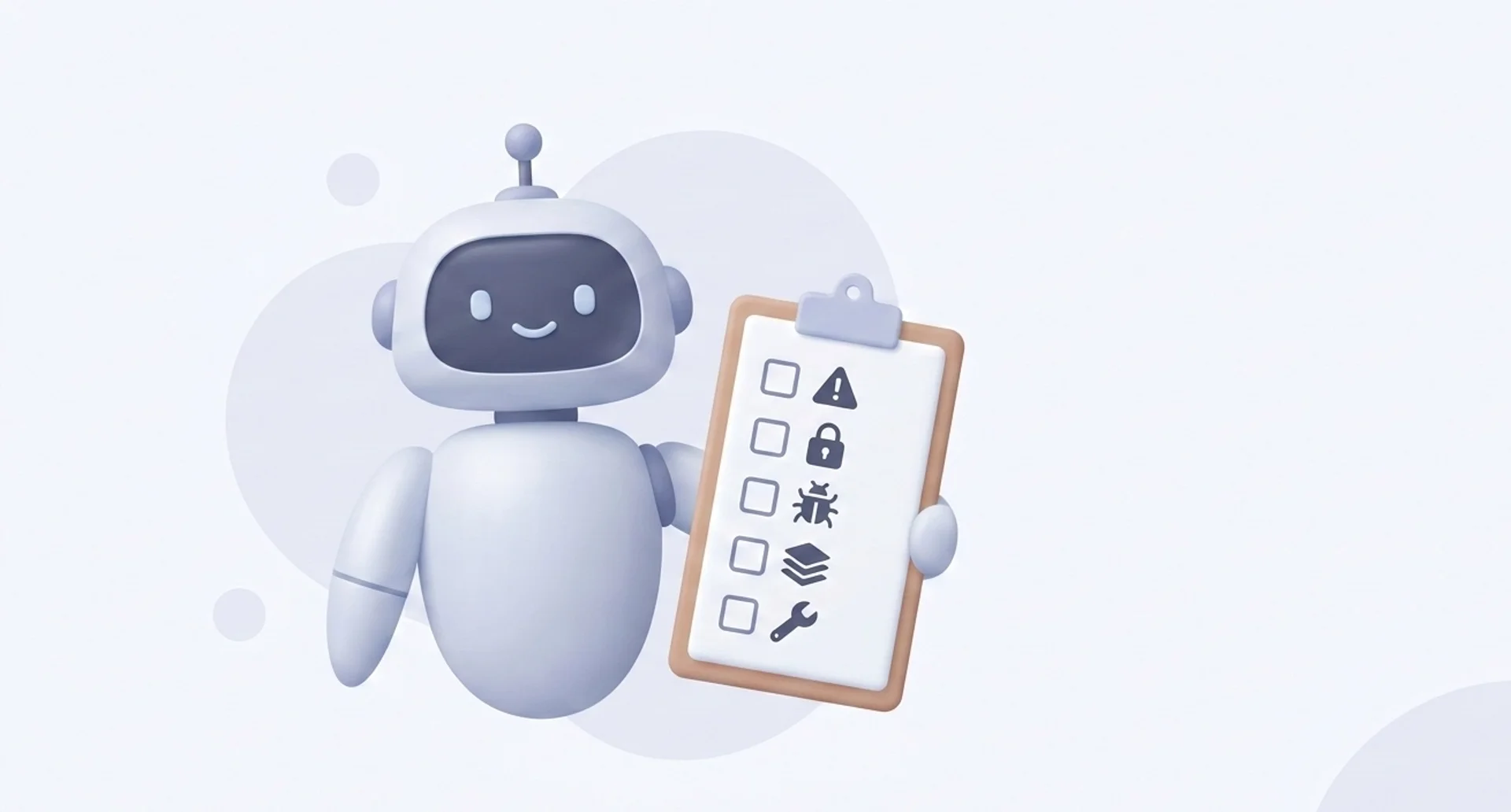
Vibe coding has sharp edges. The good news is the common mistakes are predictable, and you can avoid most of them with simple habits.
Common mistake 1: Over-trusting the first draft
AI can produce code that looks confident and still fails in quiet ways.
Common mistake 2: Trying to build the whole product in one prompt
Big prompts tend to create big tangles. You’ll get something that looks complete but is hard to change.
Common mistake 3: Debugging without a method
When something breaks, it’s tempting to ask for random changes until the error “goes away.”
Common mistake 4: Ignoring security and privacy
If your project touches accounts, payments, or personal data, vibes are not enough.
Common mistake 5: Ending up with code you can’t maintain
You might return in a month and think: “What is this thing?”
A simple way to capture better vibes (and better prompts)
Vibe coding lives or dies on the clarity of your intent.
| Aspect | Writing prompts yourself 😫 | Writing prompts with Letterly 😎 |
|---|---|---|
| Starting point | Blank page, you build from scratch | Start from rough notes or a quick idea and turn it into a structured prompt |
| Speed | Slower, especially when you are not sure what to ask | Faster because you can capture first, structure second |
| Clarity | Depends on your prompt skills that day | Guided structure keeps prompts clear and specific |
| Output format | Often missing or vague | Output format can be added upfront (table, bullets, steps, JSON) |
| Best for | One-off prompts, simple requests | Repeatable workflows, professional outputs, and prompt templates you use often |
Letterly helps you turn rough thoughts into clear text you can reuse. If ideas hit while you’re walking or between meetings, capture them fast, then turn that raw input into cleaner vibe coding prompts before you start building. Save the prompts that work, tweak them as you learn, and you’ll get more consistent results over time. The goal isn’t to sound clever, it’s to be specific enough that your next draft starts close to what you meant.
I hope this article helped you understand vibe coding and when it’s a good fit. 😊
Got questions? Email us at hi@letterly.app – we’re happy to help.