


How to Upload Audio in Letterly
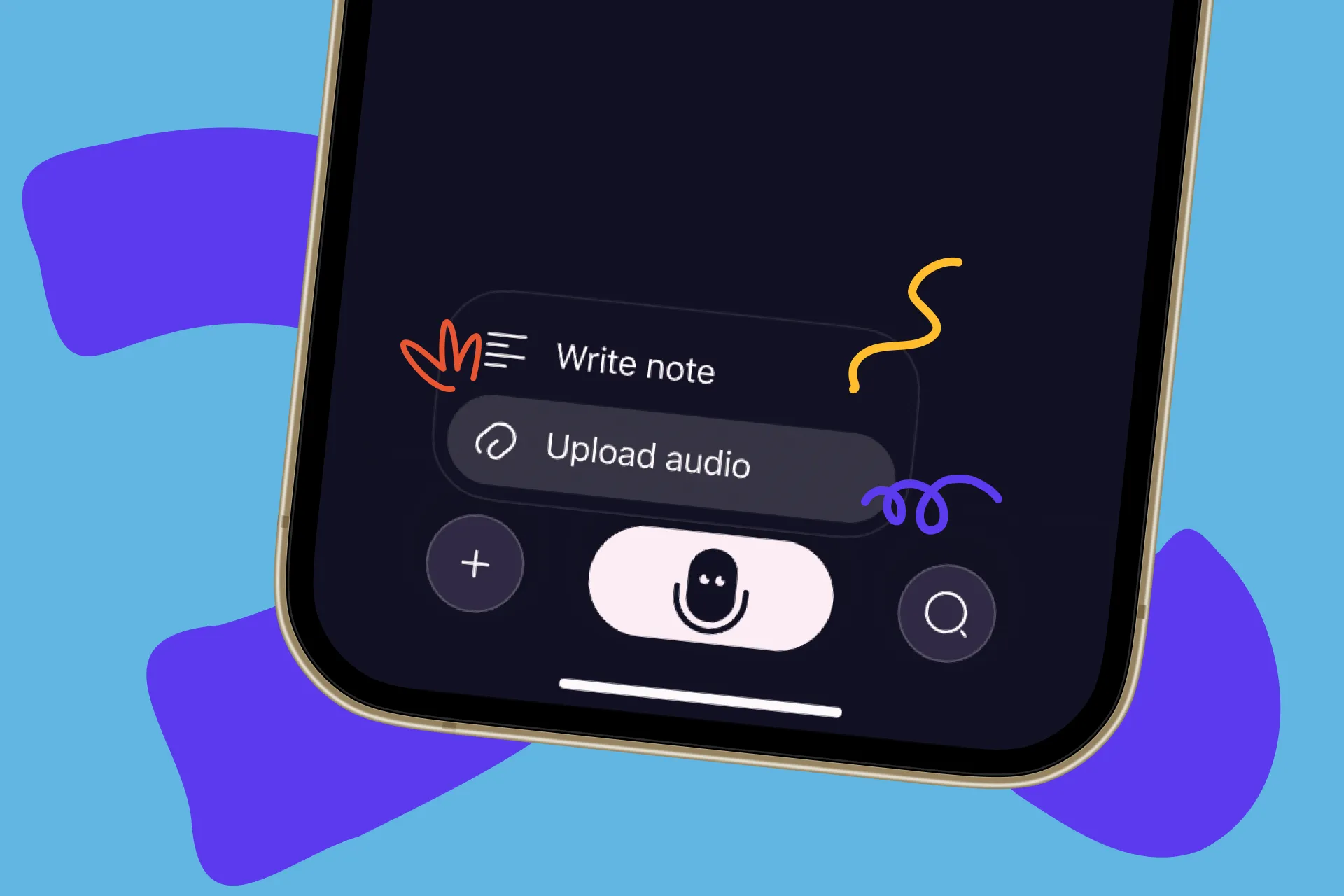
Upload any audio file for transcription
Until now, Letterly worked best when you recorded your thoughts right inside the app. That’s still there and still great. But life doesn’t always happen in Letterly – it also happens in Voice Memos, WhatsApp, Zoom, phone calls, and random audio files on your device.
Now, you can upload audio files to Letterly, transcribe them, and then rewrite the text just like any other recording.
No more “I wish I had recorded this in Letterly.” If you have the audio, you can turn it into clear text.
What you can upload
You can now send almost any spoken audio to Letterly, for example:
- Voice memos from your phone
- WhatsApp voice messages and audio files
- Recorded meetings or interviews
- Podcast or webinar fragments you saved
- Notes you recorded in another app
- Old audio you found and suddenly want in text
If it’s on your device and it’s audio, you can upload it and transcribe it.
How it works
The flow is simple:
- Open Letterly on your phone or desktop.
- Tap + on the left of the main screen and choose “Upload audio”.
- Pick the audio file from your device.
- Letterly will transcribe the audio into text.
- Once the text is ready, you can rewrite it using any of rewrite options – summaries, drafts, posts, scripts, study notes, etc.
That’s it. No new learning curve – just a new way to bring content in.
What you can do with uploaded audio
Uploaded audio behaves exactly like a normal Letterly recording:
- Summarize a long meeting into a short, clean recap
- Turn a podcast snippet into a structured set of notes or ideas
- Convert a voice memo into a to-do list or plan
- Turn an interview recording into a clean transcript and then into an article draft
- Transform speech practice into a clear script you can refine
All your usual rewrite templates still work: study notes, content drafts, social media posts, emails, scripts, journaling, and more.
Why this matters
This update means:
- You’re not limited to “right now” recordings
- You can bring past conversations and notes into Letterly
- You can use Letterly as a hub for all your audio → text workflows, no matter where the audio came from
If you already have hours of recordings sitting in different apps, you can finally put them to work: upload them to Letterly, transcribe them, and rewrite them into something useful – a summary, a draft, a post, or a plan.
Got questions? Email us at hi@letterly.app – we’re happy to help.