


Plaud Alternative Without Hardware: Best App Options (2026)

Tired of forgetting your Plaud device every time? Or maybe you’re tired of managing yet another piece of hardware. Perhaps you just want your meeting data to stay on your device instead of floating around in someone else’s cloud.
Quick Plaud review
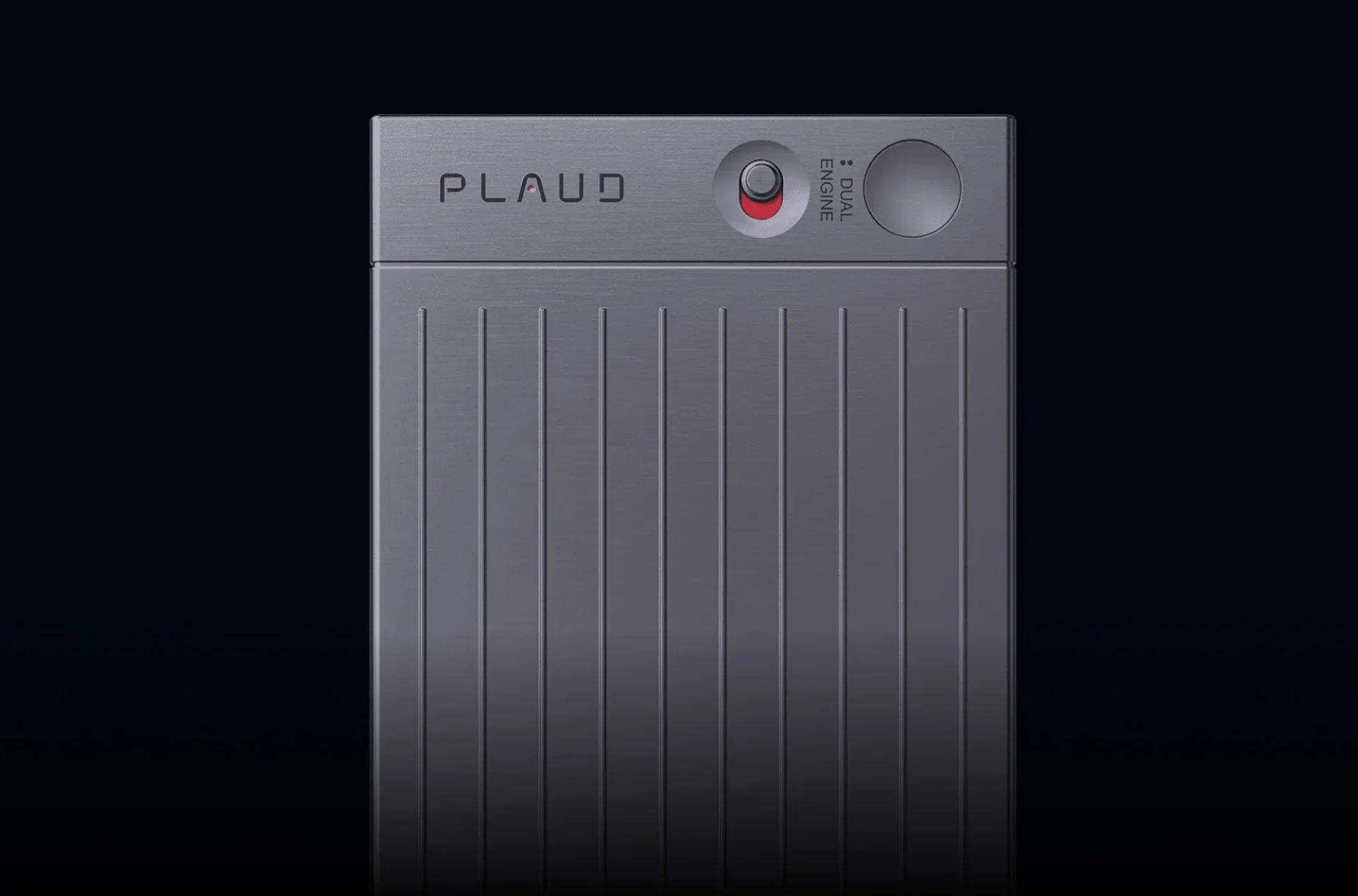
Plaud is a hardware-first AI notetaking system built around physical voice recorders that sync with a mobile app for transcription and summarization.
The lineup includes Plaud Note (a credit card-sized recorder at 0.12” thin), Plaud Note Pro (with four precision microphones for 16.4-foot pickup range), and Plaud NotePin (a wearable recorder you can clip, pin, or wear as a necklace).
It works, but it’s not for everyone. Let’s look at what else is out there.
What most people actually want from a Plaud alternative
If you’re searching for “Plaud alternatives,” you usually want one or more of these:
- Fast capture when an idea hits (one tap, hands-free, hotkey)
- Accurate transcription with punctuation and formatting
- Instant summaries (key points, action items, decisions)
- Rewrite modes (email, meeting notes, tasks, journal entry)
- Easy sharing (copy, export, send, save to your tools)
- Privacy controls (clear info on storage and deletion)
If an app does these well, you don’t need a device.
The best Plaud alternatives without hardware
1) Letterly (best if you want capture + clean writing)
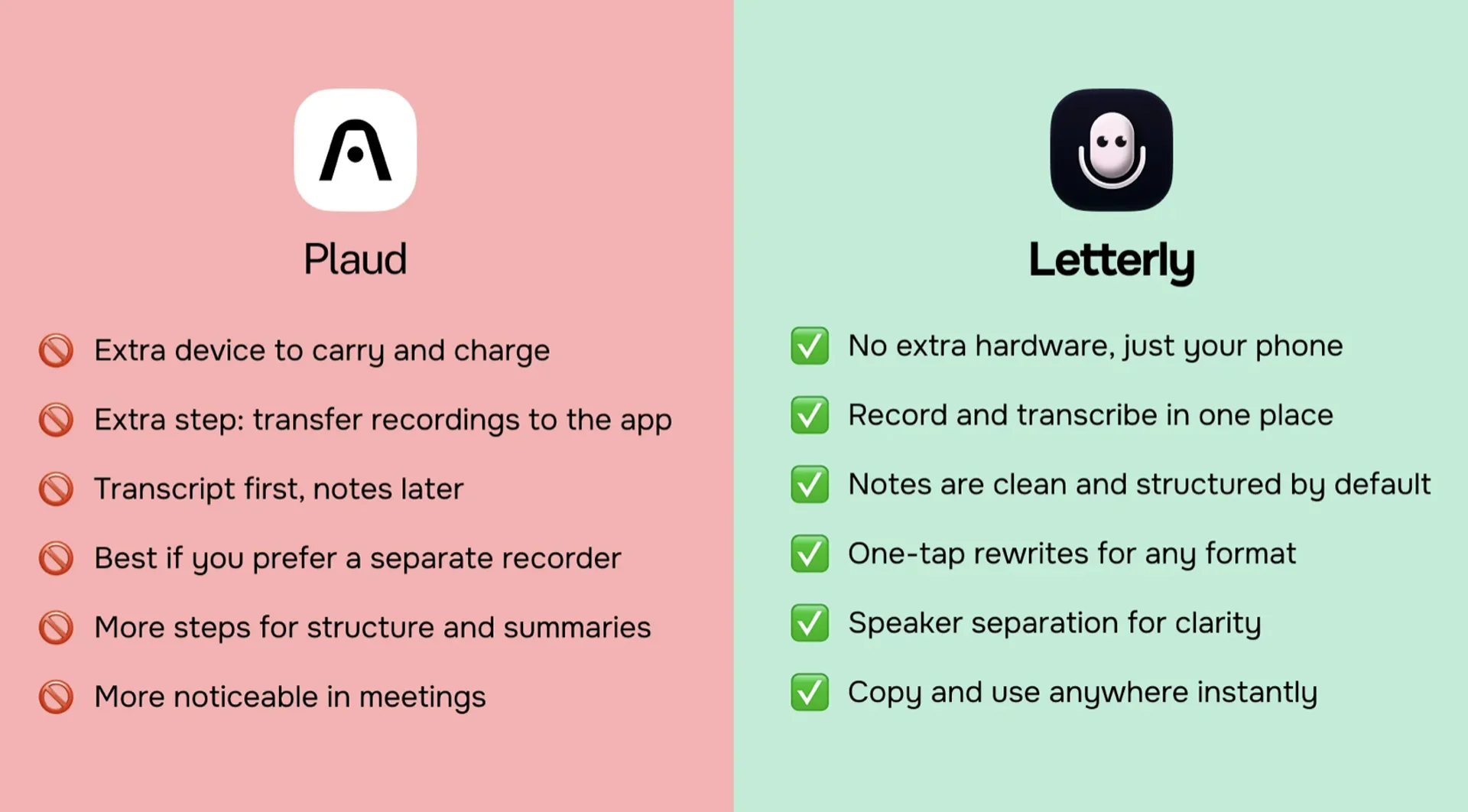
If your goal is not only transcription but also turning messy voice into a usable note, Letterly is a strong “no hardware” replacement.
Best for
- Voice notes on the go that you want to turn into clean text
- Daily notes, journaling, emails, meeting takeaways
- A workflow that ends with something you can paste and send
Why it replaces the Plaud workflow
- Record voice notes on your phone (and other supported platforms)
- Get a transcript, then rewrite it into structured formats using ready templates
- Export and share the final text easily
If you liked Plaud because it’s fast
Letterly works well when you want the same speed, but prefer to keep everything inside your phone and writing workflow instead of buying a recorder.
2) Otter (best for meetings and searchable transcripts)
Otter is a classic option for meeting transcription and searchable notes.
Best for
- Long meetings
- Finding things later by keyword search
- Team meeting notes
Tradeoff
- More “meeting tool” than “writing tool,” depending on your workflow
3) Notion + voice capture (best if you already live in Notion)
If you already keep everything in Notion, the best tool is sometimes “capture anywhere → paste into one place → organize.”
Best for
- A single home for all notes
- Linking notes to projects and tasks
Tradeoff
- You may still need a separate transcription step depending on how you capture audio
4) Apple Notes / Voice Memos
If you want something simple and free, the Apple default stack is a good baseline.
Best for
- Quick capture
- Minimal setup
Tradeoff
- You’ll quickly feel the limits if you want structured summaries and rewrite modes
If you want Plaud-style notes without carrying a recorder, start with an app-first workflow. Try one of the tools above, and pick the one you’ll actually use every day.
Got questions? Email us at hi@letterly.app – we’re happy to help.