


PLAUD Alternative: Use Your Phone as a Smart Recorder With Letterly
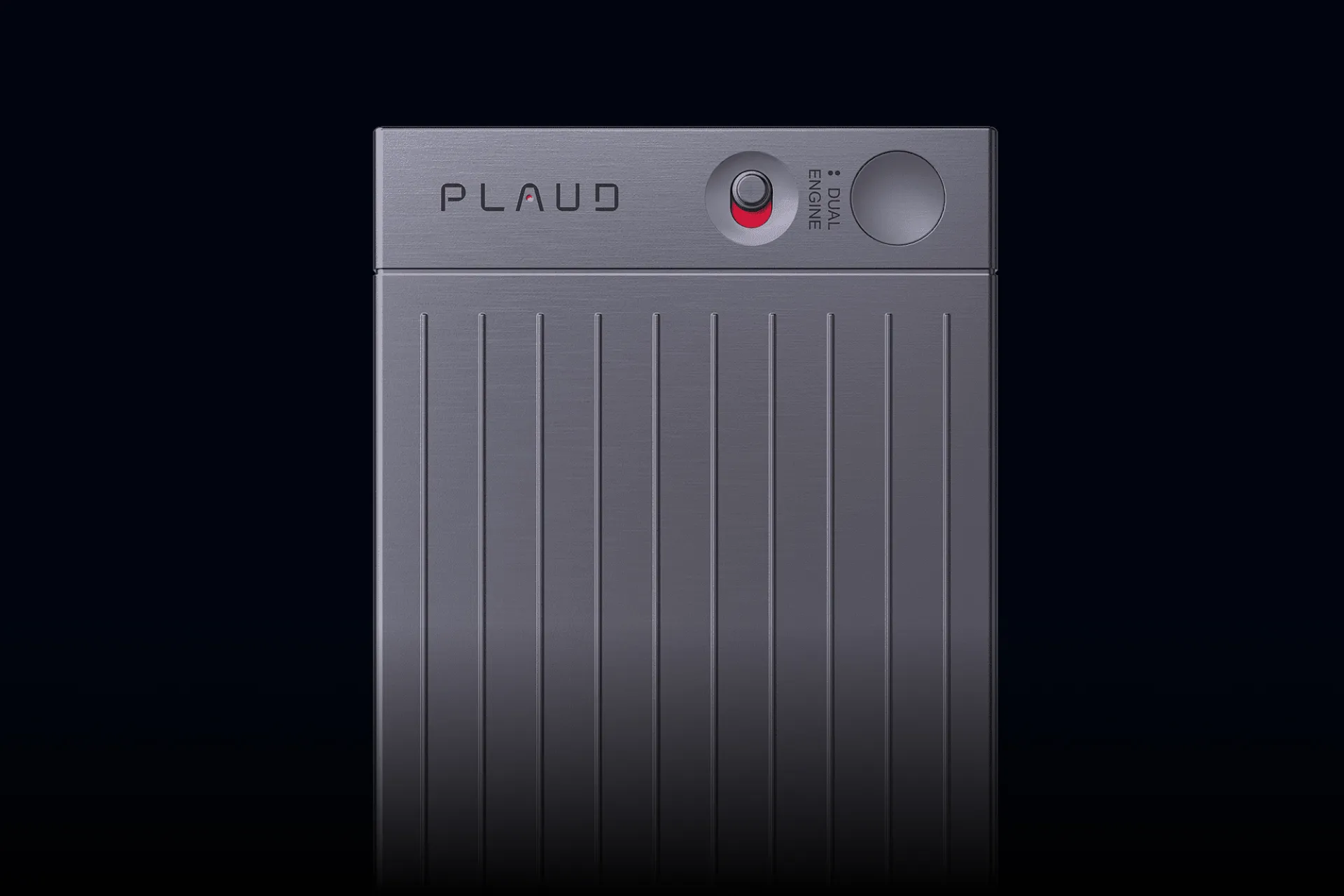
PLAUD devices are solid, but there’s one downside: it’s yet another gadget to carry, charge, and remember. Why add a new device when your iPhone is already a powerful recorder? Tap a button, capture audio, and turn it into text in minutes.
With Letterly, your phone becomes a smart recorder that can record, transcribe, and turn conversations into clean, structured notes without extra hardware. Letterly works as a speech to text app iPhone users can rely on for transcripts, summaries, and action items.
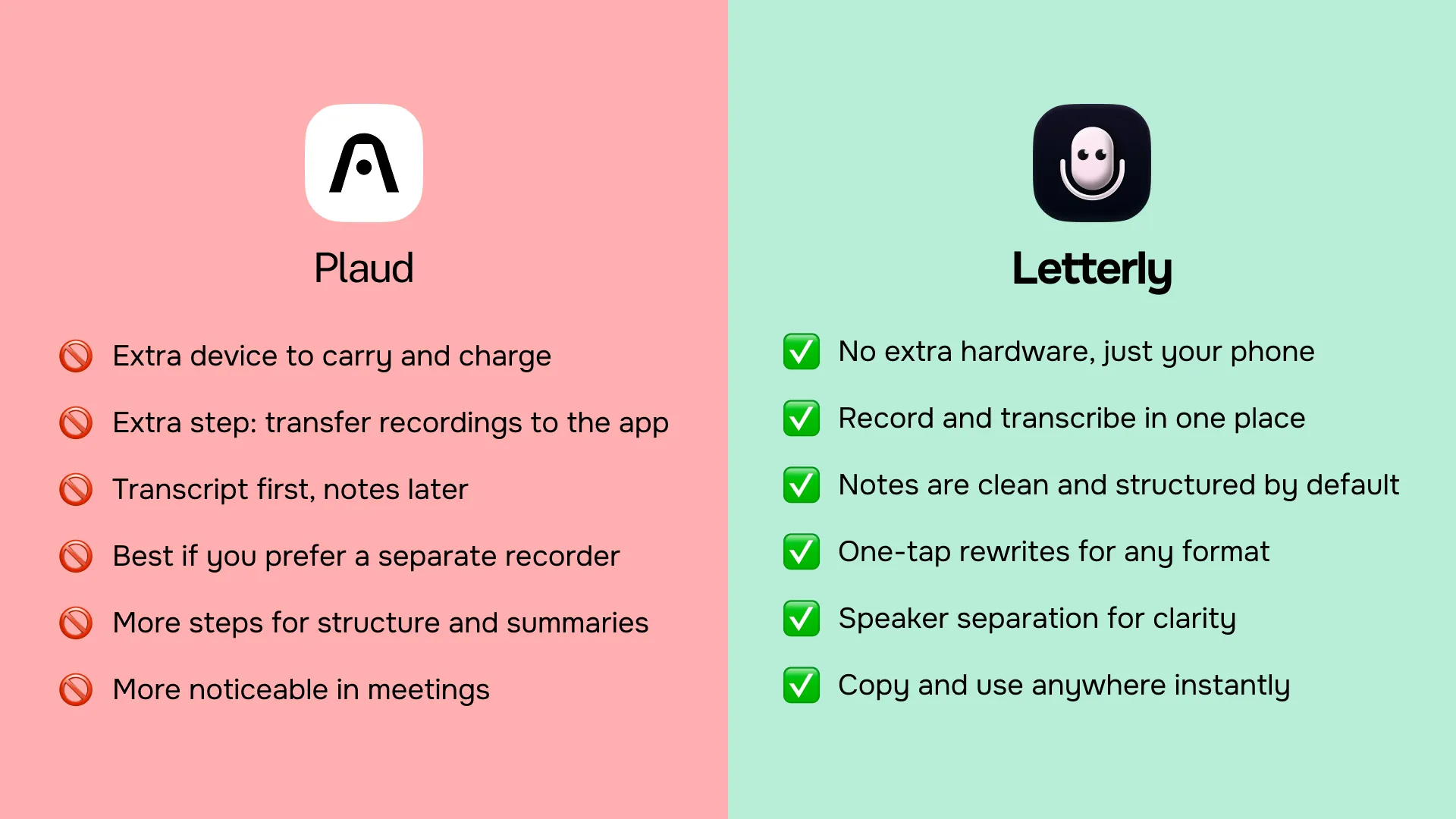
The hidden cost of “one more device”
Dedicated recording devices can be useful in some niche setups, but for most people they add friction:
- Another thing to carry (and remember to bring)
- Another battery to charge
- Another app or sync flow to move files where you need them
- Extra storage management, especially if you record often
- Extra cost, before you even start using the features you actually want (transcripts, summaries, action items)
For day-to-day work and personal notes, your phone is already the device you always have with you. The missing piece is software that can turn raw audio into something you can use.
Your phone is already a great recorder
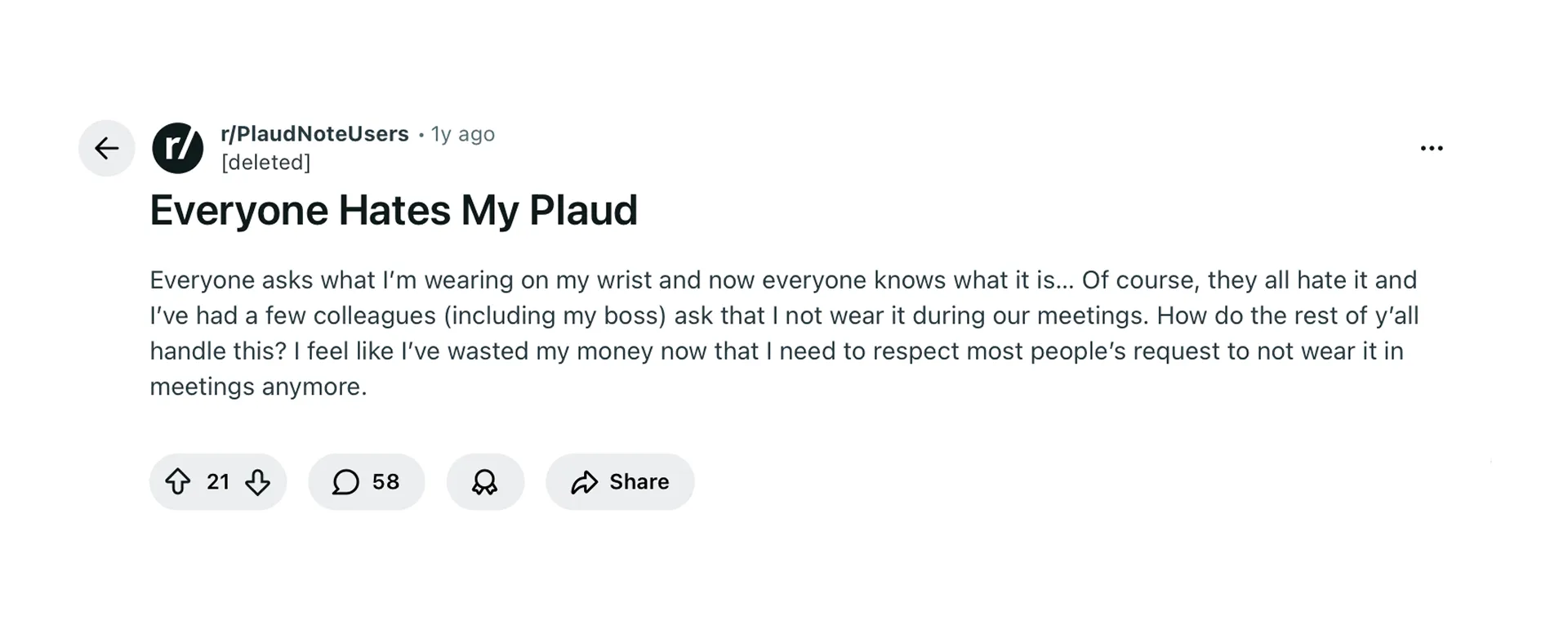
One less thing to carry, charge, and accidentally turn into an office discussion topic — because you never know what kind of trouble a mysterious little device can cause.
Modern iPhones and Android devices record audio surprisingly well, especially in normal environments like:
- meetings and one-on-ones
- quick voice memos on the go
- lectures and workshops
- customer calls
- personal journaling and ideas
The real problem usually starts after the recording ends. You end up with a long audio file and no easy way to extract the useful parts.
That’s exactly what Letterly is for.
What you can do with Letterly (beyond recording)
Letterly helps you go from audio to usable text, fast. Depending on what you need, you can produce different outputs from the same recording.
1) Transcribe audio to text
In other words, you can record and transcribe on iPhone without extra hardware. Get a readable transcript from your recording, so you can search, copy, and reference it later.
2) Separate speakers (when it matters)
If your recording includes multiple people, Letterly can split the transcript by speaker. That makes meeting conversations easier to follow and reuse.
3) Turn messy speech into clean text
Raw transcripts are often hard to read. Letterly can rewrite the transcript into clean, well-formatted text that looks like something you would actually share.
4) Generate structured notes, summaries, and action items
Instead of a wall of text, you can turn a recording into:
- meeting notes by topic
- decisions made
- next steps and tasks
- short summaries you can paste into Slack, Notion, or email
5) Work across devices (not just on your phone)
Letterly is built for real workflows, not just recording. Depending on how you work, you can use it on:
- iPhone and iPad
- Android
- Mac
- Web
So you can record on your phone, then review and export on a laptop when you want a bigger screen and keyboard.
6) Upload audio files you already have
Already recorded something in another app, on a voice recorder, or as a call recording? Upload the audio to Letterly and get the same transcript and note outputs.
Real-life use cases where “no extra gadget” matters

Here are common situations where a dedicated device sounds nice in theory, but an app on your phone wins in practice.
Meetings and calls
You want to capture what was said, and then quickly share:
- a short recap
- decisions
- action items
A separate recorder adds steps. Your phone plus Letterly keeps the workflow simple.
Interviews and research
When you’re interviewing someone, you need both:
- a reliable recording
- a transcript you can quote and search
With Letterly, you can record, transcribe, and produce a clean version you can scan quickly.
Personal voice notes and journaling
For personal notes, the biggest benefit is speed. You talk, you get text, and you can immediately turn it into:
- a clear journal entry
- a list of ideas
- a plan for the day
No syncing. No cables. No extra device.
How Letterly works
- Download Letterly on your phone:
- iOS → Download from the App Store
- Android → Download from Google Play
- Record a voice note (or upload an audio file)
- Choose the output you want, for example:
- clean transcript
- structured meeting notes
- action items
- short summary
- Copy, share, or save wherever you keep your work
This is the core promise: no extra gadget needed, just your phone and an app that does the organizing.
Just download Letterly, best PLAUD alternative for iPhone, record on your phone, and turn that audio into text, summaries, and action items you can actually use.
Got questions? Email us at hi@letterly.app – we’re happy to help.