


How to Use Letterly on Apple Watch: Record Notes from Your Wrist

Letterly is a voice-to-text app that helps you turn spoken thoughts into clear, usable text. You can use it for notes, reminders, messages, ideas, journal entries, and more.
On Apple Watch, Letterly works as a companion app, so you can record something instantly without pulling out your phone. Just speak on your watch, and your recording will sync to Letterly, where you can turn it into a clean note later.
How to record with Letterly on Apple Watch
- Open Letterly on your Apple Watch.
If you already have Letterly installed on your iPhone, it will automatically appear on your Apple Watch in the list of available apps.
You can also add Letterly as a widget on supported watch faces, so you can start recording in one tap. - Tap to start recording.
- Tap stop when you’re done.
- Wait for “Synced” status.
- Open it on your phone or computer.
You can turn multi-speaker mode on or off on Apple Watch
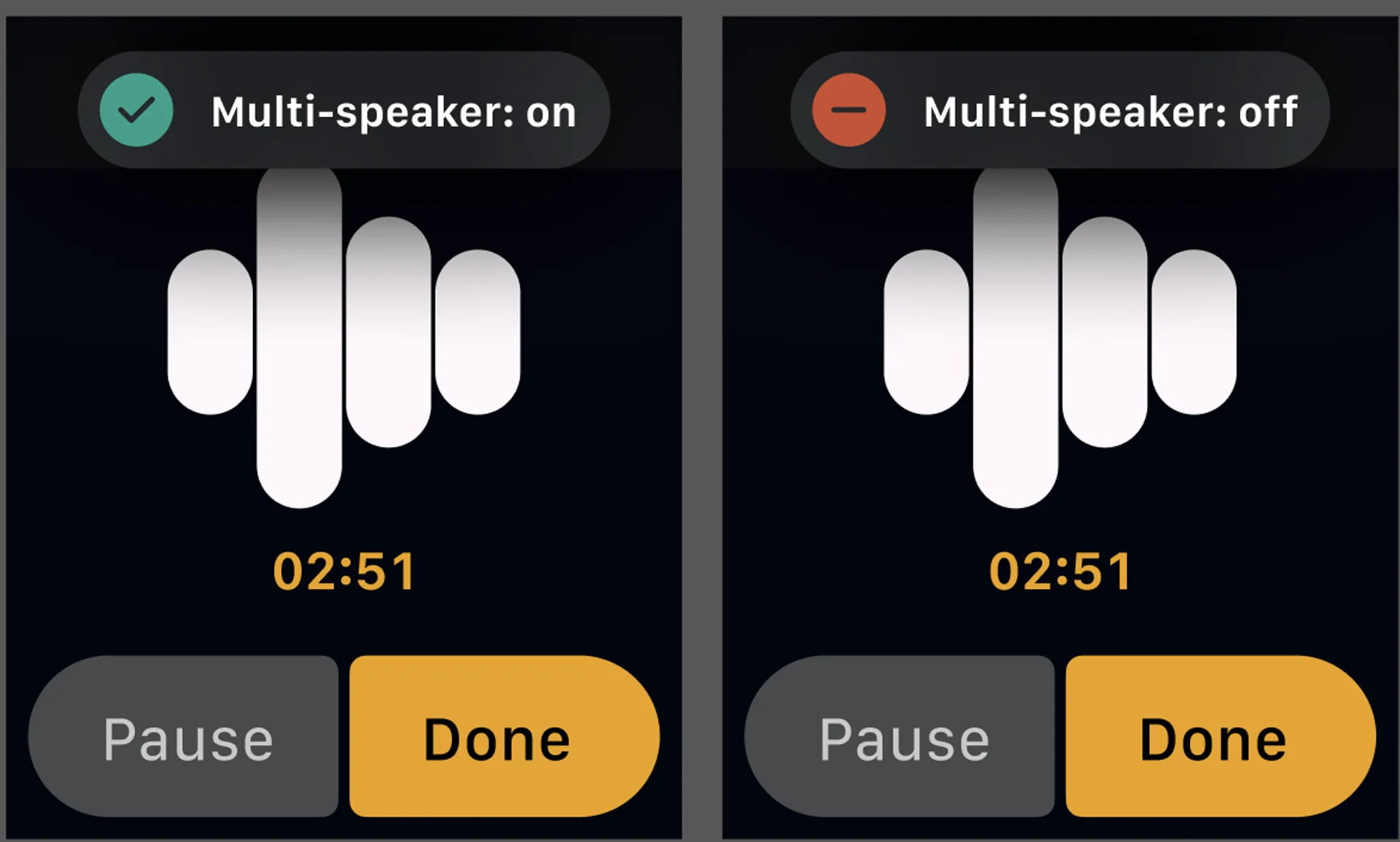
On Apple Watch, you can quickly switch between multi-speaker and single-speaker recording before or during recording.
The flow is simple:
- Open Letterly on your Apple Watch.
- On the recording screen, tap the speaker mode button.
- Choose multi-speaker on if more than one person is speaking.
- Choose multi-speaker off if only one person is speaking.
This lets you adjust the recording mode depending on the conversation.
How to create Letterly widget on Watch
Watch the short video below, or scroll down for step-by-step instructions.
- Open the Apple Watch app on your iPhone.
- Tap My Watch.
- Select a watch face from My Faces.
Supported watch faces include: Modular, Modular Compact, Activity Digital, Nike Compact, Nike Digital. - Tap one of the complication areas.
- Choose Letterly if it is available for that slot.
Enjoy capturing notes with Letterly on your Apple Watch.
Got questions? Email us at hi@letterly.app.