


AI Prompt Generator: Create Better ChatGPT Prompts With Letterly
If you’ve ever pasted a prompt into ChatGPT and got something vague, off-topic, or oddly confident, it’s usually not the model. It’s the prompt.
Good prompts are not “clever.” They are clear. They include context. They set boundaries. And they tell the AI what a good answer looks like.
This guide gives you a simple structure, copy-ready prompt templates, and a practical workflow using Letterly to turn rough ideas into polished prompts you can reuse.
Why most prompts fail (and how to fix them)
Wondering why AI keeps giving you vague, generic answers? You’re not alone.
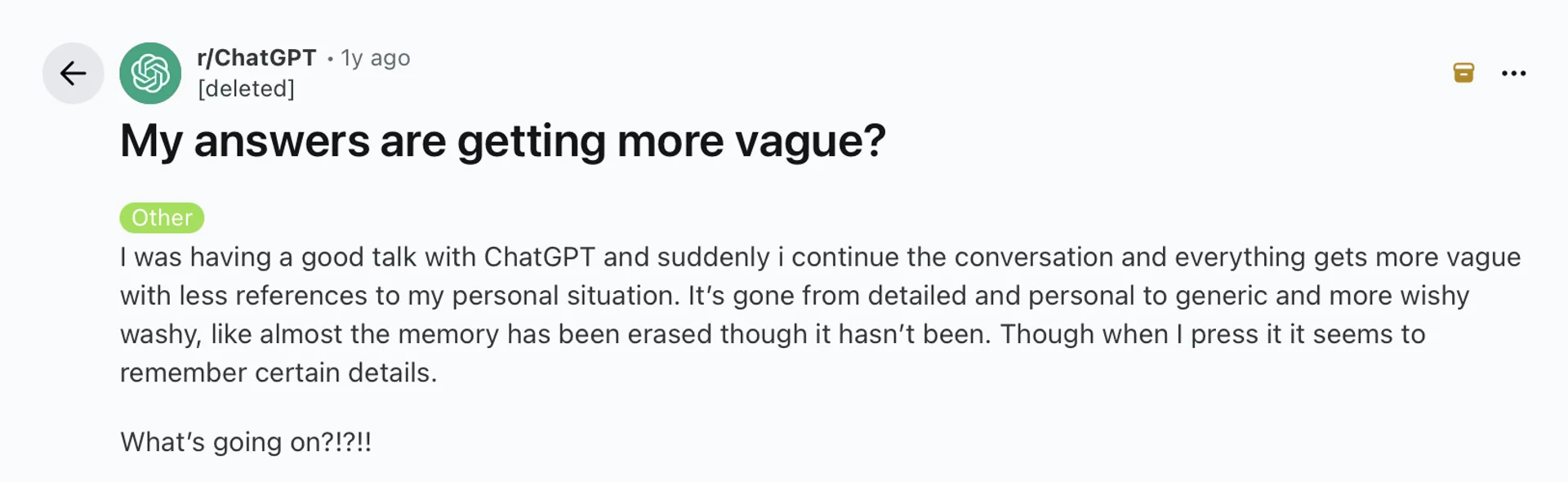
Most prompts fail for one of these reasons:
- No context: the AI does not know your audience, goal, or constraints.
- Unclear output format: you want a list, a table, a short answer, or a draft, but you never say it.
- Too many goals at once: brainstorm, write, edit, and fact-check in one prompt.
- No quality bar: the model has no definition of “good.”
Fixing this is easier than it sounds. You just need a repeatable template.
Best prompt formula
Prompt engineering is simply designing prompts that reliably produce useful outputs.
You do not need fancy tricks.
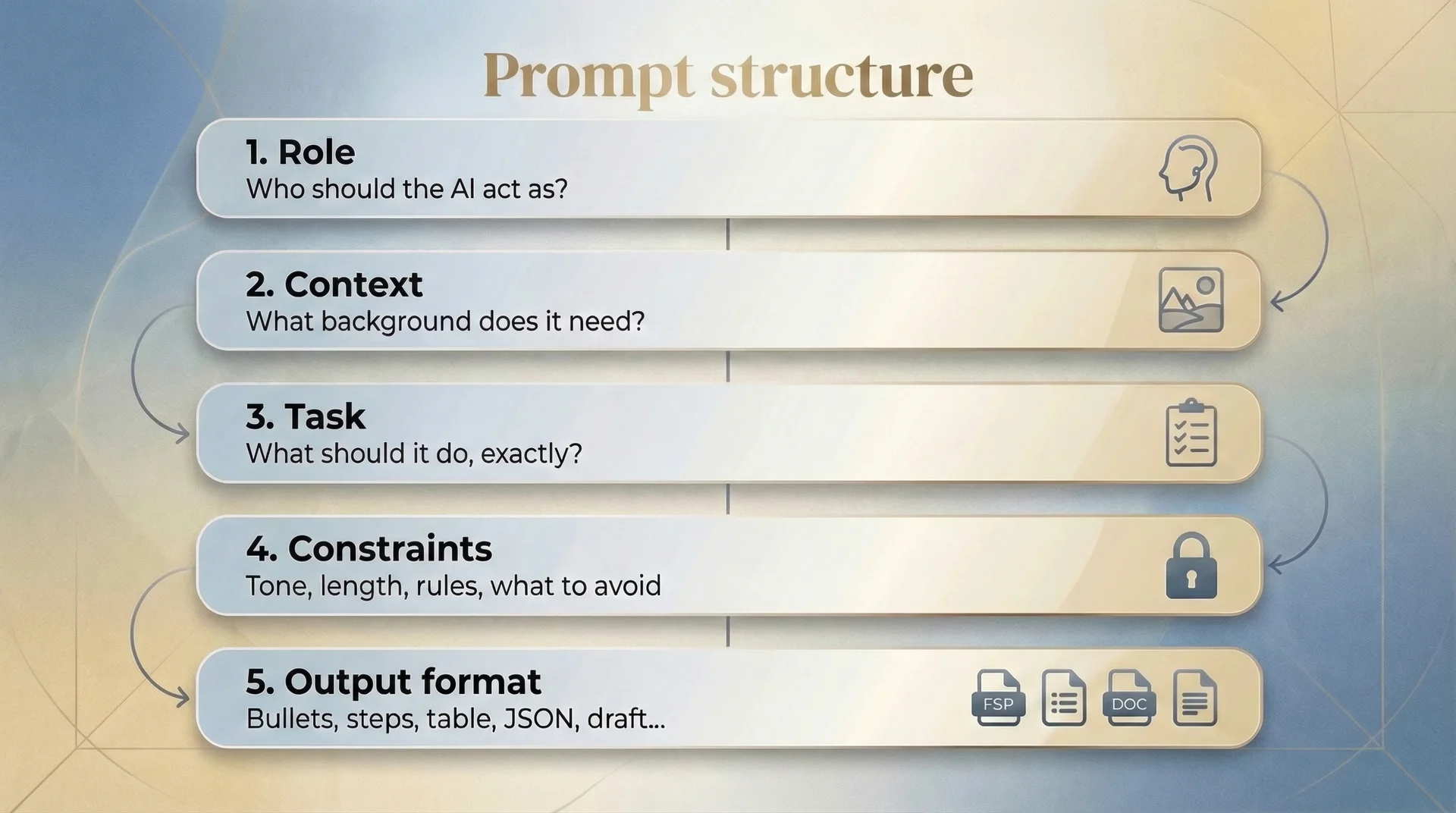
A simple prompt formula that works for almost anything
You can use the same framework inside any ChatGPT prompt generator, or build your own prompts from scratch.
- Role: Who should the AI act as?
- Context: What background does it need?
- Task: What should it do, exactly?
- Constraints: Tone, length, rules, what to avoid
- Output format: bullets, numbered steps, table, JSON, draft, etc.
- Input: paste your text, notes, or data
This template works across ChatGPT, Claude, Gemini, and most LLM tools because they respond best to clear instructions and clear output expectations.
Prompt templates you can copy 🤩
These are the kind of best prompts for ChatGPT: clear role, clear task, clear constraints, clear output.
1) Turn messy notes into a clean summary
You are a concise editor.
Task: Summarize the input into 7 bullet points.
Constraints: Each bullet is 1 sentence. No filler. No assumptions.
Output format: Bullet list, then a 1-sentence TL;DR.
Input: [paste notes]
2) Rewrite text in a specific tone
You are a copy editor.
Task: Rewrite the input to sound [friendly and direct / formal / casual].
Constraints: Preserve meaning. Remove repetition. Keep it short.
Output format: One rewritten version.
Input: [paste text]
3) Generate a strong outline for a blog post
You are an SEO content strategist.
Context: Topic is [topic]. Audience is [audience].
Task: Create an outline with H1 + H2 + H3 sections.
Constraints: Include practical sections and an FAQ. Avoid fluff.
Output format: Headings only, then 5 suggested titles.
Input: [any notes]
4) Create study notes from a transcript
You are a tutor.
Task: Turn the input into study notes with definitions and examples.
Constraints: Simple language. Include 5 quiz questions at the end.
Output format: Sections with headings, then quiz questions.
Input: [paste transcript]
How to build prompts faster with Letterly
You can use Letterly in two ways, depending on what you need.
1) Skip prompt writing and use Rewrite presets
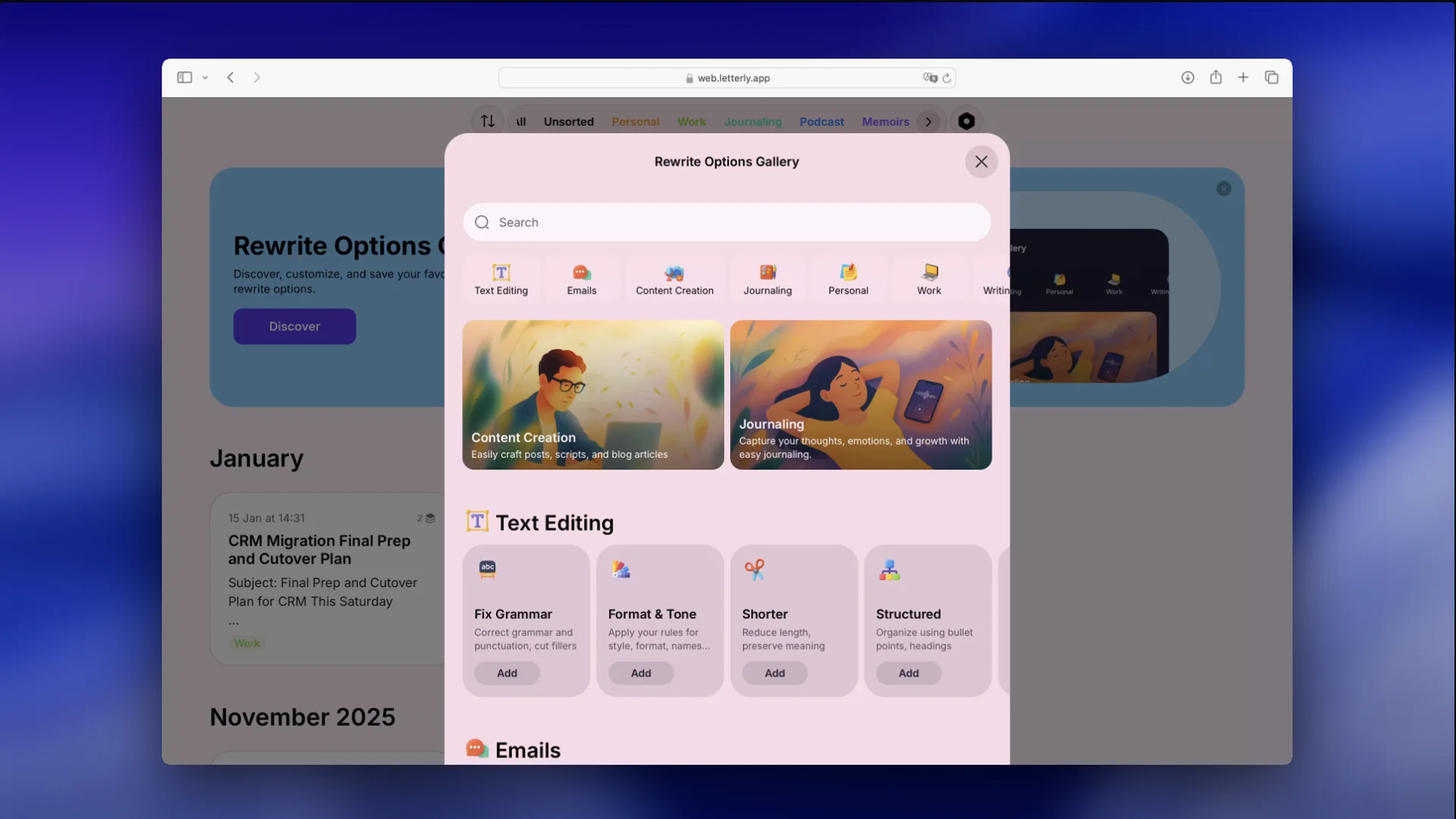
Sometimes you don’t need a “prompt” at all. You already have the content, you just want it rewritten: more formal, more structured, shorter, clearer, more like an email, and so on.
In that case, Letterly is the shortcut:
- record or paste your raw note
- convert it to text
- pick a rewrite option from the rewrite gallery that matches your goal
No prompt guessing. Just choose a preset and get a clean output.
2) Turn messy thoughts into better prompts for any AI
| Aspect | Writing prompts yourself 😫 | Writing prompts with Letterly 😎 |
|---|---|---|
| Starting point | Blank page, you build from scratch | Start from rough notes or a quick idea and turn it into a structured prompt |
| Speed | Slower, especially when you are not sure what to ask | Faster because you can capture first, structure second |
| Clarity | Depends on your prompt skills that day | Guided structure keeps prompts clear and specific |
| Output format | Often missing or vague | Output format can be added upfront (table, bullets, steps, JSON) |
| Best for | One-off prompts, simple requests | Repeatable workflows, professional outputs, and prompt templates you use often |
When your goal is not rewriting, but getting a specific analysis, plan, or answer from ChatGPT (or another AI tool), the hardest part is often the start.
Not because you lack ideas, but because they’re scattered:
- half-formed voice notes
- rough bullets
- thoughts captured on the go
- “I’ll write the prompt later”
Letterly helps by turning raw input into a clear, structured prompt you can copy into any AI tool.
Workflow:
- Capture the idea fast
If you’re wondering how to talk prompts for AI, just speak naturally first, then structure it after. - Convert it into a structured prompt
Use your prompt framework (Role, Context, Task, Output format). Ask Letterly to reshape your messy input into that structure. - Save it as a reusable template
Keep your best prompts as notes, so you can reuse them for the same jobs: weekly recap, meeting summary, client email, content outline, study guide. - Refine instead of restarting
If the result isn’t right, don’t throw it away. Update one part: add context, tighten constraints, change the output format, add an example.
That’s the real advantage: a repeatable prompt workflow, not one-off lucky prompts.
Stop restarting from a blank page. Capture the idea in Letterly, turn it into a solid prompt, and reuse it anytime.
Got questions? Email us at hi@letterly.app – we’re happy to help.