Part note-taker, part therapist: how Jonah made Letterly the center of his screen

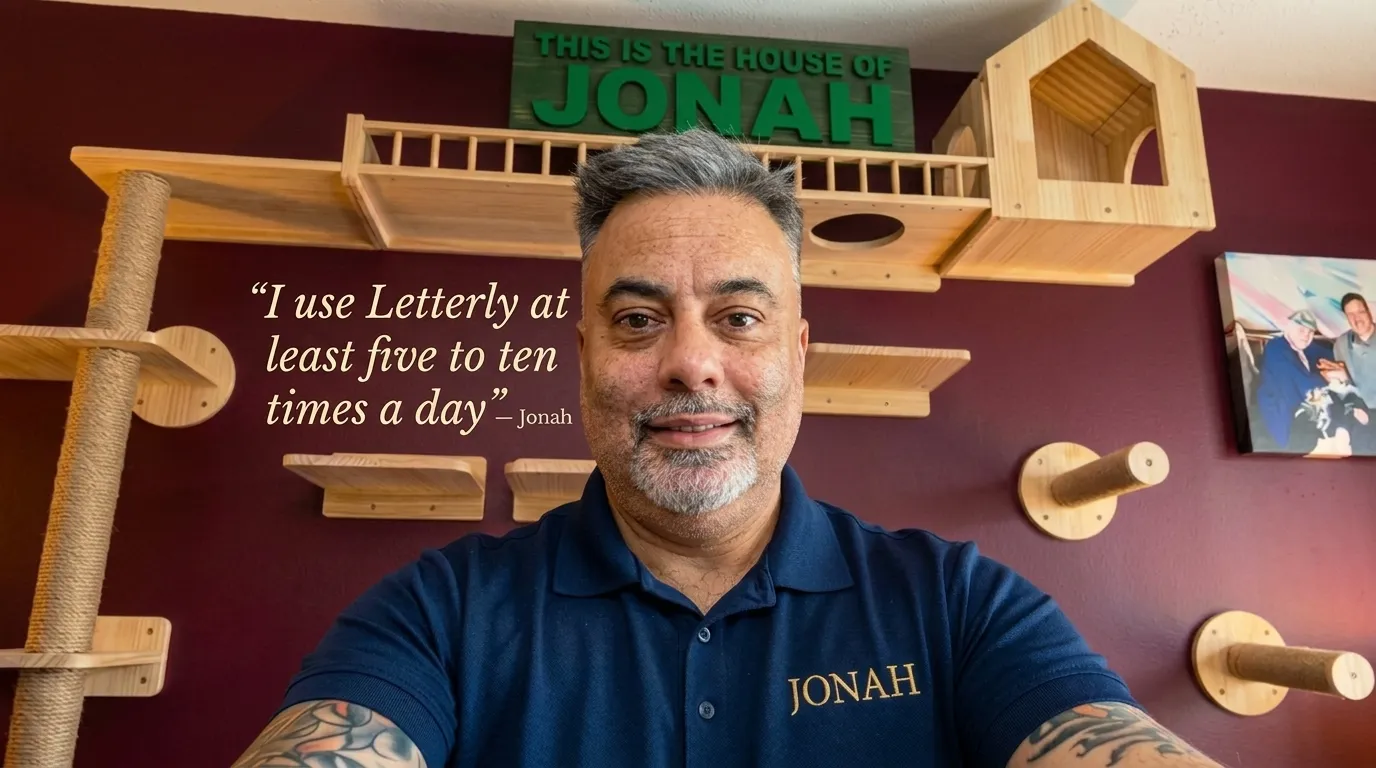
Jonah came to Letterly the way most people come to software: he went looking. He had tried a few other voice tools first, and none of them stuck. One Google search later he found Letterly – and not long after, he moved to a lifetime membership.
Then he put the app in the middle of his home screen and started using it five to ten times a day.
He works at a family company with over a hundred employees. He’s an animal lover, listens to a lot of music, watches comedies and action films, and lives with ADD. And his reason for using Letterly isn’t speed – it’s the gap between the thought and the words:
I sometimes have a hard time getting what I want to say into the right words, and Letterly really puts that into, like, a good way, good context.
How Letterly became his default
Jonah works from a Galaxy Fold 7, which he treats as two devices in one – phone and tablet in the same hand. “I find that Letterly really integrates very nicely with that,” he says.
And the app doesn’t live in a folder somewhere:
I have Letterly in the center of my screen so that I can just use it very easily.
Where an app sits on someone’s home screen is the most honest usage metric there is. Nobody puts something dead-center out of politeness.
When we asked how he would describe Letterly to someone who had never opened it, he put it like this:
It’s a tool that really helps you convey what you want to say, and then send it to people. This will really make your life a whole lot easier, because you’ll still be getting your exact thoughts across – but maybe you won’t be stumbling for words that much.
Hearing that from someone who opens the app every single day is about the most valuable thing we can get. But a summary only goes so far – so we asked him to walk us through what he actually does with it.
What Jonah actually uses Letterly for
His use cases run from the very personal to the plainly practical, and he doesn’t really separate the two. Whatever leaves his hands goes through Letterly first:
Pretty much anything that I’m gonna send out, I throw it through Letterly.
From the app he sends straight out to WhatsApp, Google Messenger, Threads.
Jonah’s prompt stack
Jonah has settled into a small, reliable set:
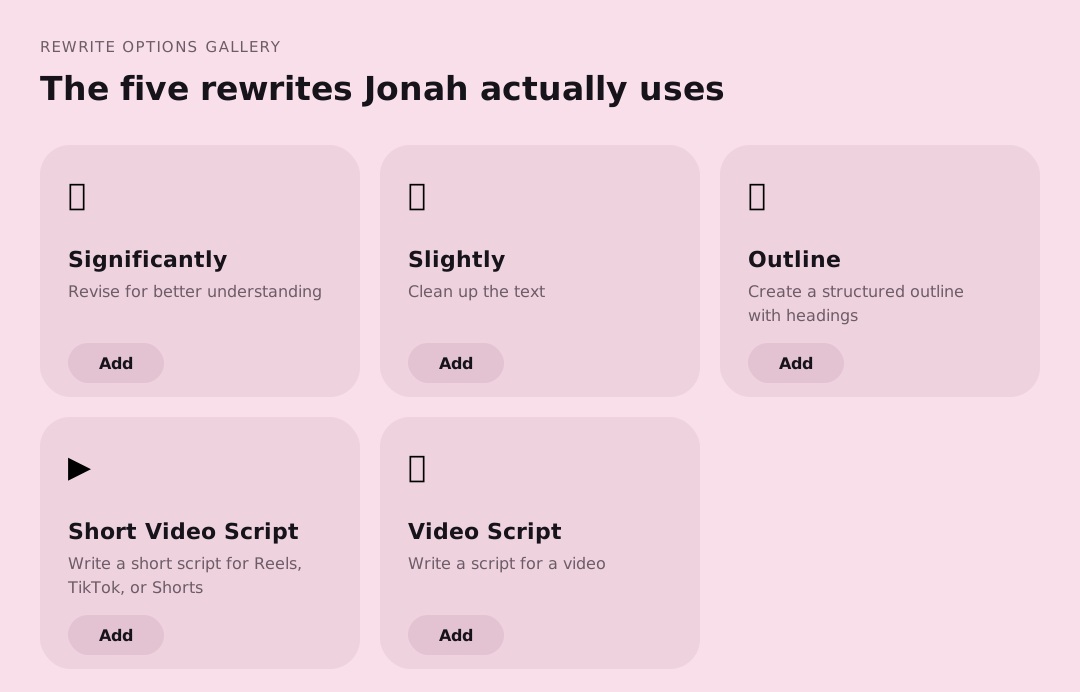
- Significantly – his default, for when he wants it tighter
- Slightly – light polish, especially on messages to his friend
- Outline – “I use the Outline one where it has all the bullet points and everything”
- Short Video Script – for the shorter videos he makes
- Video Script – for the longer ones
The pattern is always the same: dictate first, choose the prompt second. He decides what he wants to say, then decides how it should land.
And he’s honest that he hasn’t finished exploring: “I’ve played around with a good majority of Letterly, but there’s still some prompts that I haven’t tried.”
Why Jonah uses Letterly

1. It replaced his notes app
Jonah started out keeping his notes in Samsung Notes and importing them into Letterly. Then he noticed he was doing the same work twice.
Then I said, ‘Why would I do that?’ It already has all the notes in there, so why don’t I just keep it the way it is and use Letterly as your note-taking also?
So he stopped using a notes app. The thing he talks into also remembers everything he said, which makes it the archive by default – no importing, no second place to look.
2. Part note-taker, part therapist
We asked Jonah to describe Letterly’s role in his life conceptually – an assistant, a friend, something else. He thought about it, and then gave an answer we weren’t expecting.
Maybe even a part note-taker, part therapist.
He explained what he meant:
In a sense that it helps you analyze what you’re trying to convey and what you’re feeling. It helps break it down.
Not therapy – he wasn’t claiming that, and neither are we. It’s something narrower and more useful: a tool that helps him see what he actually means.
3. It makes a half-formed thought usable
I like to find meaning in things, and sometimes if I don’t understand something, this helps me with that. If I have a thought in my head and I’m not really sure what to do with it, it will help me solve some of my problems, because it will make it more concise.
Concise as a form of clarity, not brevity. That’s a job we didn’t write down anywhere, and it’s the one he values most.
4. Easy to use
The whole workflow is two decisions, and he describes it in one line:
I speak into it to dictate, then I choose the prompt that I wanna use for the post.
Two steps, five to ten times a day. The mechanics never get in the way of the message.