


Google Docs Voice Typing vs Letterly: A Better Google Docs Voice Typing Alternative
If you’re still using Google Docs voice typing, I have good news for you: you don’t have to struggle that much anymore. Voice-to-text apps have moved forward fast, and today the best ones can do much more than just dump raw speech onto the page. Today you don’t have to say “period” or “comma” just to make them appear. And I’ll tell you more, you don’t even need to spend time thinking about the tone of your email or googling how to organize your random thoughts into a useful journal entry.
Where Google Docs voice typing falls short
The main limitation is this: Google Docs voice typing is still mostly dictation, not transformation.
It helps you get words onto the page. But it does not naturally take a messy voice note and turn it into:
- a clean email
- a structured meeting summary
- a to-do list
- a polished social post
- a journal entry that actually reads well
That means your workflow often becomes:
Google also notes that your browser controls the speech-to-text service when you use voice typing, which is another reminder that this is a browser-based dictation flow, not a full voice-first writing system.
So if you think in messy, spoken language, Google Docs helps only with the first half of the process.
What Letterly does differently
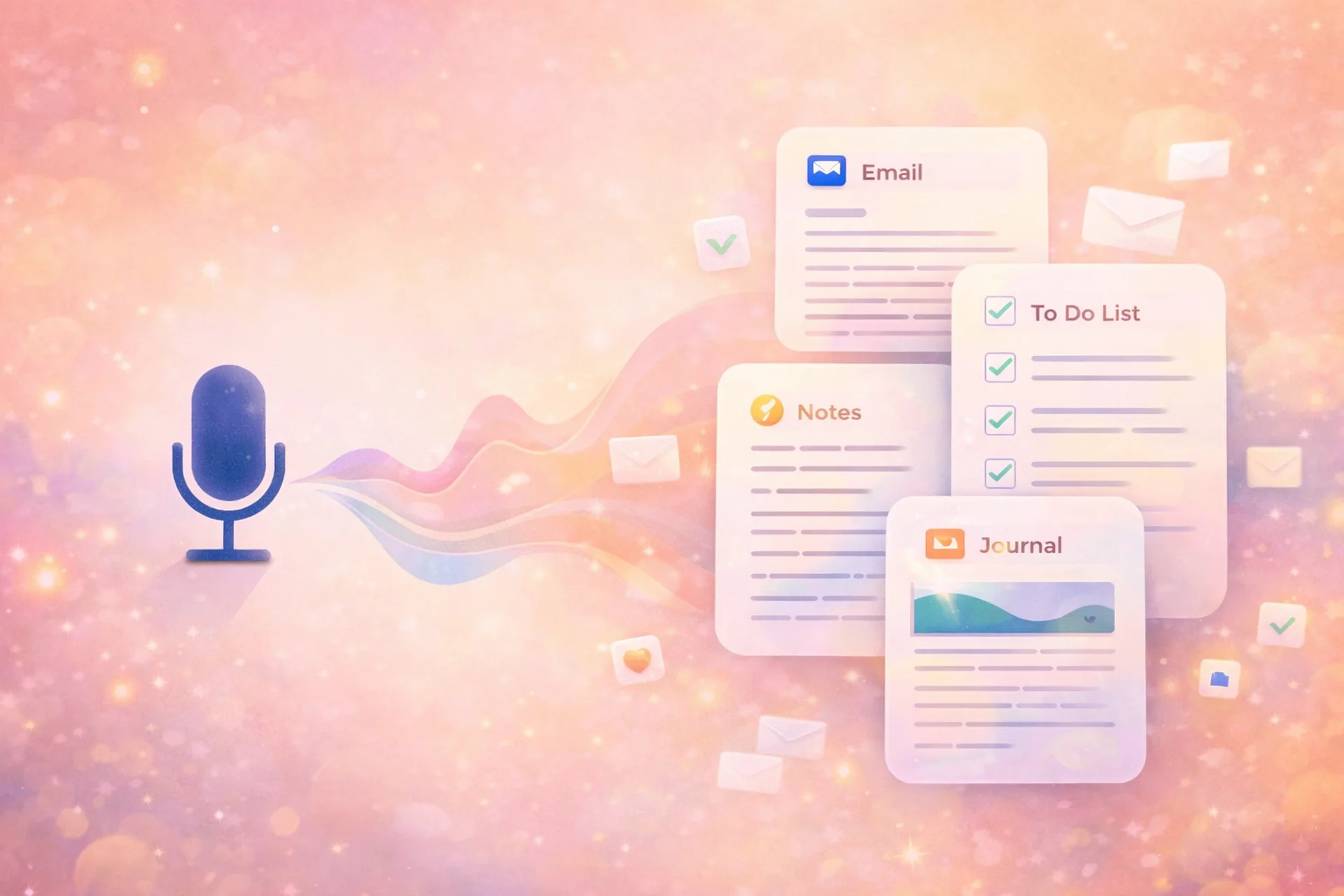
Letterly is built for a different kind of workflow.
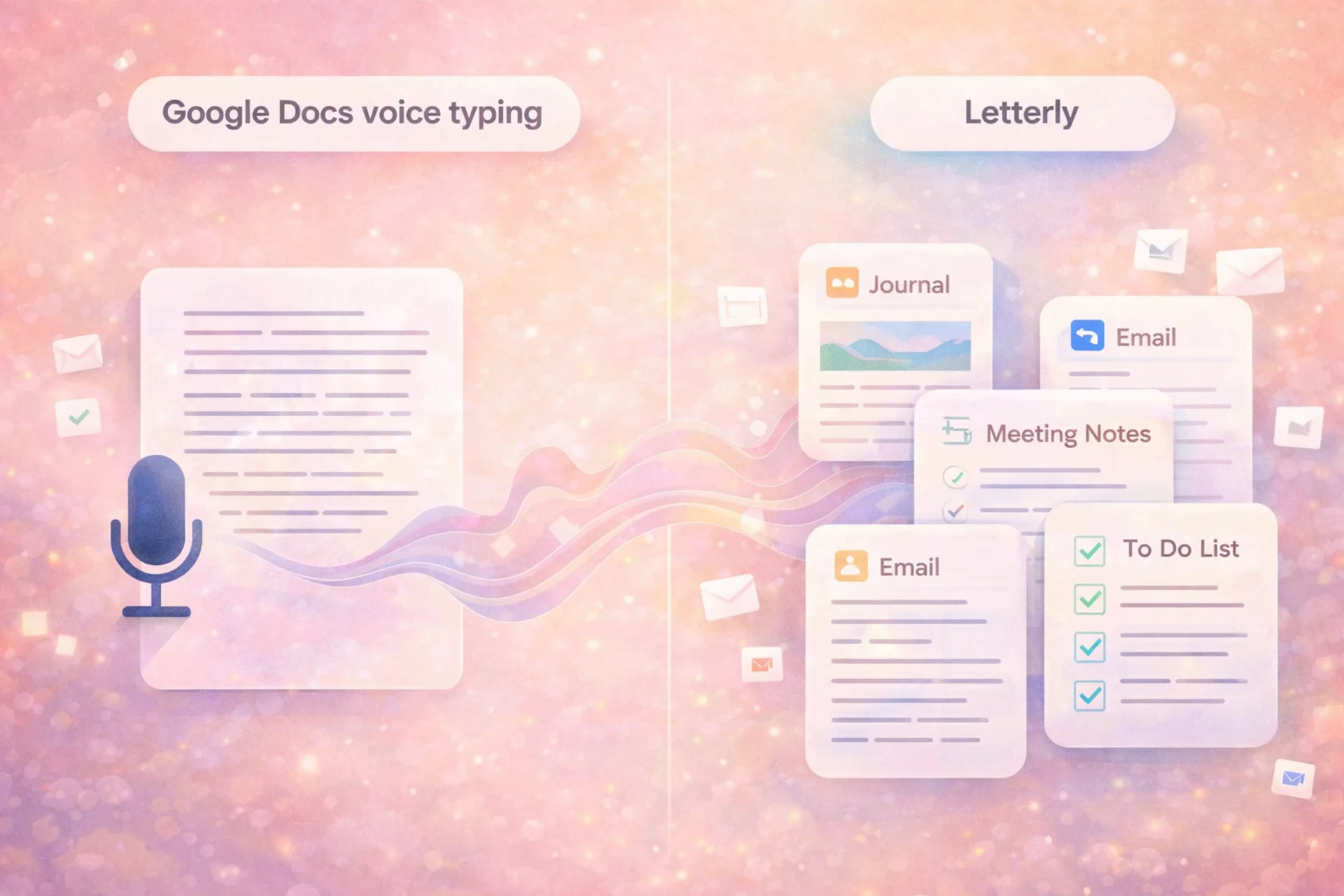
Letterly is a multi-purpose app, which turns speech into messages, notes, emails, posts, and journals, not just plain transcripts. It also offers built-in rewrite options such as structured text, formal email, friendly message, to-do list, and many others.
That matters because most people do not actually want just a transcript. They want an output they can send, save, post, or act on.
Letterly also goes beyond a single document window. Letterly is available on iOS, Android, Web, and macOS, supports 50+ languages, offers 25+ rewrite options, syncs notes across devices, and can send notes to tools like Google Docs and Notion via Zapier or webhooks.
So the workflow looks like this:
That is a very different experience from dictating directly into Google Docs and then fixing everything yourself.
Google Docs voice typing vs Letterly: the core difference
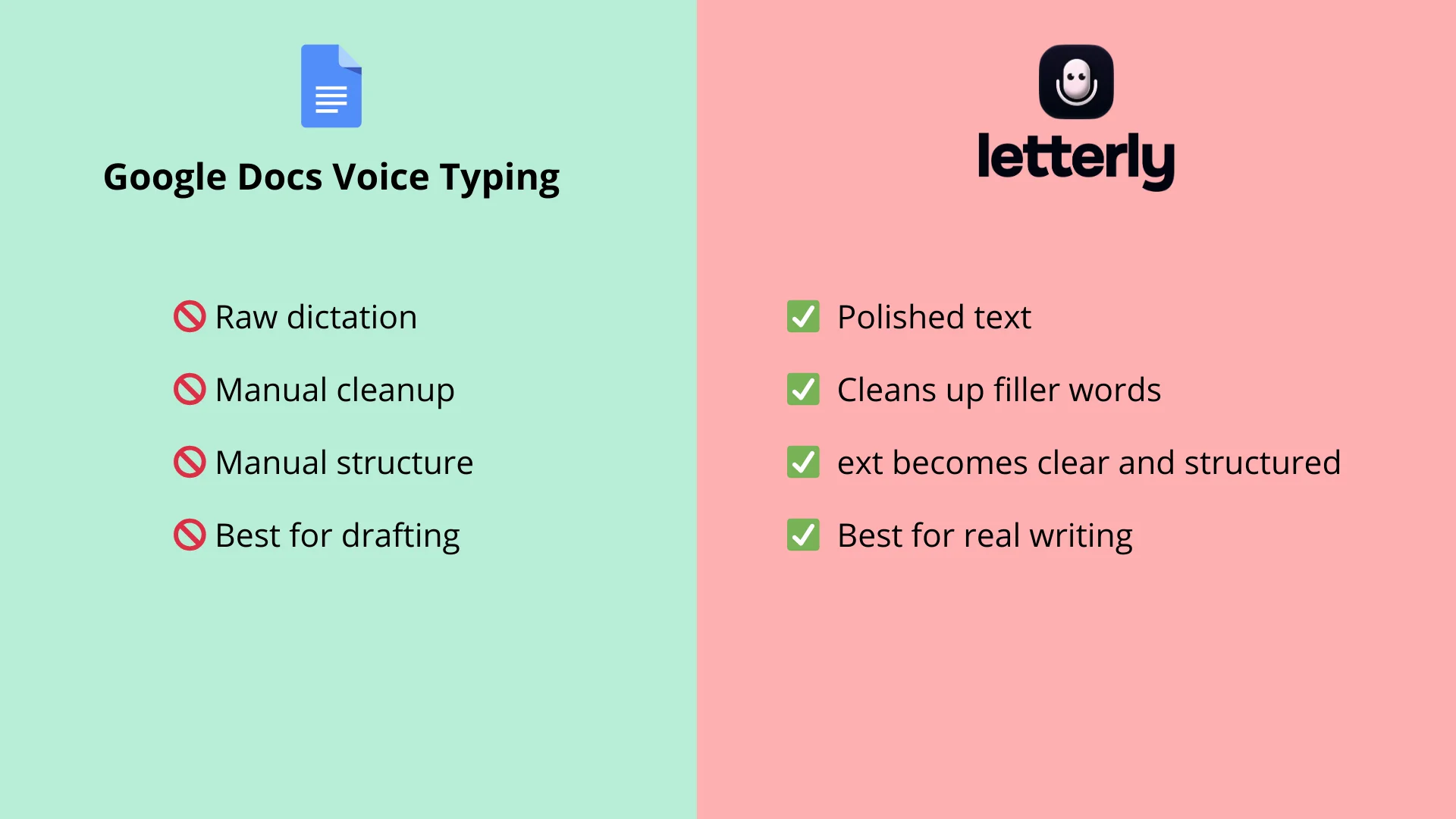
Here is the simplest way to think about it:
Google Docs voice typing is best when you want to replace typing.
Letterly is best when you want to replace drafting and cleanup.
Google Docs is document-first. Letterly is voice-first.
Google Docs starts with a blank page. Letterly starts with your spoken thought and helps shape it into usable text.
Google Docs is great if you want to dictate into one place. Letterly is stronger if your end goal is something more specific, like a summary, message, email, journal entry, or structured note. Letterly also supports features like speaker separation and recordings up to 90 minutes on supported platforms, which makes it more suitable for longer or more complex capture workflows.
Which one is better for different use cases?
Choose Google Docs voice typing if:
You already work in Google Docs all day and mainly want a free way to talk into a document and don’t need polished output after dictation, just a rough draft.
Choose Letterly if:
You tend to think out loud, record ideas on the go, or want your voice turned into text that already has shape and purpose.
Letterly makes more sense for:
- journaling
- meeting notes
- idea capture
- support replies
- emails
- content drafts
- to-do lists
- rewriting rough speech into something presentable
If all you need is a free way to dictate into a document, Google Docs voice typing can be enough. But if you want your spoken thoughts turned into clear, structured text you can actually use, Letterly is the better fit.
Got questions? Email us at hi@letterly.app – we’re happy to help.