What Is Google AI Edge Eloquent? Features, Use Cases, and Alternatives

What is Google AI Edge Eloquent?
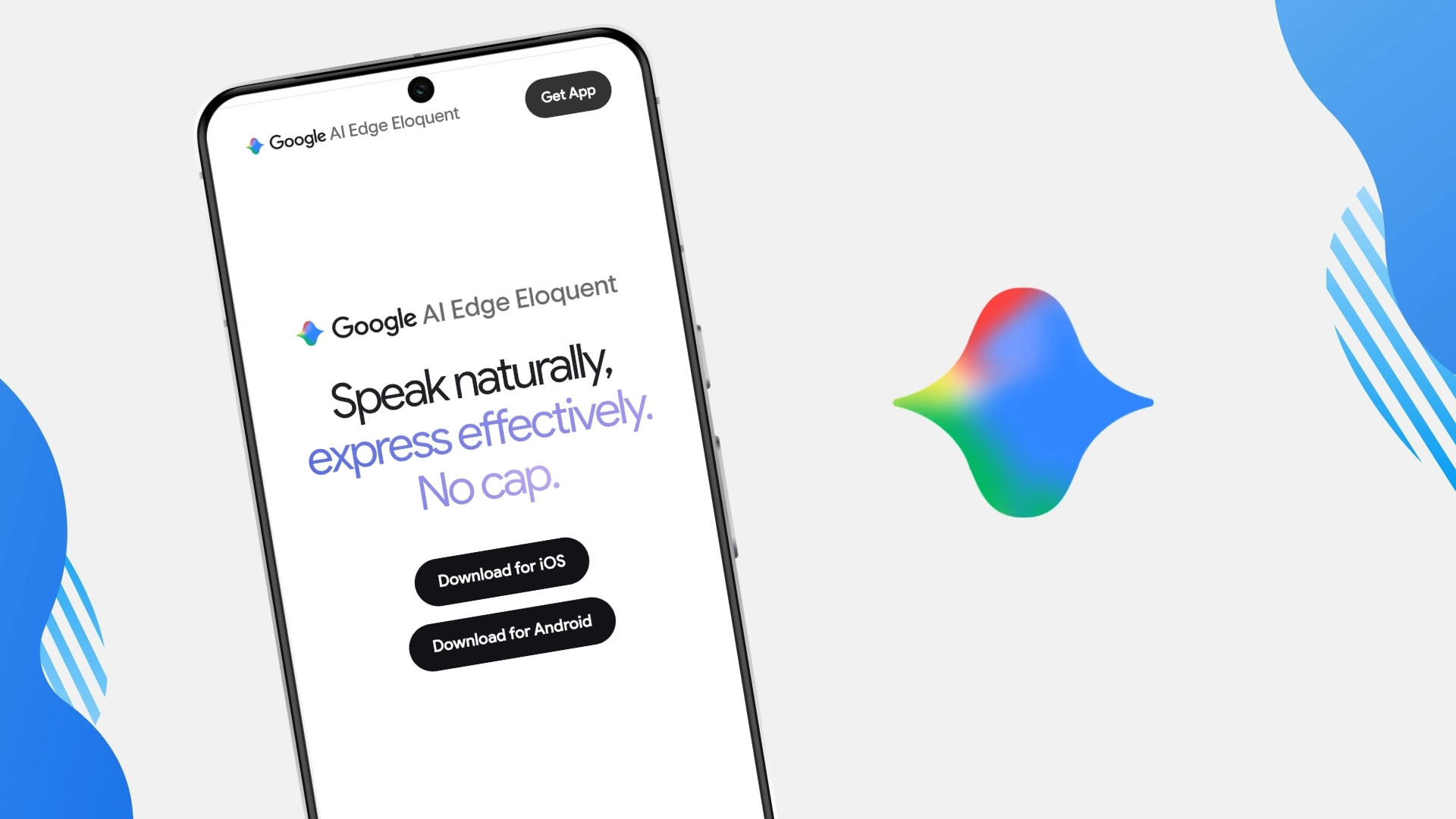
Google AI Edge Eloquent is an AI-powered dictation app from Google. It is designed to turn spoken thoughts into cleaner, more polished text instead of simply transcribing every pause, correction, or filler word.
Unlike basic speech-to-text tools, Eloquent tries to understand the intended meaning behind what you say. It can remove filler words, clean up rough speech, and help turn casual dictation into more usable writing. Google describes it as powered by Gemma technology and built for professional, ready-to-use text.
Key features of AI Edge Eloquent
1. Offline-first AI dictation
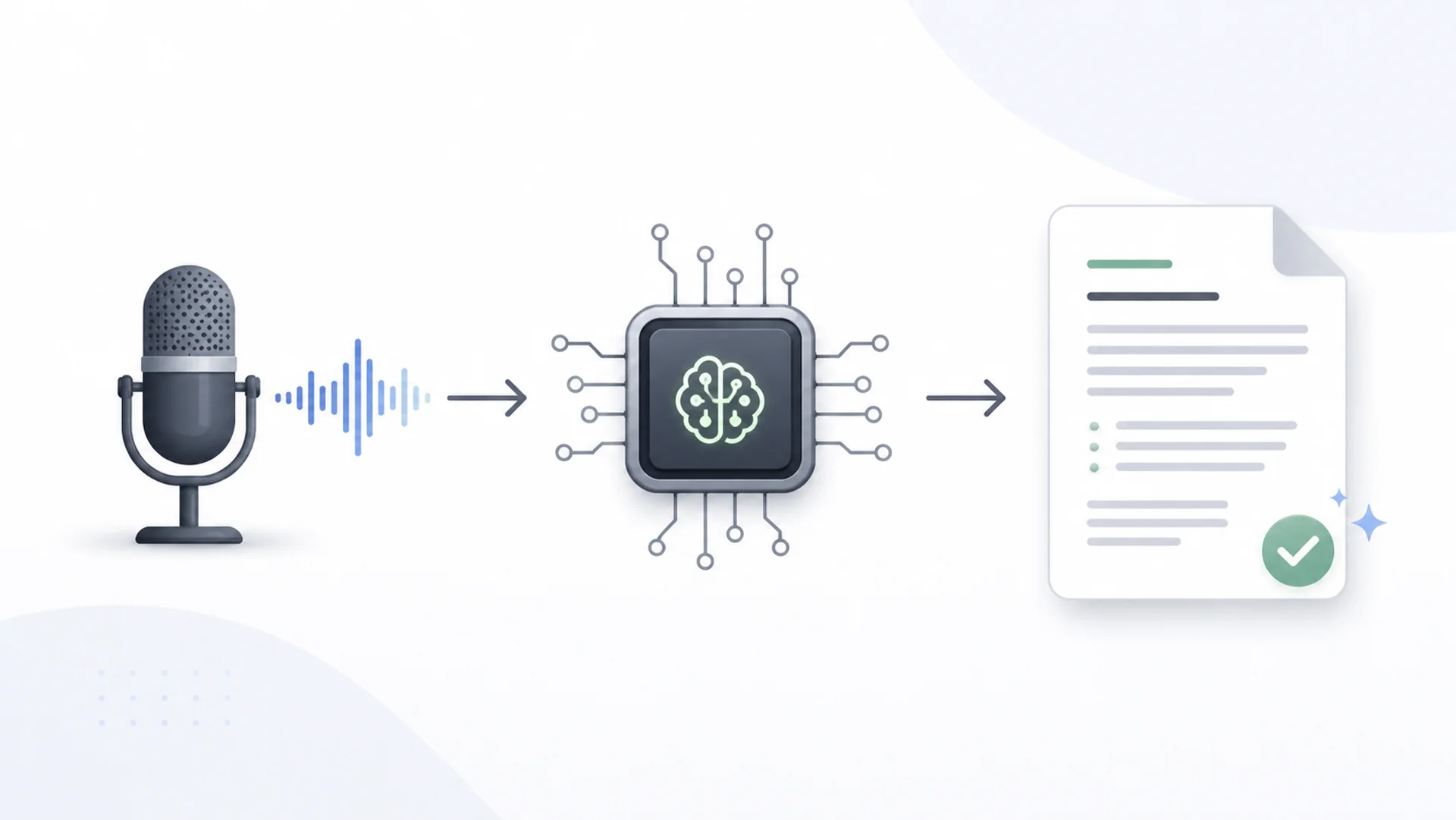
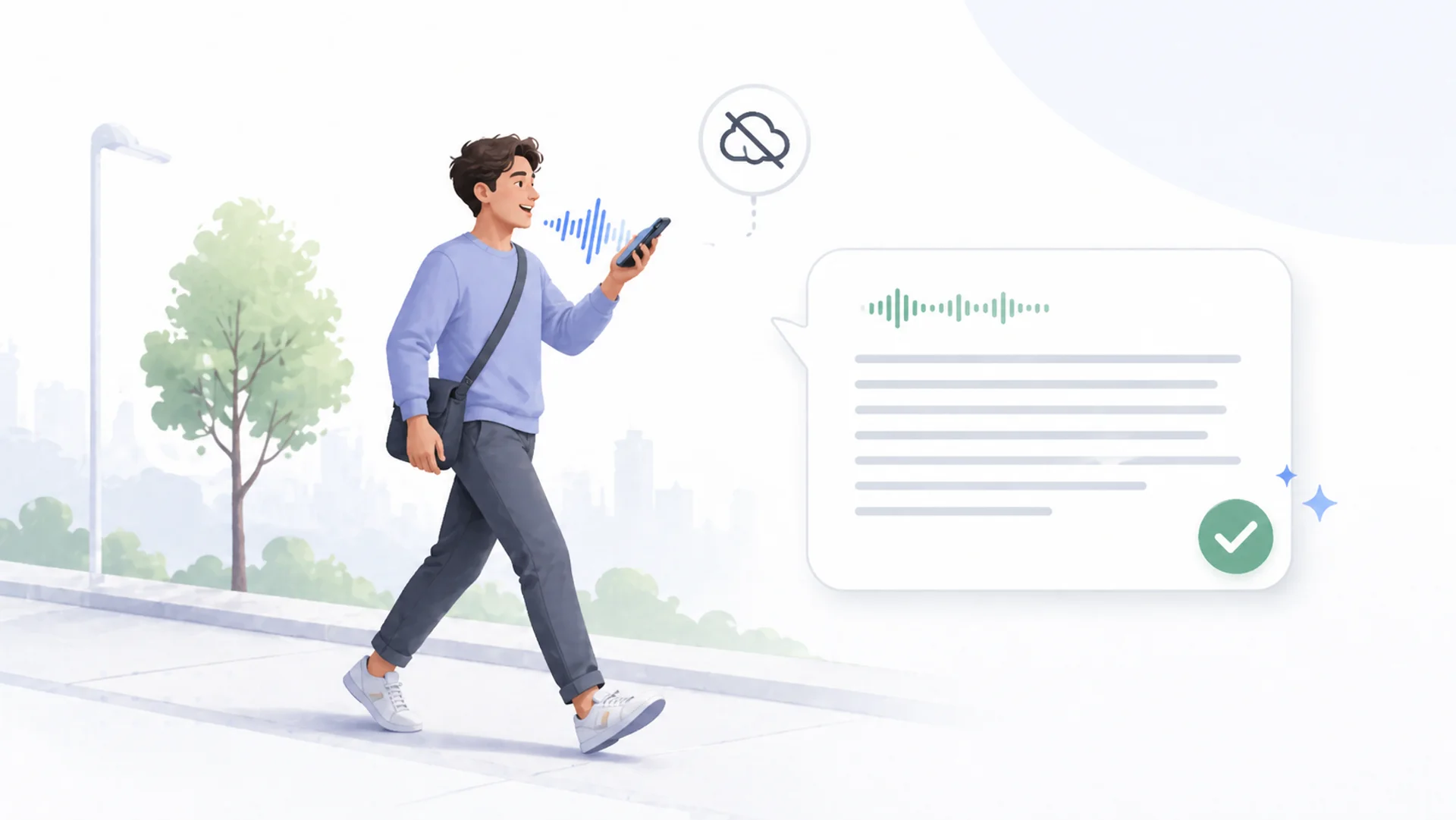
One of the biggest selling points of AI Edge Eloquent is that it can work offline for core dictation. That means speech processing can happen directly on the device instead of always depending on the cloud.
This is useful for people who care about privacy, travel often, or want dictation to work even when the internet connection is weak.
2. Cleaner text from natural speech
Eloquent is not just a raw transcription tool. It is designed to clean up spoken input by removing filler words and correcting messy phrasing. TechCrunch highlighted this positioning as a move from simple transcription toward “professional, ready-to-use text.”
3. Different writing modes
Reports mention modes such as key points, formal, short, and long, which let users transform speech into different formats.
This makes the app useful for people who want to quickly turn speech into a summary, a cleaner message, or a more polished piece of writing.
Who is AI Edge Eloquent good for?
AI Edge Eloquent is a good fit for people who want:
- Offline dictation
- Cleaner speech-to-text
- A free or lightweight dictation tool
- On-device AI processing
- Quick text cleanup after speaking
It is especially interesting for users who want a focused dictation app rather than a full note-taking or writing workflow.
Possible limitations of AI Edge Eloquent

AI Edge Eloquent is an impressive step forward for AI dictation. It can turn speech into cleaner text, remove filler words, and help users move beyond basic transcription. For quick voice input, especially when the goal is to get polished text from spoken words, it can be very useful.
However, its main focus is still dictation itself.
That may be enough if you simply want to speak and get a cleaner transcript. But it can feel more limited if you want to use voice as part of a broader writing workflow. In many everyday situations, you do not just need speech-to-text. You may want to turn a messy thought into a note, an email, a summary, a follow-up, a post, or a rewritten version in a specific tone.
This is where Letterly offers a different approach. Letterly is built not only to transcribe your voice, but to help turn spoken ideas into clear, structured writing. You can speak naturally and then transform the result into the format you actually need: a note, message, email, post, summary, or another everyday text.
Letterly also supports dictation on Mac, which makes it useful for desktop work. You can use your voice while working on your computer, instead of switching between tools or typing everything manually. This helps bring voice writing into the place where many people already do their daily work.
Other possible limitations of AI Edge Eloquent include:
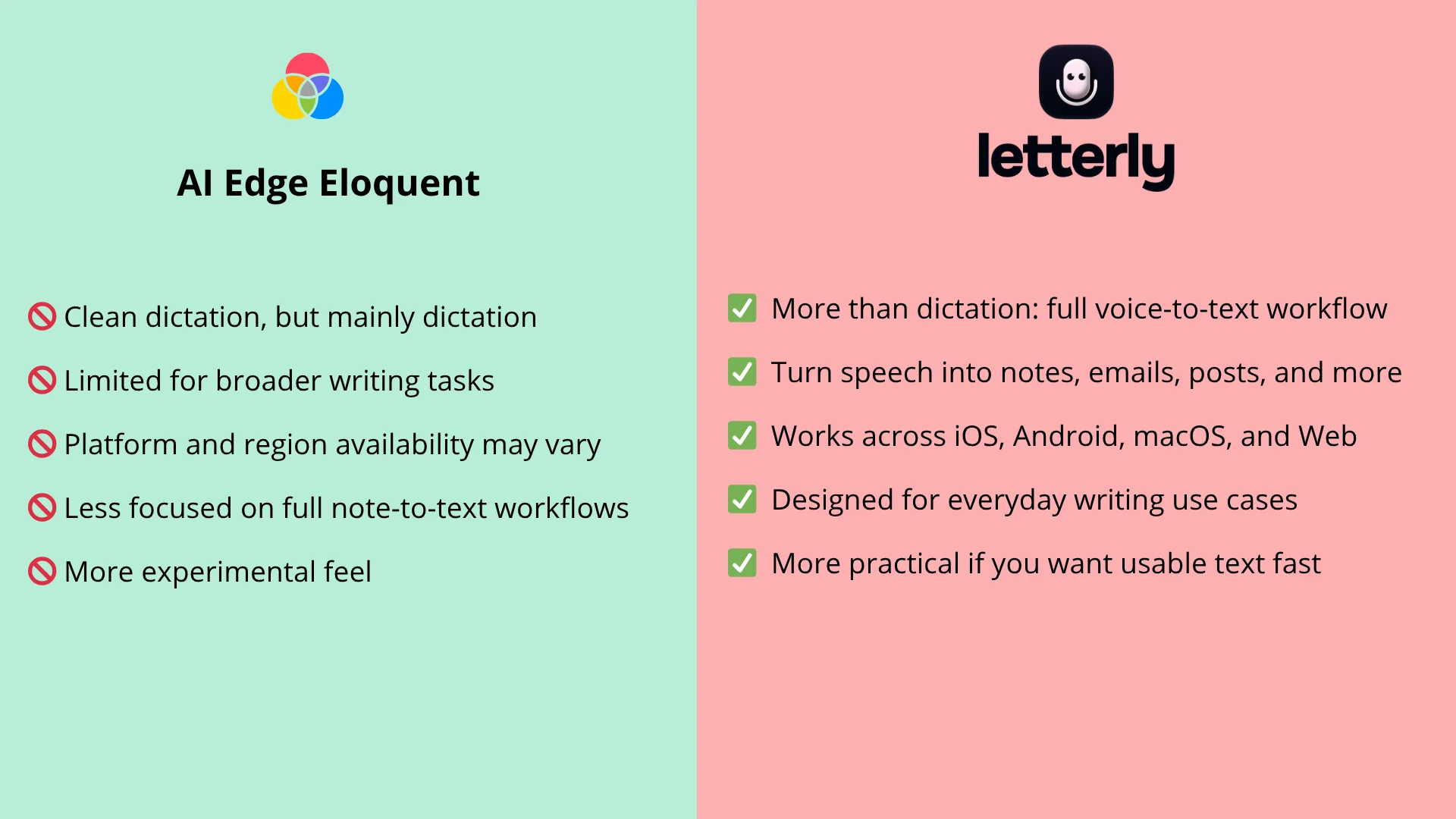
- It is currently positioned mainly as a dictation tool, not a full writing assistant.
- Availability may depend on platform, region, or device.
- It may be less focused on broader use cases like notes, emails, summaries, posts, and follow-ups.
- Some advanced features may rely on cloud processing rather than staying fully offline.
- The interface may feel more technical or experimental compared with apps designed for everyday writing.
Overall, AI Edge Eloquent is a strong option if your main goal is clean dictation. But if you want to use voice as a complete writing workflow, Letterly may be a more practical choice. It is designed for people who want to capture thoughts quickly and turn them into usable text across mobile and Mac.
AI Edge Eloquent smart alternative
Letterly is a voice-to-text writing app for people who want to speak naturally and get clear, ready-to-use text. Instead of focusing only on dictation, Letterly is built around the everyday moments where typing gets in the way: writing emails, saving notes, drafting posts, summarizing thoughts, or turning a quick idea into something structured.
If AI Edge Eloquent is about making dictation smarter, Letterly is about making writing easier. You speak once, and Letterly helps turn your voice into clean text you can actually use — whether that’s a note, an email, a summary, or a follow-up.
Quick review
AI Edge Eloquent vs Letterly
| Feature | AI Edge Eloquent | Letterly |
|---|---|---|
| Main focus | AI dictation | Voice-based writing workflow |
| Best for | Offline speech-to-text and cleanup | Notes, emails, summaries, posts, follow-ups |
| Text cleanup | Yes | Yes |
| Writing formats | Yes, selected modes | Yes, broader everyday outputs |
| Best user | Someone who wants clean transcription | Someone who wants to stop typing and create usable text from speech |
Google AI Edge Eloquent is one of the most interesting new AI dictation tools, especially because of its offline-first approach and clean speech-to-text experience. It shows where voice writing is going: away from raw transcripts and toward polished, ready-to-use text.
But for people who want more than dictation, Letterly may be the more practical everyday choice. It is built for the moments when you do not just want a transcript — you want a note, an email, a summary, a post, or a clear piece of writing from your voice.
If you want to go beyond dictation and use your voice for everyday writing, Letterly gives you a simple way to capture ideas, clean them up, and turn them into something ready to use.
Got questions? Email us at hi@letterly.app – we’re happy to help.