


How to Create New Year’s Resolutions Using AI

You’re finally exhaling into your January break, but there’s a tiny itch in the background: those New Year intentions you meant to think through. Maybe you forgot. Maybe you didn’t, and it just feels… like a lot.
Resolutions are supposed to bring clarity. Instead, it often looks like a blank page and one repeating thought: Where do I even start?
This is where AI is genuinely useful. Not to “reflect for you,” but to take your messy, honest thoughts and shape them into something you can actually use: patterns, lessons, priorities, and a simple plan. If you want a quick reflection for New Year, the easiest way is to talk it out first. You’ll only need one app and 30 minutes total:
-
5 minutes: speak your year out loud
-
10 minutes: answer guided questions
-
10 minutes: let AI extract patterns and goals
-
5 minutes: create a first-week plan
How to do a New Year reflection using Letterly
Let’s walk through it step by step: here’s how to do a New Year reflection using Letterly.

Step 1: Record the “raw year” in 5 minutes
Open Letterly and record your thoughts on the following questions:
- What were the highlights?
- What were the hard parts?
- What surprised you?
- What changed you?
This short introduction serves as a warm-up. If you’re not used to expressing your thoughts out loud, it helps reduce anxiety before you go deeper.
Why this works: your brain remembers in stories, not bullet points. Voice helps you get the story out quickly.
Step 2: Go deeper with your reflection
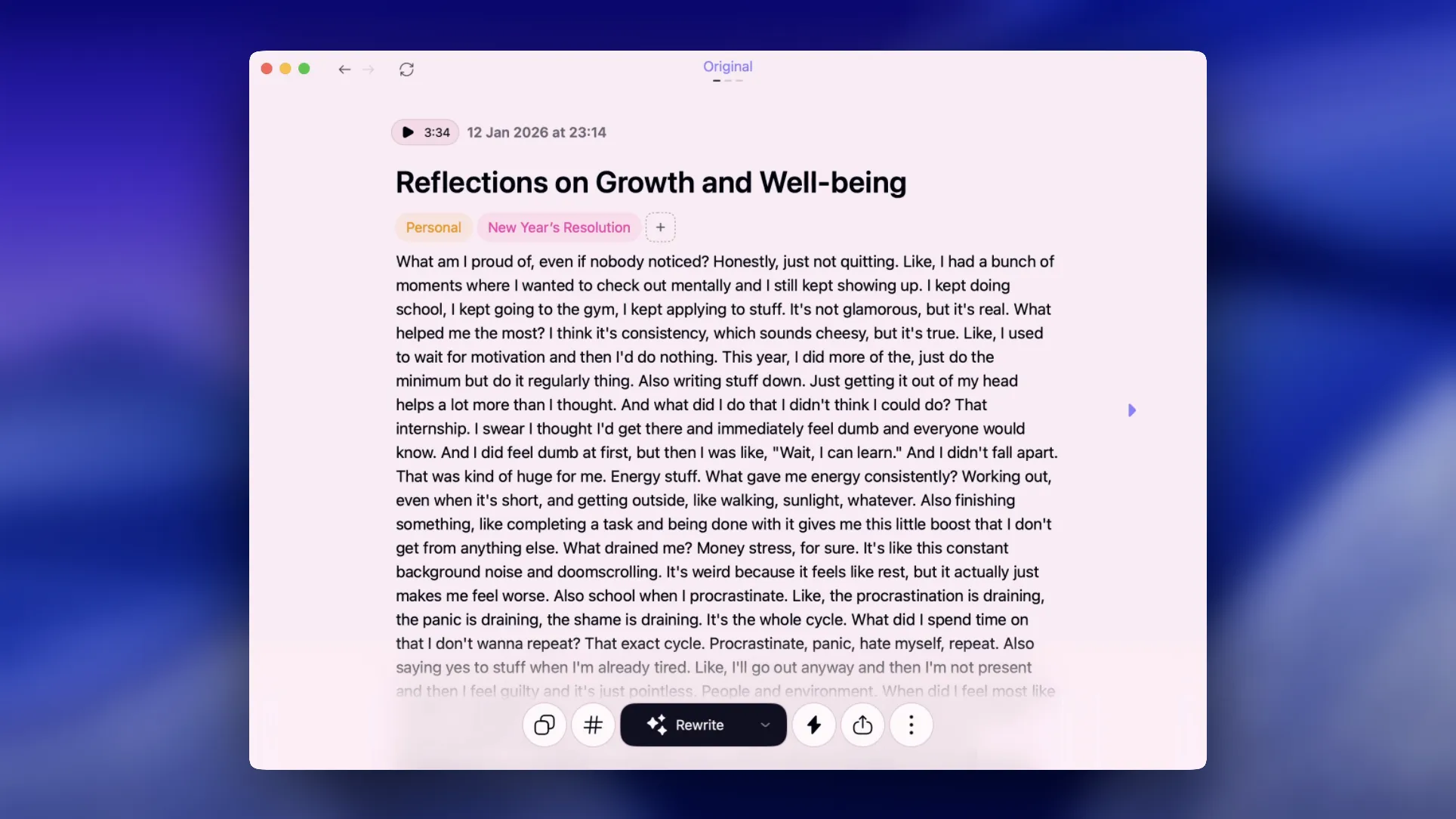
Record short answers to any questions that feel relevant. You don’t need all 12.
🏆 Wins and growth
- What am I proud of this year, even if nobody noticed?
- What skill, mindset, or habit helped me the most?
- What did I do this year that I didn’t think I could do?
⚡️Energy and priorities
- What gave me energy consistently?
- What drained me consistently?
- What did I spend time on that I don’t want to repeat?
🙋♂️ People and environment
- When did I feel most like myself?
- Who made my life better this year, and how?
- Where did I do my best work, and what was different about that environment?
📝 Letting go and direction
- What should I stop carrying into next year?
- What belief about myself needs an update?
- If next year were “simpler,” what would I remove first?
Nice work. You can relax now, and Letterly will take it from here. 😉
Step 3: Do your New Year review with AI
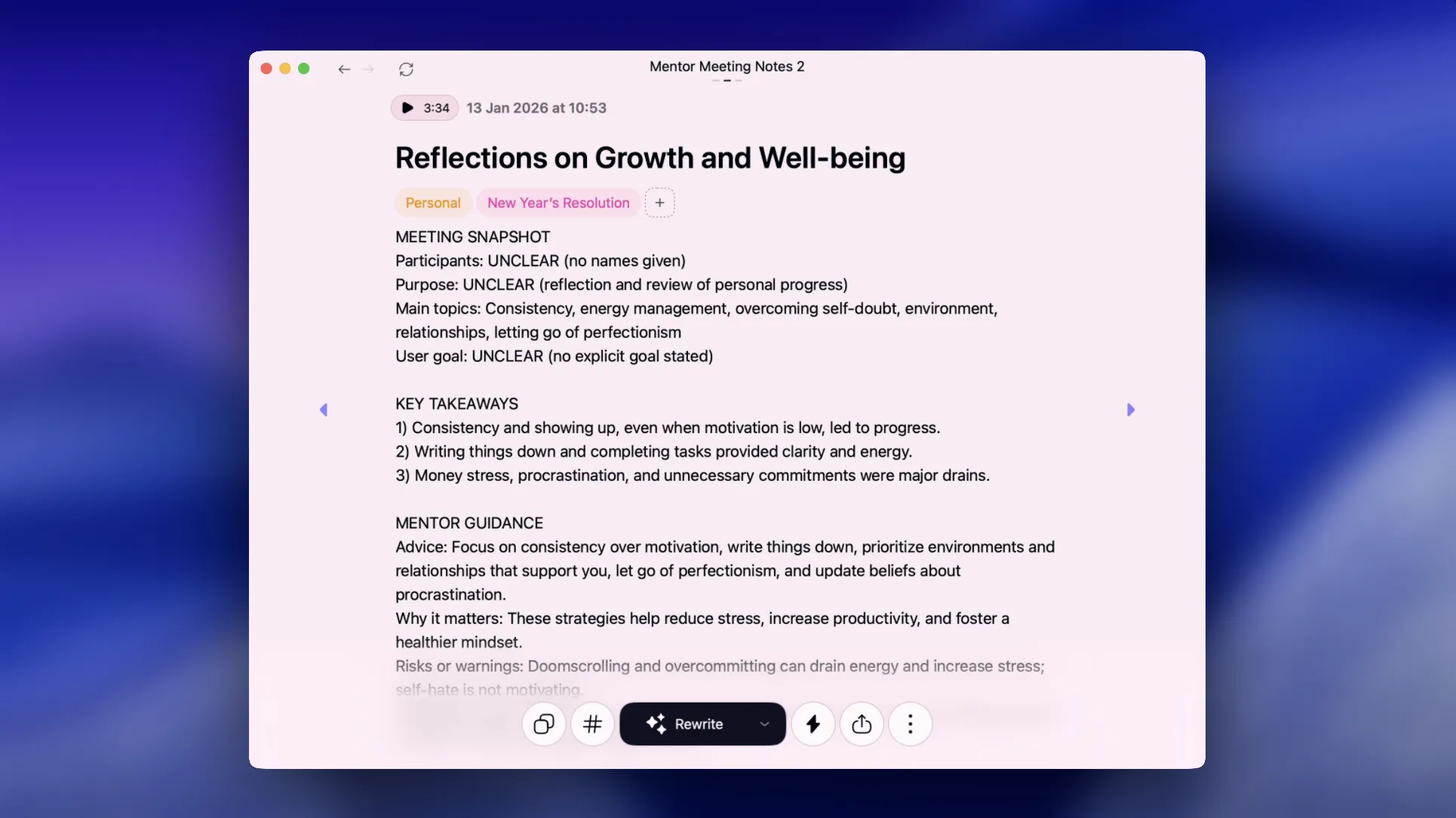
Now you have a transcript. This is where AI becomes genuinely helpful. In Letterly, open the rewrite options gallery and run your note through something like Detailed Summary or Significantly to turn a raw reflection into something easy to read.
Want more control? Create a custom rewrite option, these New Year’s reflection prompts will help you summarize your year and spot patterns fast.
Prompt 1: 10-bullet summary
Summarize my reflection in 10 bullets. Keep it concrete. Include wins, challenges, and changes.
Prompt 2: Themes and patterns
Extract 5 themes that defined my year. Then list:
- 3 patterns to keep
- 3 patterns to change
- 5 “lessons learned” written in one sentence each
Prompt 3: Stop / Start / Continue
Create a Stop/Start/Continue list based on my reflection. Make each item specific and measurable.
This step turns “a lot happened” into “these were the repeatable patterns.”
Turn reflection into resolutions that survive February

Most resolutions fail for one reason: they’re a vibe, not a system.
So instead of writing “be healthier,” you’ll convert each goal into:
- a habit
- a trigger
- a minimum version
- a weekly target
Step 1: Convert goals into habits
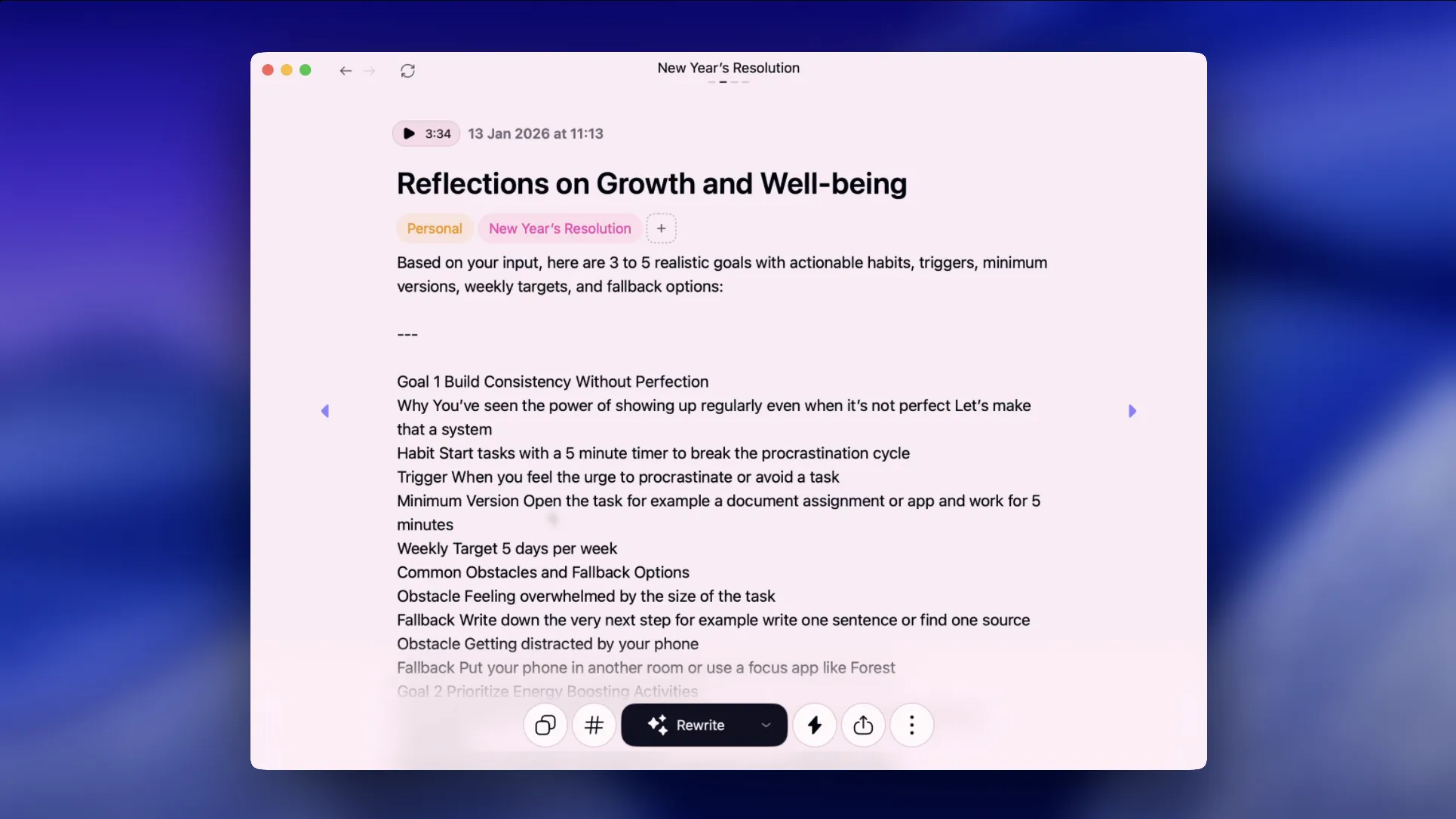
Take your reflection transcript and review it: what you’d like to change, what you want to keep, and anything else that comes to mind. Record it in Letterly, and be as detailed as you can. After you finish, you can use the Mentor Meeting Notes rewrite option, which will outline the next steps, decisions, and goals. Or you can create your own rewrite options. Here are some suggestions:
Prompt: Goal → habit plan
Turn my priorities into 3 to 5 realistic goals. For each goal, propose:
- 1 habit (what I do)
- a trigger (when it happens)
- a minimum version (the smallest acceptable version)
- a weekly target (how often)
- common obstacles and simple fallback options
Example output (what “realistic” looks like):
-
Goal: Improve health
Habit: Walk after lunch
Trigger: Lunch ends
Minimum version: 5-minute walk
Weekly target: 4 days
Fallback: 2 minutes outside + stretch
This is the difference between motivation and execution.
Step 2: Write your “If–Then rules” (the secret weapon)
If you only do one thing for your resolutions, do this.
Prompt: Implementation intentions
Create If–Then rules for my goals. Focus on predictable obstacles like busy days, travel, low energy, and missed days. Keep each rule short.
Examples:
- If I miss a day, then I do the minimum version tomorrow morning.
- If I feel overwhelmed, then I pick one 10-minute task and stop there.
- If I start procrastinating, then I open Letterly and record what I’m avoiding in one minute.
Make it stick with a simple review ritual
Step 1: Create a weekly check-in note you can reuse
In Letterly, create a note called:
“Weekly Check-in”
Each week, add a short voice entry answering:
- What worked this week?
- What didn’t work, and why?
- What’s the one adjustment for next week?
Prompt: Weekly review summary
Summarize my weekly check-in and propose 1 adjustment that will have the biggest impact next week.
This keeps your goals alive without turning your life into a spreadsheet.
With a few simple prompts and the right tool, you can turn vague goals into a clear plan you’ll actually follow. 😊
Got questions? Email us at hi@letterly.app – we’re happy to help.