


Best Wispr Flow Alternative in 2026: Why Letterly Is the Better Choice for Real Notes
Voice-to-text apps are no longer “nice to have.” They’re becoming the default way we write. We use them to ship work faster, to vibe code, to journal, to capture ideas mid-walk, and to turn raw speech into something you can actually send or save.
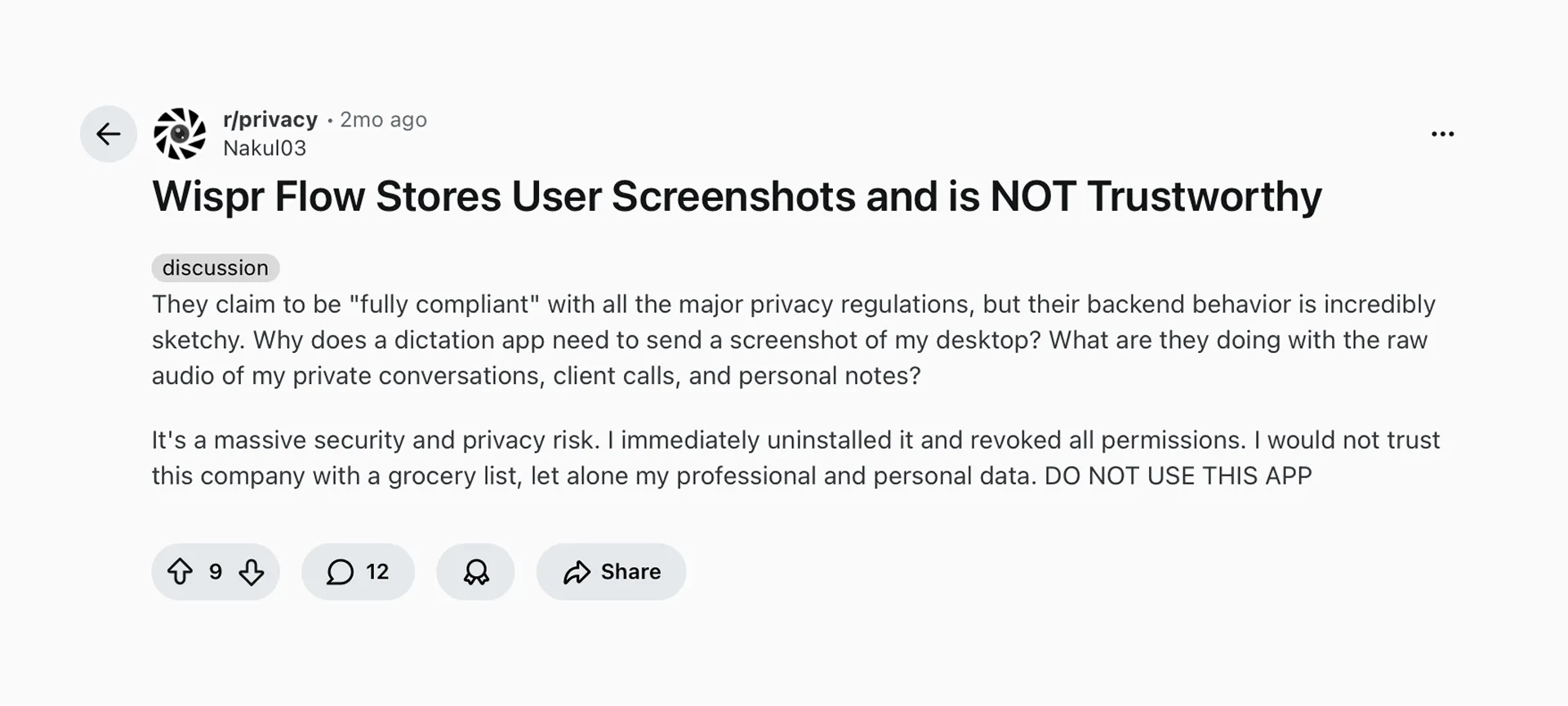
Wispr Flow is one of the best-known names in the space, and for some workflows it’s genuinely great. But it also comes with tradeoffs that matter: privacy questions, and the kind of heavy background resource usage that can make your device feel… busy.
The good news is you don’t have to commit to one app forever. This category is moving fast, and newer competitors are getting better quickly. So let’s look at the best Wispr Flow alternatives in 2026.
What Wispr Flow is
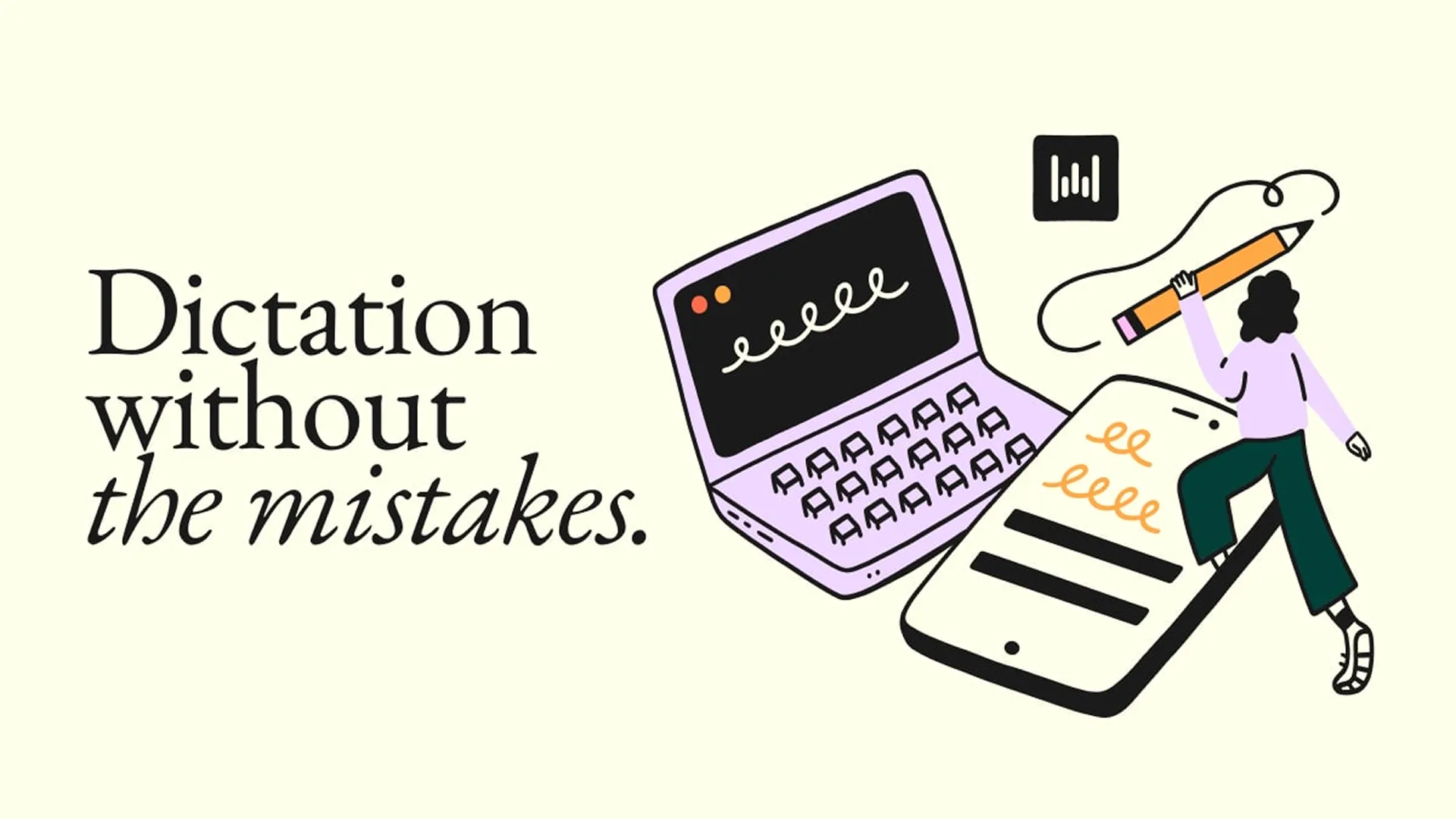
Wispr Flow is a voice dictation tool designed to let you speak naturally and get polished text inserted into whatever you’re writing: Gmail, Notion, Google Docs, Slack, and more.
What it does well:
- Dictation in any text field (desktop and iPhone positioning)
- Live cleanup while you speak: removes filler words, formats lists, handles punctuation, and understands quick corrections
- Personal dictionary + snippets for names, jargon, and reusable blocks of text
When Wispr Flow isn’t enough
A lot of people start looking for a Wispr Flow alternative for one simple reason: trust.
Dictation apps need deep access to your system, which means you’re not just choosing a faster way to type. You’re choosing what gets processed, what gets stored, and what permissions you’re comfortable giving an app that’s running in the background.
And once privacy questions show up, it’s hard to unsee them.
Wispr Flow is “voice as your keyboard.” That’s a very specific promise, and it’s perfect for short-form writing.
But many people hit a ceiling when they need more than fast typing:
1) You need long-form outputs, not just faster input
Voice typing helps you produce text. It doesn’t automatically give you:
- meeting notes with action items
- a structured summary
- a clean draft you can publish
- reusable documentation
2) Your content is already recorded
A lot of real work starts as:
- Zoom recordings
- interviews
- lectures
- voice memos
- customer calls
In those cases, you need audio file to text, then a rewrite step.
3) You want an “audio to finished draft” workflow
This is the biggest gap. Dictation tools are great at producing sentences in a text field. They are not designed around the end result: a shareable note, a summary, or a draft.
Best Wispr Flow alternative for real notes: Letterly
If your main goal is turning audio into something you can use later, share, or publish, Letterly is the better fit.
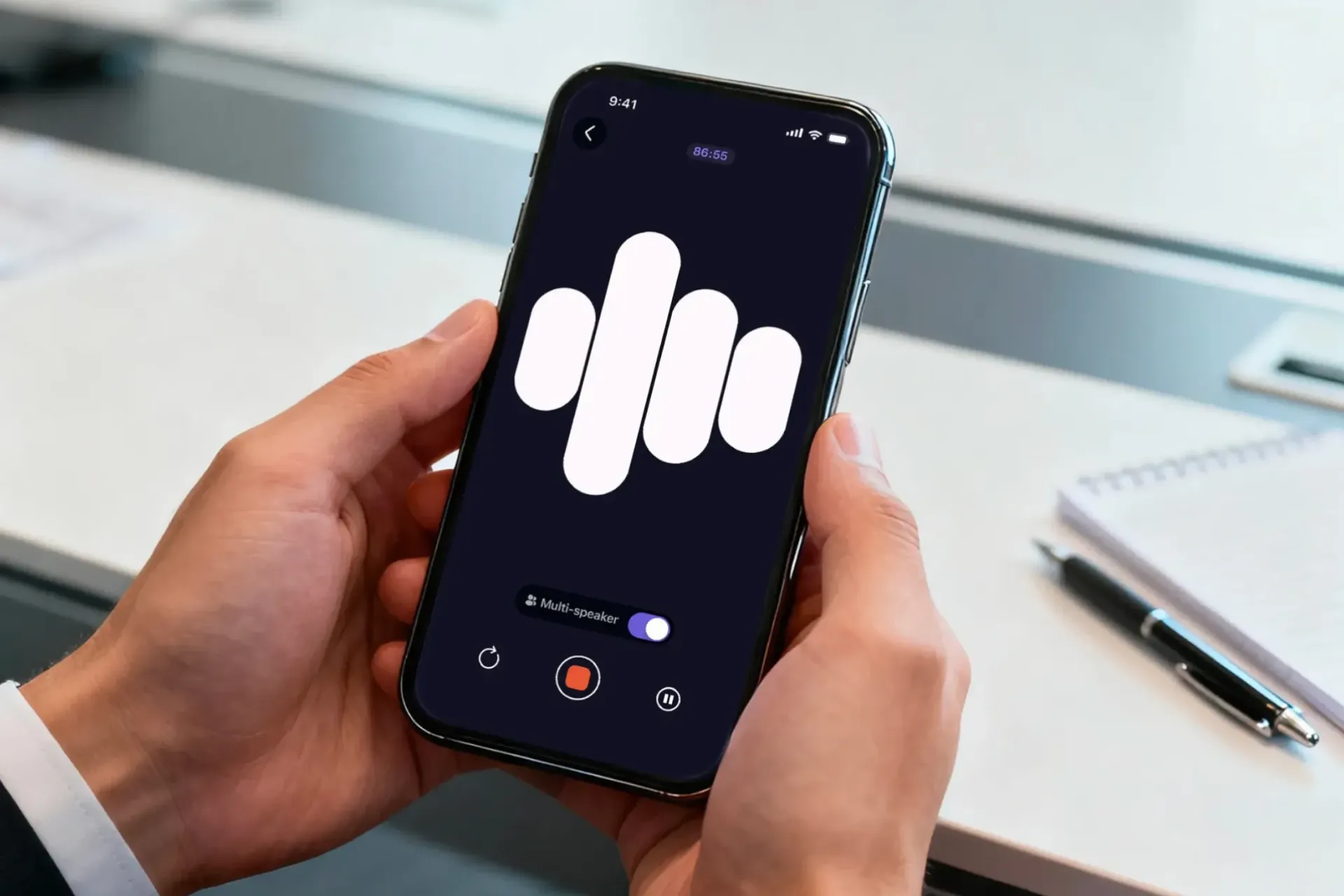
Letterly is built for “recordings to outcomes”
Instead of stopping at dictation, Letterly is designed around the full workflow from raw audio to a finished result:
- Record or upload audio (voice memos, meetings, interviews, videos).
- Convert audio to text.
- Turn that text into the output you actually need: summary, structured notes, email draft, study notes, and more.
- Edit, save, export.
That means the product is optimized for the moment after transcription: when you’re staring at a wall of text and thinking, “Now what?”
Letterly also supports dictation in any text field
Letterly now includes a system-wide dictation mode, so you can speak in any text field and see your words appear right there.
When you stop dictating, your Main rewrite option is applied automatically. By default, it’s a simple “system rewrite” that cleans up your text and adds punctuation. But you can switch it to any rewrite format you want, like Meeting takeaways or Email format.
You can also pin your favorite rewrite options, so after dictation you can apply them in one tap.
Where Letterly beats Wispr Flow in practice
Here are common situations where dictation alone is not enough:
- Meeting to action items: You want decisions, owners, next steps.
- Voice memo to blog outline: You want structure, headings, and a clear flow.
- Interview to highlights: You want a short summary plus key quotes.
- Brain dump to clean draft: You want a readable version, not raw speech.
Wispr Flow vs Letterly
| Feature | Wispr Flow | Letterly |
|---|---|---|
| Best for | System-wide dictation | Notes from recordings |
| Workflow | Speak → text field | Record/Dictate → text → rewrite |
| Recorded audio | Not the focus | Yes |
| Outputs | Faster input | Summaries, notes, drafts |
| Post-transcript step | Mostly manual | Built-in rewrite options |
| Edit + export | In the target app | In-app + export |
| Not ideal if | You need structured docs | — |
Input
- Wispr Flow: Speak directly into any app and get polished text inserted.
- Letterly: Record/upload audio for transcripts, or use system-wide dictation in any text field.
Output
- Wispr Flow: Great at dictation cleanup (punctuation, fillers, formatting, live corrections).
- Letterly: Great at turning transcripts into structured outputs and drafts. In dictation mode, it can also auto-apply a rewrite when you stop speaking.
Best use cases
- Choose Wispr Flow if you primarily write lots of short messages and want systemwide voice typing across apps.
- Choose Letterly if you want to convert audio into summaries, notes, and drafts you can reuse.
If you’re looking for the best Wispr Flow alternative because you need more than voice typing, Letterly is the stronger choice: it’s designed for turning recordings into clean notes, summaries, and drafts.
Got questions? Email us at hi@letterly.app – we’re happy to help.