


Best Voice Recorder and Voice Memo Apps for iPhone: Free and Paid Options
Your iPhone can record audio, sure. But real life isn’t always that simple. Meetings run long, ideas pop up mid-walk, interviews happen on the go, and notes need to stay organized and easy to reuse.
This guide compares 5 apps that cover the most common needs: reliable recording, fast transcription, and turning voice into usable notes.
What to look for in an iPhone voice recorder app
Before we jump into apps, here’s the checklist that actually matters:
- ✔️ Recording quality: handles background noise, supports Bluetooth mics, stable audio
- ✔️ Reliability: long recordings, background recording, fewer “it stopped” moments
- ✔️ Organization: folders, tags, search, pinning, quick naming
- ✔️ Sharing and export: how easy it is to share audio and text
- ✔️ Rewrite and summaries: summaries, clean-up rewrites, structured notes (action items, outlines, emails)
- ✔️ Price: free vs paid options
- ✔️ Usage on different devices: works on multiple devices, and whether it stays synced
- ✔️ Best for: the most common real-life use case the app is optimized for (quick capture, meetings, rewriting, file imports)
Let’s compare the options
| Evaluation criteria | Apple Voice Memos | Letterly | Otter | Dolby On | Notta |
|---|---|---|---|---|---|
| Recording quality | Built-in recorder with “Enhance Recording” noise reduction | Standard iPhone recording, plus screen-off/background capture | Meeting-focused recording (quality depends on mic) | Auto studio sound (noise reduction, EQ, limiting) | Standard recording |
| Reliability | Very reliable system app | Stable offline recording + screen-off recording + stable file import workflow | Stable for meeting capture + live transcription | One-tap recording + built-in editor | Stable file import workflow |
| Organization | Folders, search, favorites | Tags + search by keywords | Folders for conversations | One-tap recording + built-in editor | Central transcript workspace |
| Sharing and export | Share recordings via iOS share sheet | Quick sharing + integrations (Zapier, webhooks) | Export transcripts in different format | Share to social + export lossless audio | Export transcripts in different format |
| Rewrite and summaries | Not available | Many rewrite options, plus the ability to create custom ones | Automated summaries + AI features | Not available | AI summarization highlights key points |
| Price | Free | Free + paid plans | Free + paid plans | Not available | Free + paid plans |
| Usage on different devices | Apple ecosystem | iOS, Android, Web, macOS | iOS + Android, macOS | Web + iOS + Android | Web + iOS + Android |
| Best for | Quick audio capture | Multitasking voice notes | Meetings + shared transcripts | Creator audio polish | Meetings |
1. Apple Voice Memos
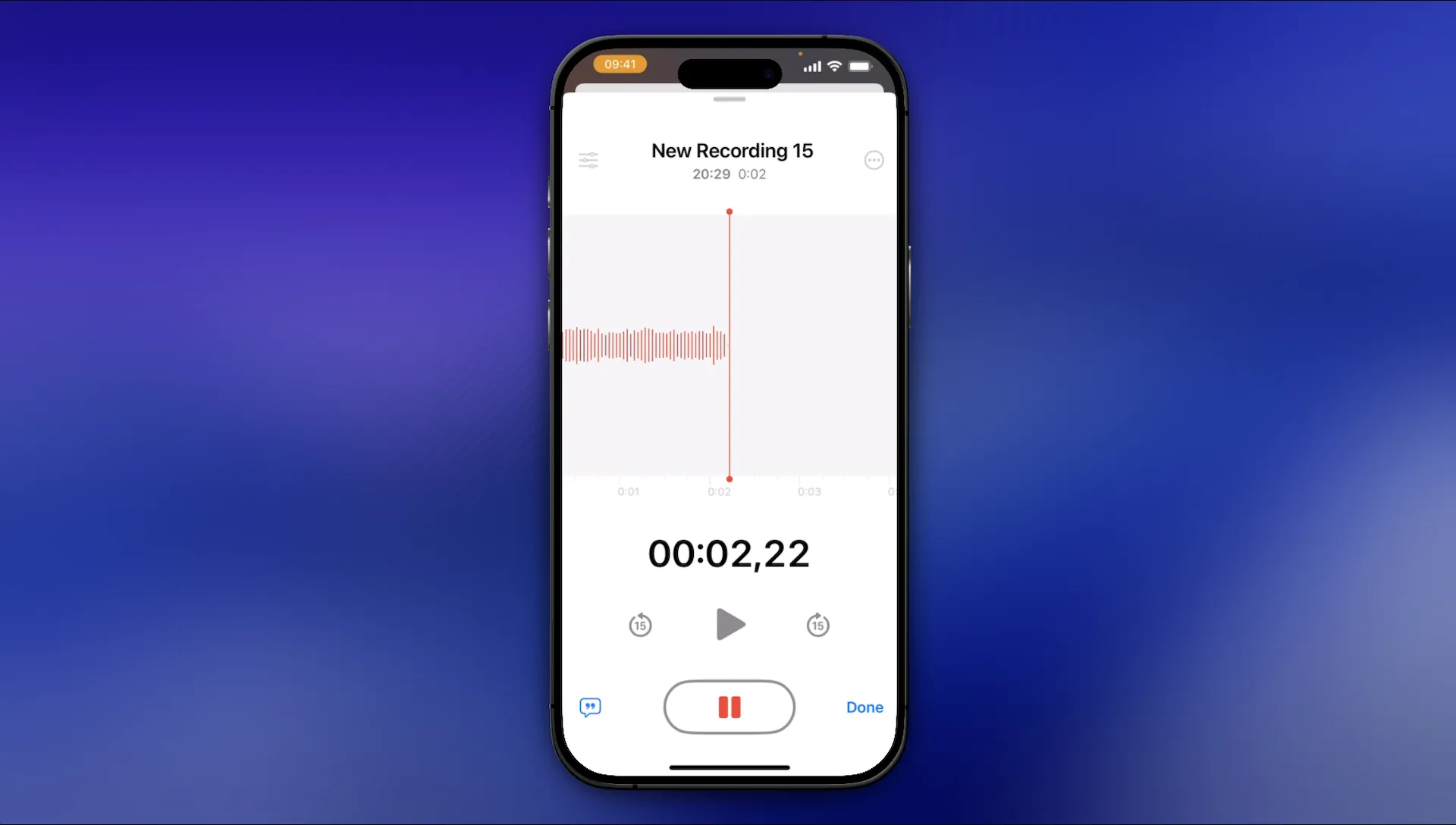
If you want something simple, reliable, and already on your iPhone, Apple Voice Memos is good option. It’s designed for quick personal notes, lectures, interviews, and everyday recording, plus it now includes a transcription feature.
Why it’s great
- Built-in and stable for long or frequent recordings
- Folders + search keep things manageable when recordings pile up
- Good recording options (Bluetooth mic support, audio quality choices)
Where it falls short
Voice Memos is excellent at capture. But it’s not built for turning messy speech into polished writing, structured notes, or reusable outputs.
2. Letterly
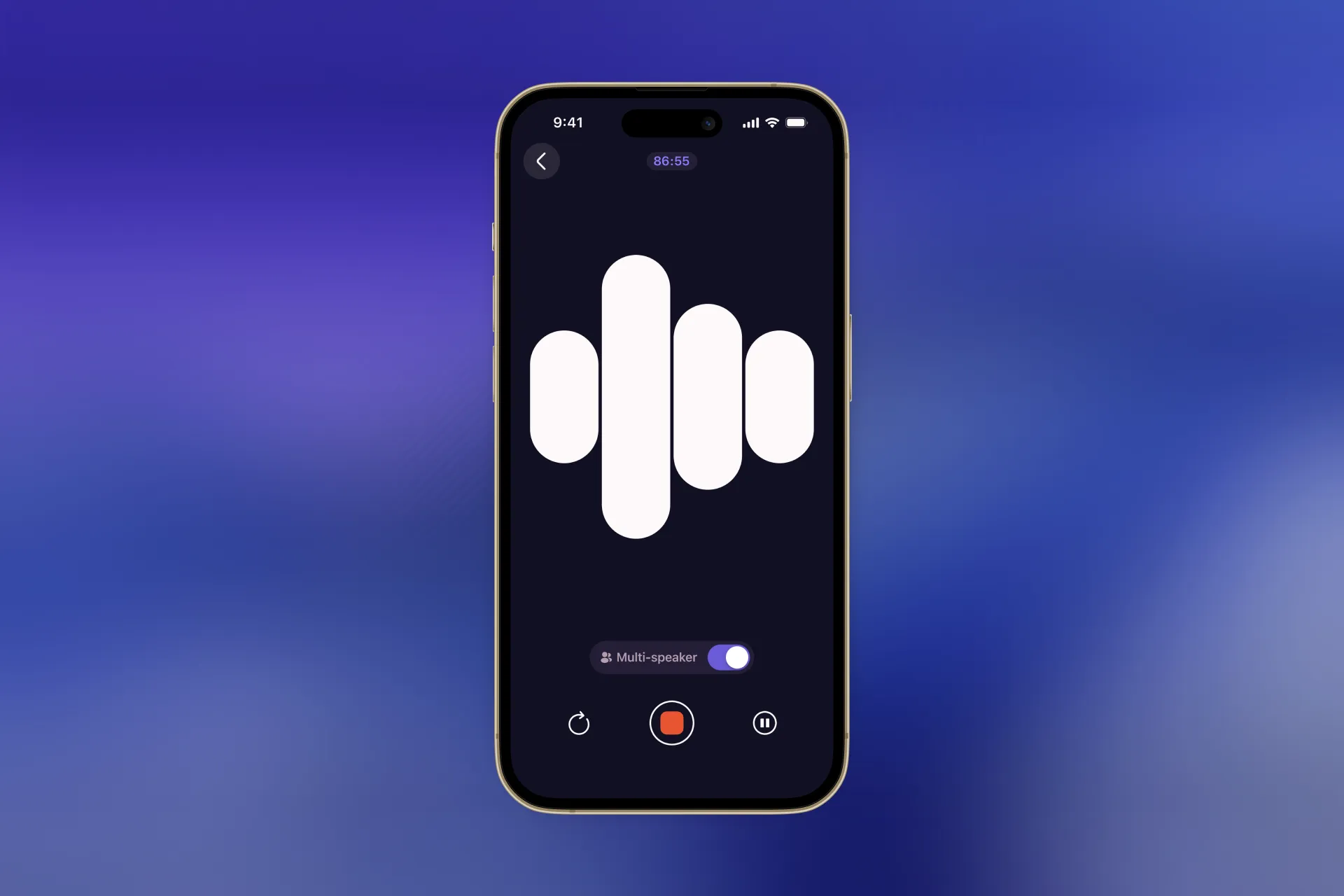
If you want more than a basic voice recorder and need a multitasking tool for all kinds of notes, Letterly is built for that. Record your thoughts, get a transcript, then turn it into a clean format like structured notes, action items, a message, or an email.
What Letterly is best for
- Turning spoken thoughts into clear, ready-to-share text
- Using rewrite options (structured notes, emails, lists, and more) instead of editing manually
- Keeping everything organized with tags and synced notes
Quick flow
- Record a note
- Get the transcript
- Pick a rewrite option and you’ll get the ready-to-use note
If your goal is finished output (meeting notes, journaling, follow-ups, drafts), Letterly is the strongest “voice to usable text” option in this list.
3. Otter
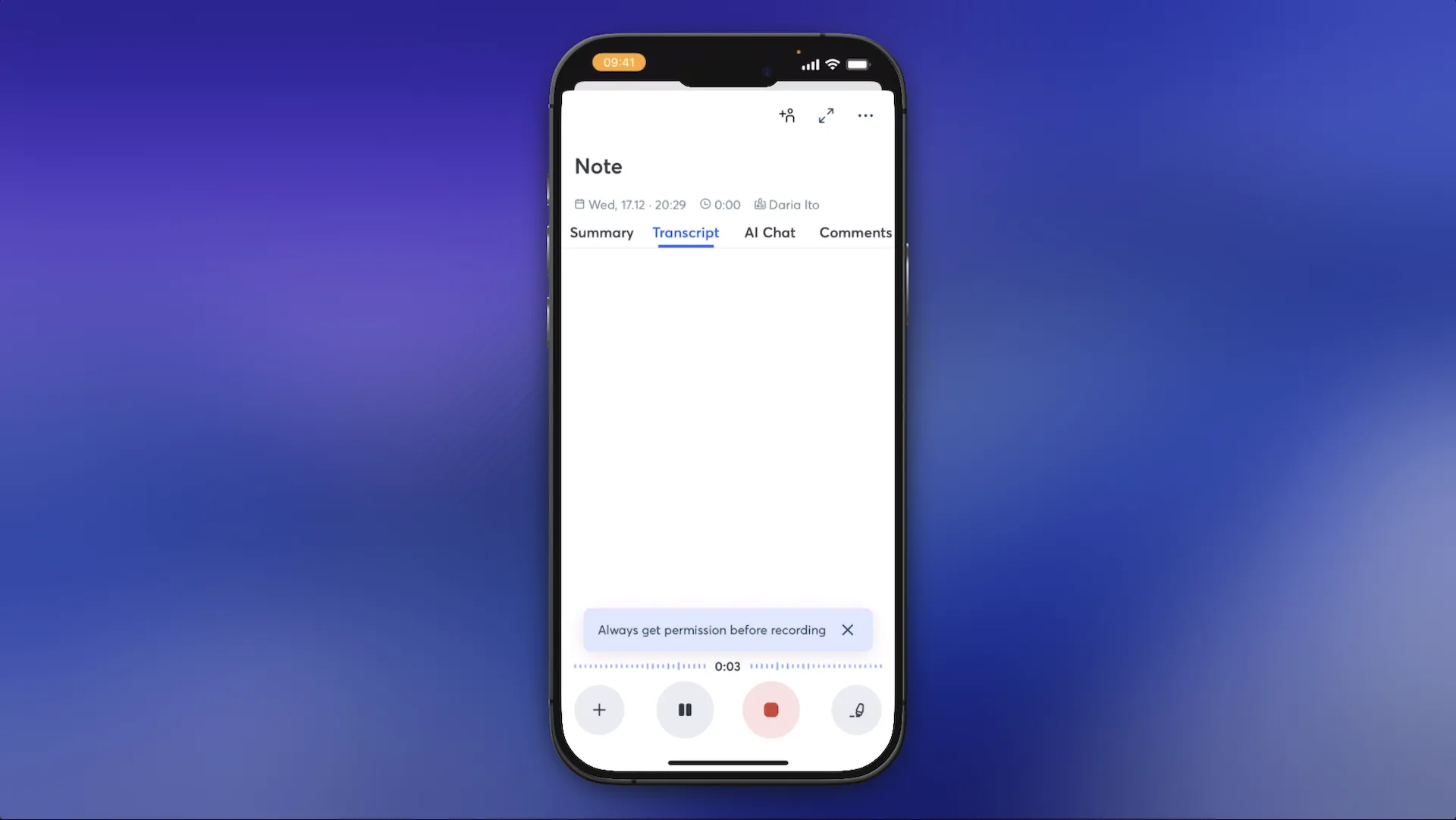
Otter is transcript-first. It’s designed for meetings: record, transcribe live, then review, search, and share what was said.
Why it’s great
- Built for meetings (not just a recorder)
- Shared transcripts and a searchable meeting history
- Works well for teams and recurring calls
Where it falls short
Most value is in the paid tiers, so heavy users usually outgrow the free plan quickly.
4. Dolby On

Dolby On is a great pick if your priority is sound quality, not text. It’s built for creators who want recordings to sound clearer and more “studio-like” right away, with automatic audio enhancement and simple editing tools.
Why it’s great
- Automatic audio enhancement for cleaner sound
- Great for music, podcasts, and video voiceovers
- Quick editing (trim, basic tweaks)
- Easy sharing once your audio is ready
Where it falls short
It’s not designed for note-taking workflows: no transcription, summaries, or rewrites.
5. Notta (best for audio/video imports and workflows)
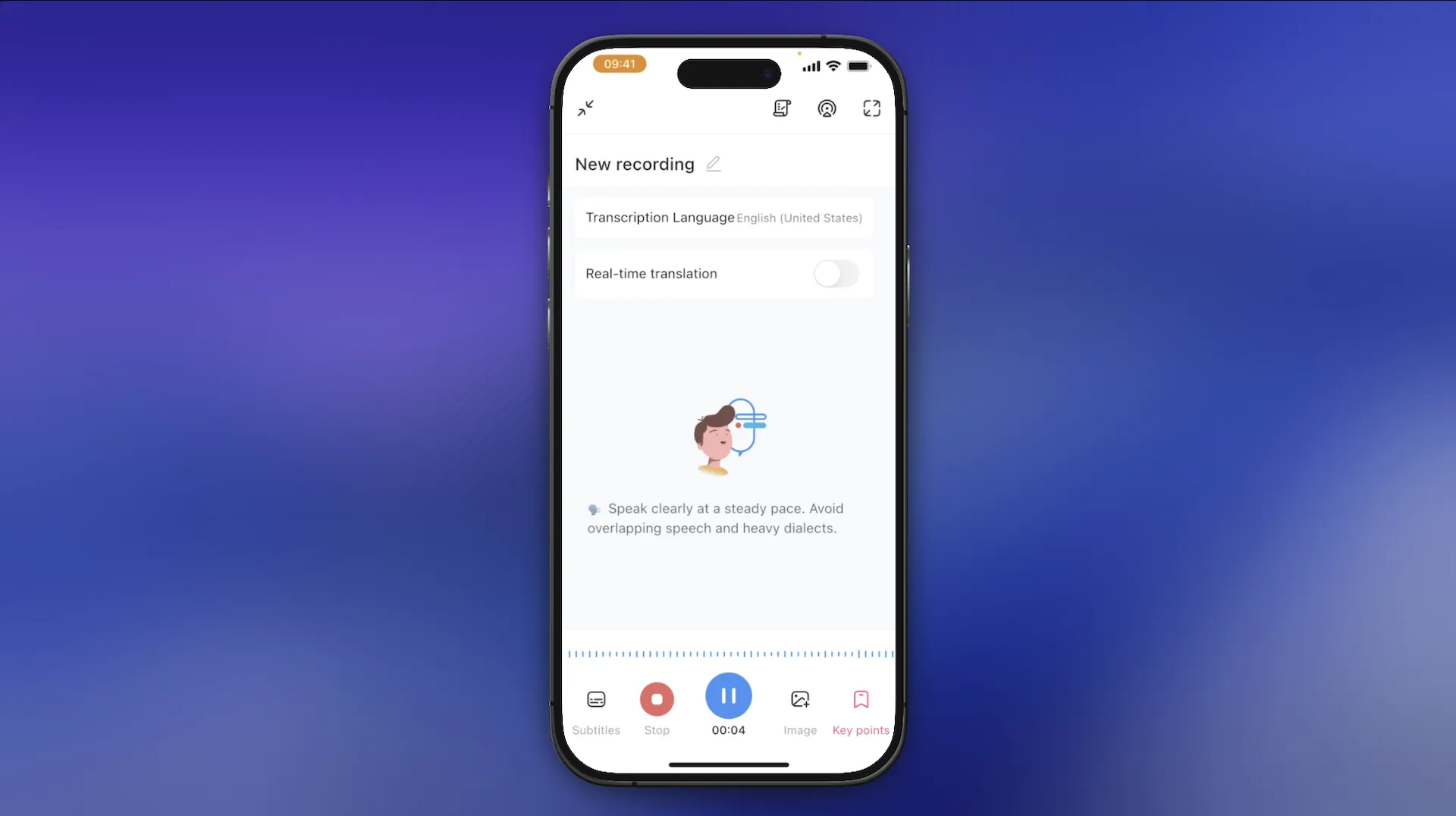
Notta is a strong option when your recordings don’t always start inside the app. If you already have files (interviews, calls, podcasts, Voice Memos exports), Notta is built to turn those into transcripts you can edit, export, and share.
Why it’s great
- Audio/video imports for fast transcription of existing files
- Cross-device workflow (start on one device, edit/export on another)
- Useful exports and sharing options for transcripts
Where it falls short
It’s more “transcription workflow” than “write it nicely for me” — you may still need a separate rewriting step if you want polished text.
With this quick guide, you’ll be ready to take better voice notes on your iPhone and actually use them later. 🥳
Got questions? Email us at hi@letterly.app – we’re happy to help.