


When GPT Is Not Enough: How to Turn Voice Notes Into Clean, Structured Text
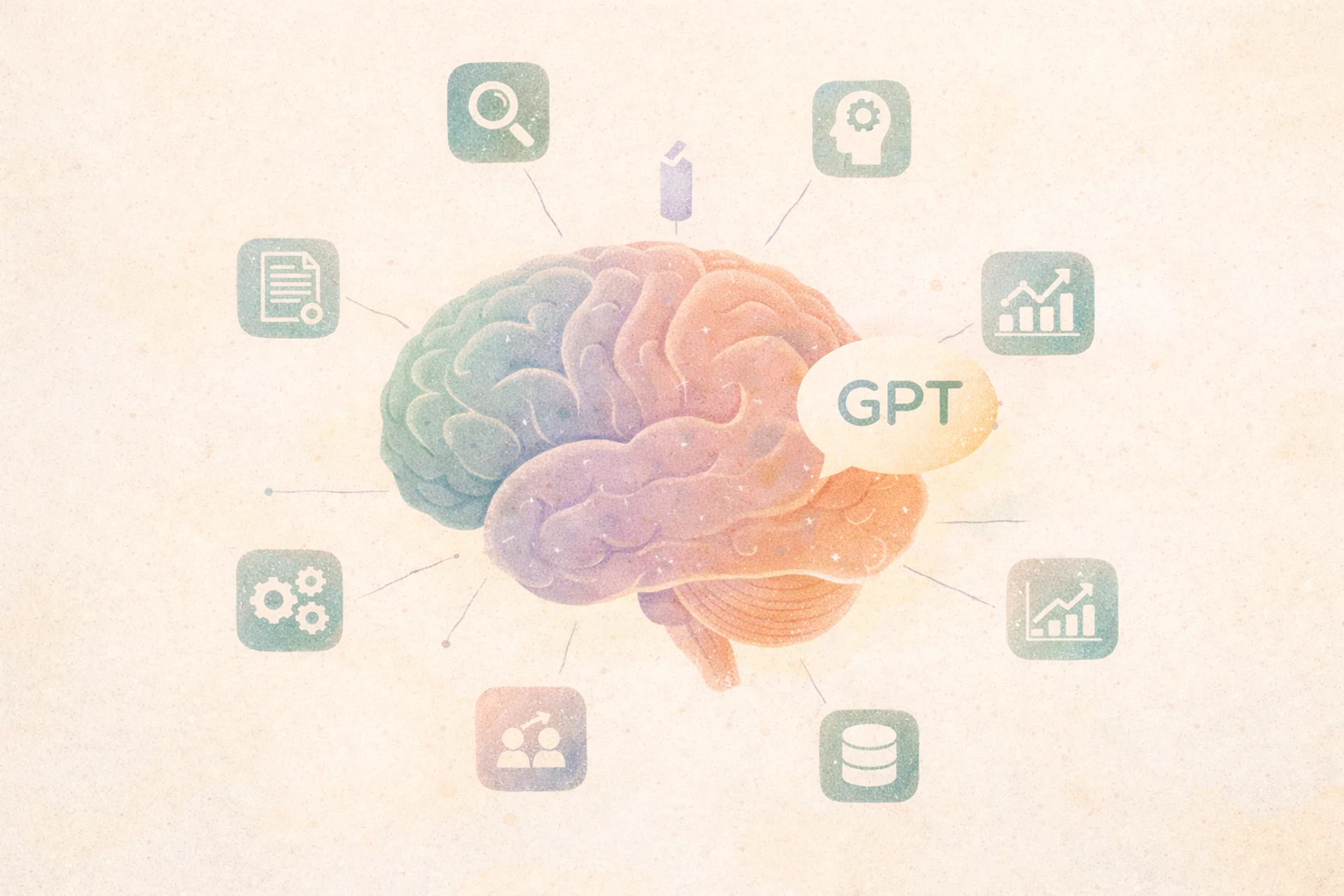
ChatGPT has quickly become a go-to tool for work and everyday life. It’s great at brainstorming, summarizing, rewriting, and producing drafts on demand.
But after the novelty wears off, a gap shows up.
Ideas still arrive at the wrong time. They live as messy voice memos. The output still needs rewriting to sound like you. And you still bounce between apps just to turn a thought into something usable.
GPT isn’t the problem. The workflow is.
7 Moments When GPT Isn’t Enough
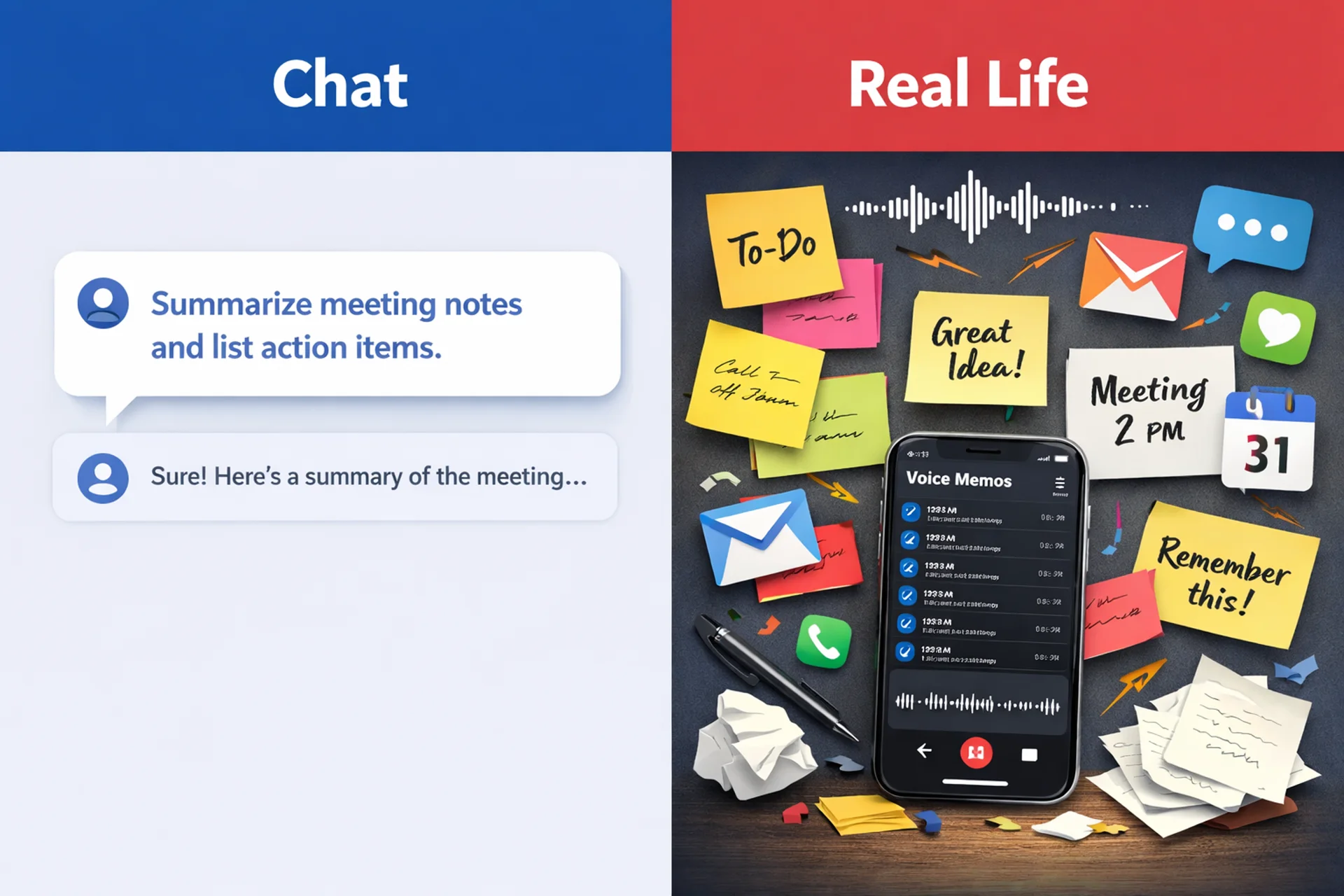
In theory, you can use GPT for everything: notes, emails, planning, even journaling. In practice, friction shows up in the same places again and again, and it usually has nothing to do with “how smart” the model is.
It’s about how your thoughts arrive.
1) When your input is messy
Real life doesn’t come as a neat prompt. It comes as voice notes with pauses, half-finished sentences, interruptions, and “I’ll come back to this later” ideas. GPT can polish a clean draft, but it doesn’t magically turn messy capture into solid input.
2) When you can’t type
Some of your best thoughts show up when your hands are busy: walking, driving, cooking, rushing between things. In those moments, writing a careful prompt is the last thing you want to do. You want to speak and move on.
3) When context is scattered across apps
Yesterday’s idea is in Notes. Today’s brainstorm is in WhatsApp. The meeting summary is in email. A voice memo is buried somewhere in your camera roll. GPT doesn’t automatically connect those dots or keep your thinking organized over time. You end up doing the stitching yourself.
4) When you’re tired of “prompt babysitting”
Even when GPT gets close, it often takes rounds: make it shorter, less formal, more structured, add bullets, rewrite again. That back-and-forth is fine once. It’s exhausting when it becomes your default workflow.
5) When everything starts to sound like AI
You know the vibe: polished, neutral, slightly generic. Sometimes you don’t need “better writing.” You need your writing, just clearer. That’s hard to get when the input is messy and the process is improvised.
6) When you need repeatable structure
Meeting notes, a quick doctor visit recap, a journal entry, a blog outline, an email draft. These aren’t one-off tasks. If you do them regularly, you don’t want to reinvent prompts every time. You want reliable formats that don’t depend on your energy level.
7) When you need a system, not a chat
GPT is a conversation tool. Productivity is a pipeline. Without a simple system for capturing and shaping ideas, you end up with drafts that never leave the chat window.
The Missing Layer: From Voice to Usable Text
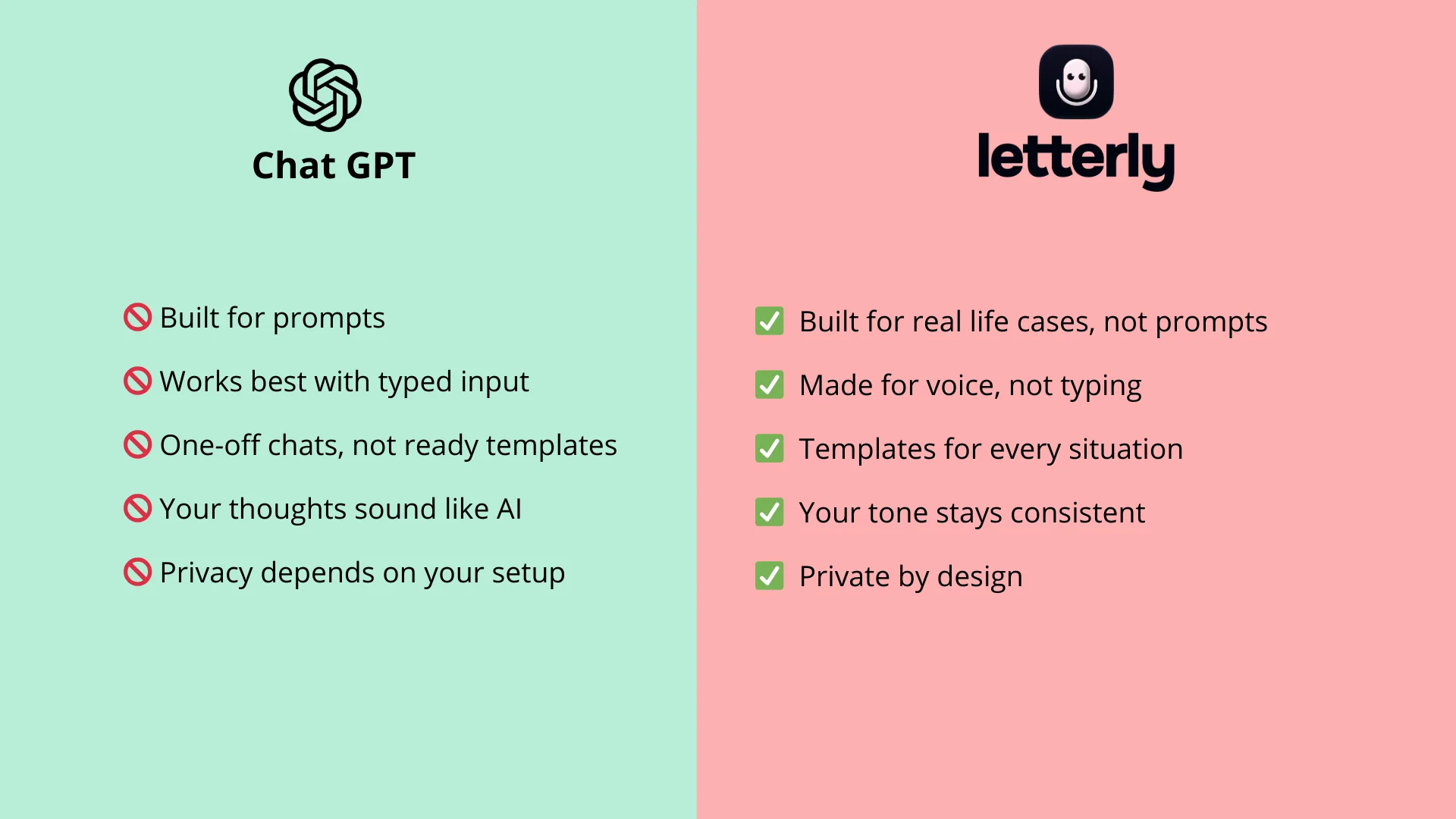
Most people try to make GPT the whole system. But GPT works best when it’s fed strong input, and real life rarely produces that on its own.
What’s usually missing is the layer that turns messy, in-the-moment thoughts into something AI can actually work with. That layer looks like:
- Fast capture, without opening a laptop or typing a mini essay
- Accurate transcription, so your ideas don’t get distorted
- Cleanup, removing filler words and speech quirks
- Structure, shaped for the job: meeting notes, an email, an outline
- Repeatable templates, so you don’t reinvent prompts every time
- Export, straight into the tools where you do the real work
That gap between raw thoughts and usable text is where “AI productivity” often breaks down. Not because GPT is weak, but because the workflow before GPT is missing.
How Letterly Fills the Gap
You speak naturally, the way ideas actually arrive. Letterly turns that speech into clean, structured text that still sounds like you, ready to use or refine.
In practice, that means:
- you capture ideas instantly, wherever you are
- your notes don’t disappear into a pile of voice memos
- formatting happens automatically
- outputs stay consistent across the same kinds of tasks
- you can export directly into your workflow
It’s not about replacing GPT.
It’s about making the input good enough that GPT finally feels effortless.
The Best Workflow: GPT + Letterly
Here’s a simple system:
- Capture by voice in Letterly
- Get clean, structured text
- Optionally paste into GPT for expansion or refinement
Now GPT works with strong input instead of messy notes.
And that changes everything.
GPT shines when the input is strong. The real upgrade is the step before it: capture fast, clean up the mess, and structure your thoughts. That’s exactly the layer Letterly is built for.
Got questions? Email us at hi@letterly.app — we’re happy to help.